Agware Company Analysis: Chadron State College Business Report

Verified

Added on  2022/08/17

|7
|1805
|21
Report
AI Summary
This report provides an analysis of Agware, an agricultural appraisal software company, examining its technology adoption and utilization. The company primarily uses Agware Datalog for database management and sales analysis and Agware ClickFORMS for report generation, including UAAR and UCRR formats. The report details the functionalities of both technologies, including features for data organization, mapping, and report creation. The analysis also covers the software's capabilities, such as creating sales trend reports, attaching documents and images, and generating various summary reports. The study also reflects on potential improvements in technology usage, considering aspects like training, documentation, and policy enhancements. The report concludes by summarizing the key changes introduced by Agware to improve the software's functionality, such as administrative access and viewer log fixes.
Document Page
Agware Company Analysis
Angie Bringewatt
Chadron State College
tabler-icon-diamond-filled.svg

Paraphrase This Document

Need a fresh take? Get an instant paraphrase of this document with our AI Paraphraser
Document Page
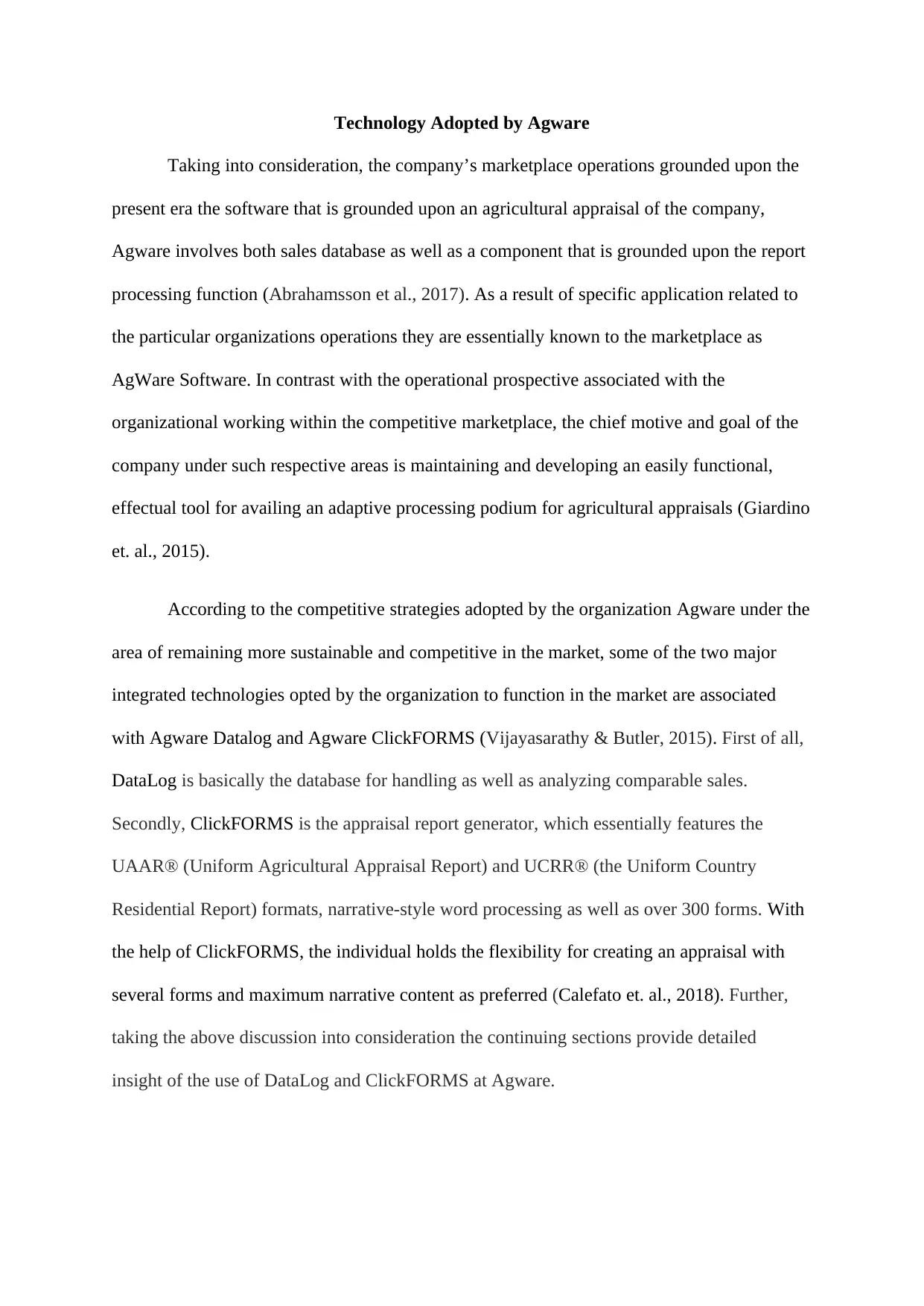
Technology Adopted by Agware
Taking into consideration, the company’s marketplace operations grounded upon the
present era the software that is grounded upon an agricultural appraisal of the company,
Agware involves both sales database as well as a component that is grounded upon the report
processing function (Abrahamsson et al., 2017). As a result of specific application related to
the particular organizations operations they are essentially known to the marketplace as
AgWare Software. In contrast with the operational prospective associated with the
organizational working within the competitive marketplace, the chief motive and goal of the
company under such respective areas is maintaining and developing an easily functional,
effectual tool for availing an adaptive processing podium for agricultural appraisals (Giardino
et. al., 2015).
According to the competitive strategies adopted by the organization Agware under the
area of remaining more sustainable and competitive in the market, some of the two major
integrated technologies opted by the organization to function in the market are associated
with Agware Datalog and Agware ClickFORMS (Vijayasarathy & Butler, 2015). First of all,
DataLog is basically the database for handling as well as analyzing comparable sales.
Secondly, ClickFORMS is the appraisal report generator, which essentially features the
UAAR® (Uniform Agricultural Appraisal Report) and UCRR® (the Uniform Country
Residential Report) formats, narrative-style word processing as well as over 300 forms. With
the help of ClickFORMS, the individual holds the flexibility for creating an appraisal with
several forms and maximum narrative content as preferred (Calefato et. al., 2018). Further,
taking the above discussion into consideration the continuing sections provide detailed
insight of the use of DataLog and ClickFORMS at Agware.
Document Page
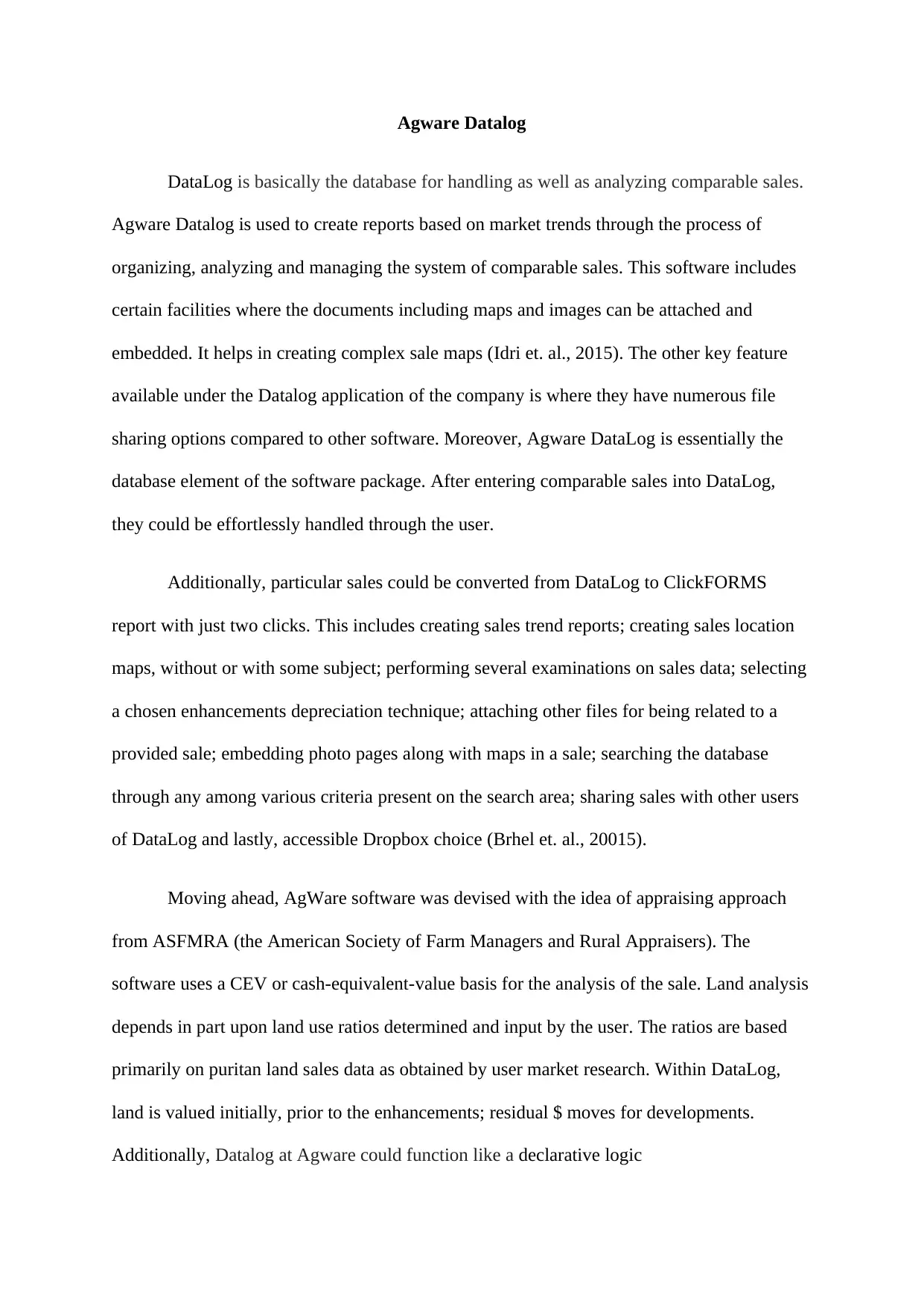
Agware Datalog
DataLog is basically the database for handling as well as analyzing comparable sales.
Agware Datalog is used to create reports based on market trends through the process of
organizing, analyzing and managing the system of comparable sales. This software includes
certain facilities where the documents including maps and images can be attached and
embedded. It helps in creating complex sale maps (Idri et. al., 2015). The other key feature
available under the Datalog application of the company is where they have numerous file
sharing options compared to other software. Moreover, Agware DataLog is essentially the
database element of the software package. After entering comparable sales into DataLog,
they could be effortlessly handled through the user.
Additionally, particular sales could be converted from DataLog to ClickFORMS
report with just two clicks. This includes creating sales trend reports; creating sales location
maps, without or with some subject; performing several examinations on sales data; selecting
a chosen enhancements depreciation technique; attaching other files for being related to a
provided sale; embedding photo pages along with maps in a sale; searching the database
through any among various criteria present on the search area; sharing sales with other users
of DataLog and lastly, accessible Dropbox choice (Brhel et. al., 20015).
Moving ahead, AgWare software was devised with the idea of appraising approach
from ASFMRA (the American Society of Farm Managers and Rural Appraisers). The
software uses a CEV or cash-equivalent-value basis for the analysis of the sale. Land analysis
depends in part upon land use ratios determined and input by the user. The ratios are based
primarily on puritan land sales data as obtained by user market research. Within DataLog,
land is valued initially, prior to the enhancements; residual $ moves for developments.
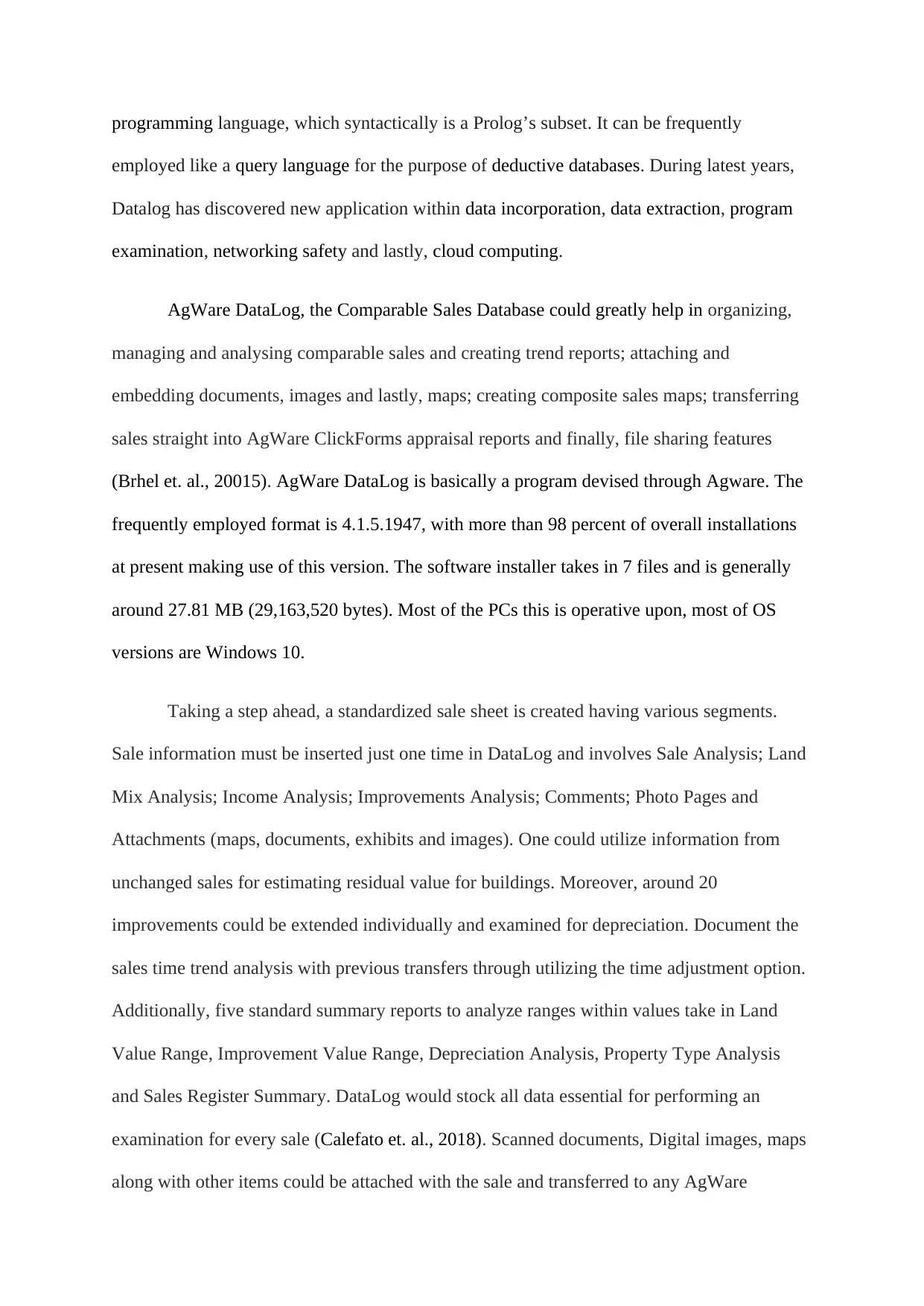
Additionally, Datalog at Agware could function like a declarative logic
Document Page
programming language, which syntactically is a Prolog’s subset. It can be frequently
employed like a query language for the purpose of deductive databases. During latest years,
Datalog has discovered new application within data incorporation, data extraction, program
examination, networking safety and lastly, cloud computing.
AgWare DataLog, the Comparable Sales Database could greatly help in organizing,
managing and analysing comparable sales and creating trend reports; attaching and
embedding documents, images and lastly, maps; creating composite sales maps; transferring
sales straight into AgWare ClickForms appraisal reports and finally, file sharing features
(Brhel et. al., 20015). AgWare DataLog is basically a program devised through Agware. The
frequently employed format is 4.1.5.1947, with more than 98 percent of overall installations
at present making use of this version. The software installer takes in 7 files and is generally
around 27.81 MB (29,163,520 bytes). Most of the PCs this is operative upon, most of OS
versions are Windows 10.
Taking a step ahead, a standardized sale sheet is created having various segments.
Sale information must be inserted just one time in DataLog and involves Sale Analysis; Land
Mix Analysis; Income Analysis; Improvements Analysis; Comments; Photo Pages and
Attachments (maps, documents, exhibits and images). One could utilize information from
unchanged sales for estimating residual value for buildings. Moreover, around 20
improvements could be extended individually and examined for depreciation. Document the
sales time trend analysis with previous transfers through utilizing the time adjustment option.
Additionally, five standard summary reports to analyze ranges within values take in Land
Value Range, Improvement Value Range, Depreciation Analysis, Property Type Analysis
and Sales Register Summary. DataLog would stock all data essential for performing an
examination for every sale (Calefato et. al., 2018). Scanned documents, Digital images, maps
along with other items could be attached with the sale and transferred to any AgWare
tabler-icon-diamond-filled.svg

Paraphrase This Document

Need a fresh take? Get an instant paraphrase of this document with our AI Paraphraser
Document Page
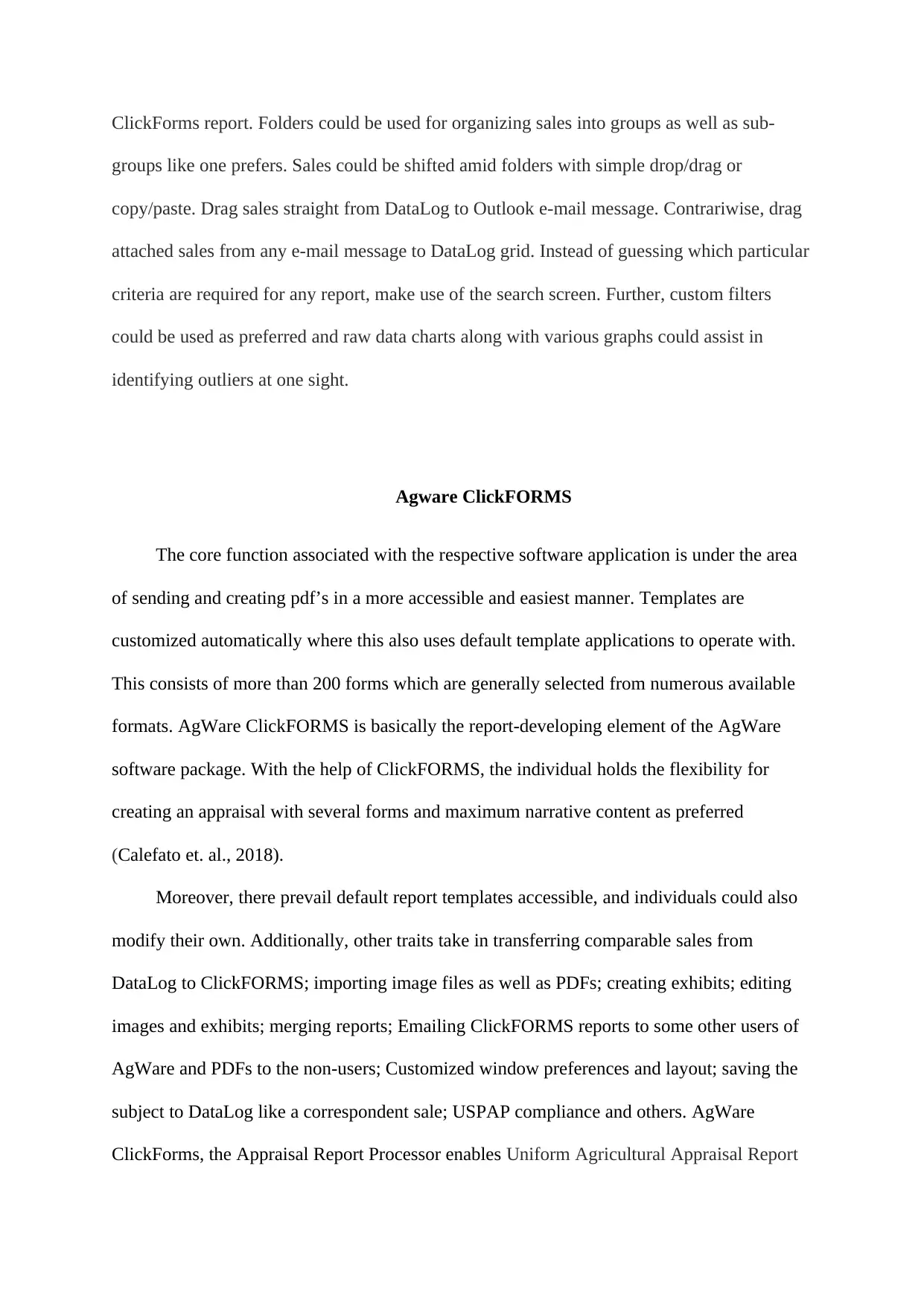
ClickForms report. Folders could be used for organizing sales into groups as well as sub-
groups like one prefers. Sales could be shifted amid folders with simple drop/drag or
copy/paste. Drag sales straight from DataLog to Outlook e-mail message. Contrariwise, drag
attached sales from any e-mail message to DataLog grid. Instead of guessing which particular
criteria are required for any report, make use of the search screen. Further, custom filters
could be used as preferred and raw data charts along with various graphs could assist in
identifying outliers at one sight.
Agware ClickFORMS
The core function associated with the respective software application is under the area
of sending and creating pdf’s in a more accessible and easiest manner. Templates are
customized automatically where this also uses default template applications to operate with.
This consists of more than 200 forms which are generally selected from numerous available
formats. AgWare ClickFORMS is basically the report-developing element of the AgWare
software package. With the help of ClickFORMS, the individual holds the flexibility for
creating an appraisal with several forms and maximum narrative content as preferred
(Calefato et. al., 2018).
Moreover, there prevail default report templates accessible, and individuals could also
modify their own. Additionally, other traits take in transferring comparable sales from
DataLog to ClickFORMS; importing image files as well as PDFs; creating exhibits; editing
images and exhibits; merging reports; Emailing ClickFORMS reports to some other users of
AgWare and PDFs to the non-users; Customized window preferences and layout; saving the
subject to DataLog like a correspondent sale; USPAP compliance and others. AgWare
ClickForms, the Appraisal Report Processor enables Uniform Agricultural Appraisal Report
Document Page
(UAAR ®) and Uniform Country Residential Report (UCRR ®) styles; select from several
formats and over 300 forms; utilize default templates or modify one’s own; narrative format
preference with word processing and develop/forward PDFS (Calefato et. al., 2018).
Further, the primary traits associated with AgWare ClickForms include complete
flexibility with report designing; USPAP compliance; Customizable comment and response
lists; Importing PDFs, images and exhibits; Creating PDFs; Creating tables; Saving subject
data information a comparable; Constant examination and outcomes; Digital signature;
Word-processing and Importing Microsoft Office elements like Word and Excel (Brhel et.
al., 20015).
Some of the major Changes Introduced by Agware
In this respective part the first and foremost part of change introduced by the
organization generally involves, they added some key ability factor for business admins
where they can easily get access and will be able to delete the completed appraisals. Even if
there is no sale date, this avails the system of manual sales to be used for the operation.
Instead of using the path that is associated with hardcoded default, they fixed a viewer log for
the purpose of using configured path based on json basis. Under the valuation page several
innovative improvement grids are currently added.
Document Page
References:
Abrahamsson, P., Salo, O., Ronkainen, J., & Warsta, J. (2017). Agile software development
methods: Review and analysis. arXiv preprint arXiv:1709.08439.
Brhel, M., Meth, H., Maedche, A., & Werder, K. (2015). Exploring principles of user-
centered agile software development: A literature review. Information and Software
Technology, 61, 163-181.
Calefato, F., Lanubile, F., Maiorano, F., & Novielli, N. (2018). Sentiment polarity detection
for software development. Empirical Software Engineering, 23(3), 1352-1382.
Giardino, C., Paternoster, N., Unterkalmsteiner, M., Gorschek, T., & Abrahamsson, P.
(2015). Software development in startup companies: the greenfield startup
model. IEEE Transactions on Software Engineering, 42(6), 585-604.
Idri, A., azzahra Amazal, F., & Abran, A. (2015). Analogy-based software development
effort estimation: A systematic mapping and review. Information and Software
Technology, 58, 206-230.
Vijayasarathy, L. R., & Butler, C. W. (2015). Choice of software development
methodologies: Do organizational, project, and team characteristics matter?. IEEE
Software, 33(5), 86-94.
chevron_up_icon
1 out of 7
circle_padding
hide_on_mobile
zoom_out_icon
[object Object]