Content Redirection Project: Android App & YouTube API Integration

Verified

Added on  2019/09/16

|1
|306
|147
Project
AI Summary
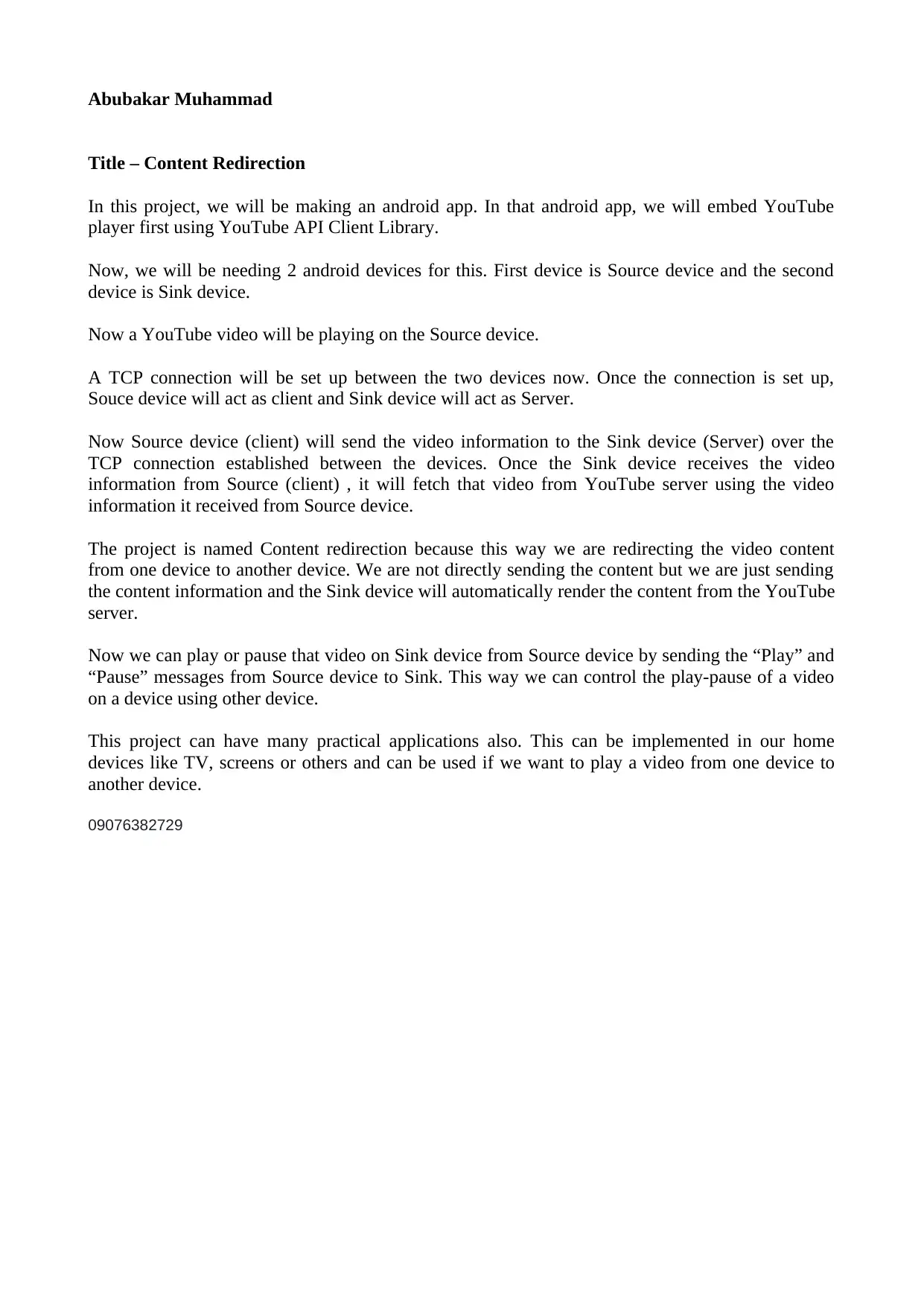
This project focuses on developing an Android application that implements content redirection using the YouTube API and TCP connections. The application involves two devices: a Source device and a Sink device. The Source device, acting as a client, sends video information to the Sink device, which then retrieves the video from the YouTube server. The project utilizes a TCP connection between the devices to transmit video data. The user can control the video playback (play/pause) on the Sink device from the Source device. This allows for the redirection of video content from one device to another. This project can be applied to home devices such as TVs and screens.
Document Page
Abubakar Muhammad
Title – Content Redirection
In this project, we will be making an android app. In that android app, we will embed YouTube
player first using YouTube API Client Library.
Now, we will be needing 2 android devices for this. First device is Source device and the second
device is Sink device.
Now a YouTube video will be playing on the Source device.
A TCP connection will be set up between the two devices now. Once the connection is set up,
Souce device will act as client and Sink device will act as Server.
Now Source device (client) will send the video information to the Sink device (Server) over the
TCP connection established between the devices. Once the Sink device receives the video
information from Source (client) , it will fetch that video from YouTube server using the video
information it received from Source device.
The project is named Content redirection because this way we are redirecting the video content
from one device to another device. We are not directly sending the content but we are just sending
the content information and the Sink device will automatically render the content from the YouTube
server.
Now we can play or pause that video on Sink device from Source device by sending the “Play” and
“Pause” messages from Source device to Sink. This way we can control the play-pause of a video
on a device using other device.
This project can have many practical applications also. This can be implemented in our home
devices like TV, screens or others and can be used if we want to play a video from one device to
another device.
09076382729
tabler-icon-diamond-filled.svg

Paraphrase This Document

Need a fresh take? Get an instant paraphrase of this document with our AI Paraphraser
[object Object]