Project Report: Automated Ebook Sync for IT Graduate Students

Verified

Added on  2019/09/16

|5
|945
|392
Project
AI Summary
This project report details a solution for an IT graduate student's problem: syncing ebooks between a desktop computer and a mobile phone. The user, an avid reader, wanted a way to automatically synchronize their ebook collection across devices, including additions, deletions, and categorization changes. The solution utilizes cloud storage service Dropbox and the FolderSync Lite app on an Android mobile device to achieve two-way synchronization. The report outlines the steps involved: creating a Dropbox account, installing the Dropbox app on the desktop, moving the ebook directory to the Dropbox folder, authorizing the Dropbox account in FolderSync Lite, and setting up a folder-pair with two-way sync. This setup ensures that changes made on either device are automatically reflected on the other, providing a seamless ebook management experience. The project successfully addresses the user's need for automated and silent synchronization, eliminating the need for manual intervention.
Document Page
Project Report
Synopsis:imagine someone who needs computer support and solve their problem.
Identify someone who is having a problem with technology. The problem should not
be simple or simplistic in nature.
While you may choose who to help and the problem to solve, the problem needs to be
of sufficient depth for a IT graduate student.
After you have solved the problem, complete the followingtable which will clearly,
completely, and accurately describe the problem and the solution you discovered.
Ensure the user understands what the problem was and how you solved it. Include the
user’s (the person you helped) name and email address within the document.
Project Report
tabler-icon-diamond-filled.svg

Paraphrase This Document

Need a fresh take? Get an instant paraphrase of this document with our AI Paraphraser
Document Page
Project Report
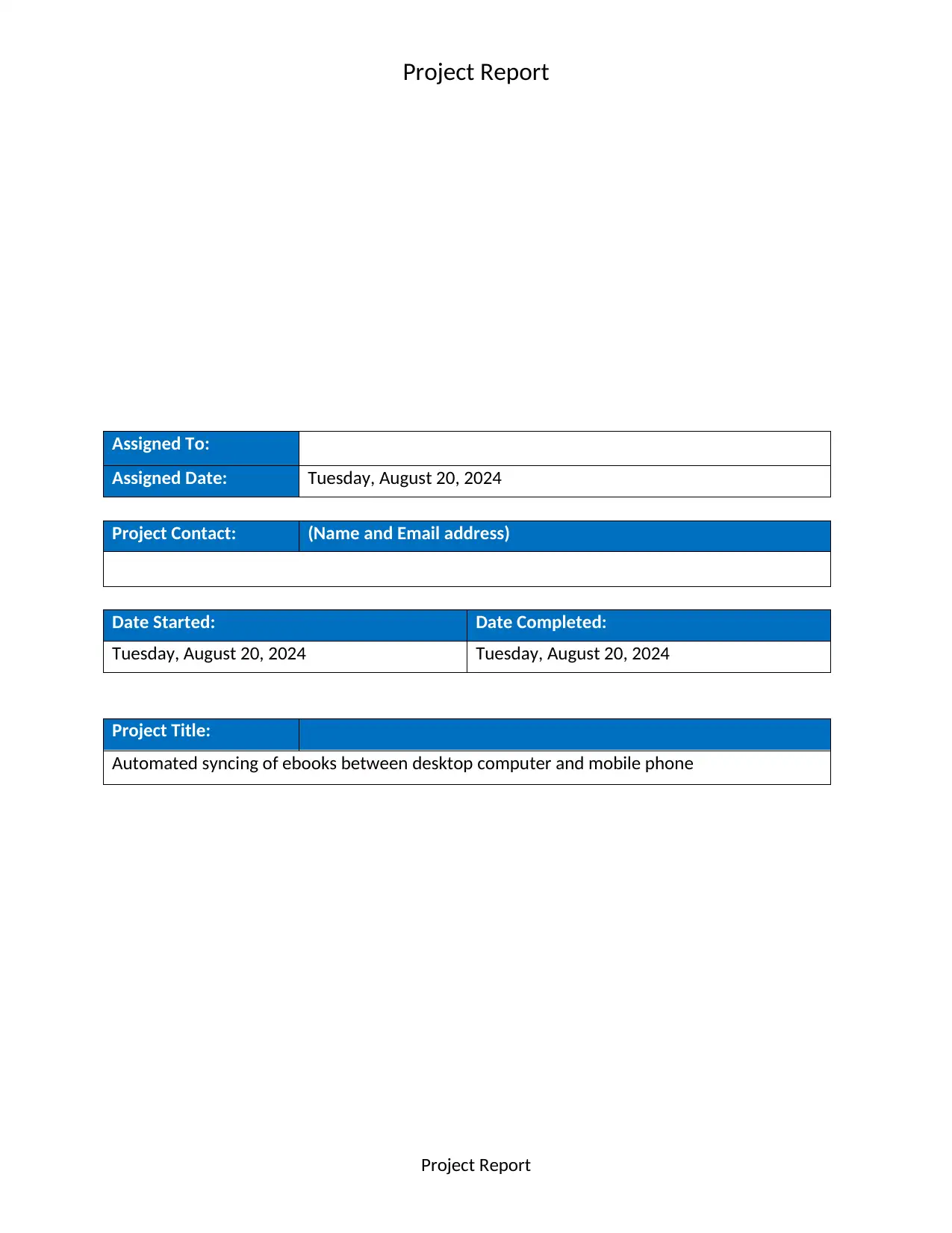
Assigned To:
Assigned Date: Tuesday, August 20, 2024
Project Contact: (Name and Email address)
Date Started: Date Completed:
Tuesday, August 20, 2024 Tuesday, August 20, 2024
Project Title:
Automated syncing of ebooks between desktop computer and mobile phone
Project Report
Document Page
Project Report
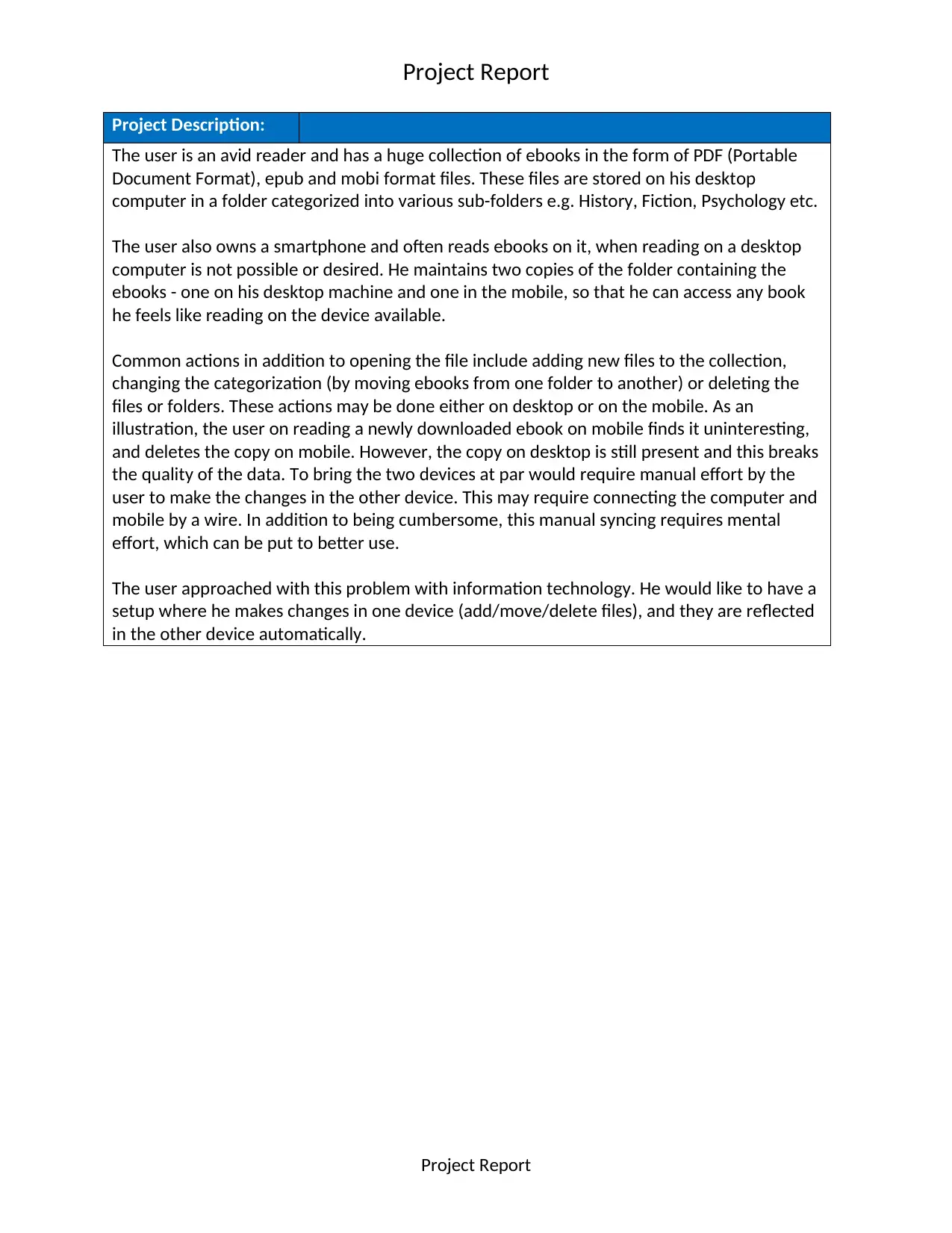
Project Description:
The user is an avid reader and has a huge collection of ebooks in the form of PDF (Portable
Document Format), epub and mobi format files. These files are stored on his desktop
computer in a folder categorized into various sub-folders e.g. History, Fiction, Psychology etc.
The user also owns a smartphone and often reads ebooks on it, when reading on a desktop
computer is not possible or desired. He maintains two copies of the folder containing the
ebooks - one on his desktop machine and one in the mobile, so that he can access any book
he feels like reading on the device available.
Common actions in addition to opening the file include adding new files to the collection,
changing the categorization (by moving ebooks from one folder to another) or deleting the
files or folders. These actions may be done either on desktop or on the mobile. As an
illustration, the user on reading a newly downloaded ebook on mobile finds it uninteresting,
and deletes the copy on mobile. However, the copy on desktop is still present and this breaks
the quality of the data. To bring the two devices at par would require manual effort by the
user to make the changes in the other device. This may require connecting the computer and
mobile by a wire. In addition to being cumbersome, this manual syncing requires mental
effort, which can be put to better use.
The user approached with this problem with information technology. He would like to have a
setup where he makes changes in one device (add/move/delete files), and they are reflected
in the other device automatically.
Project Report
Document Page
Project Report
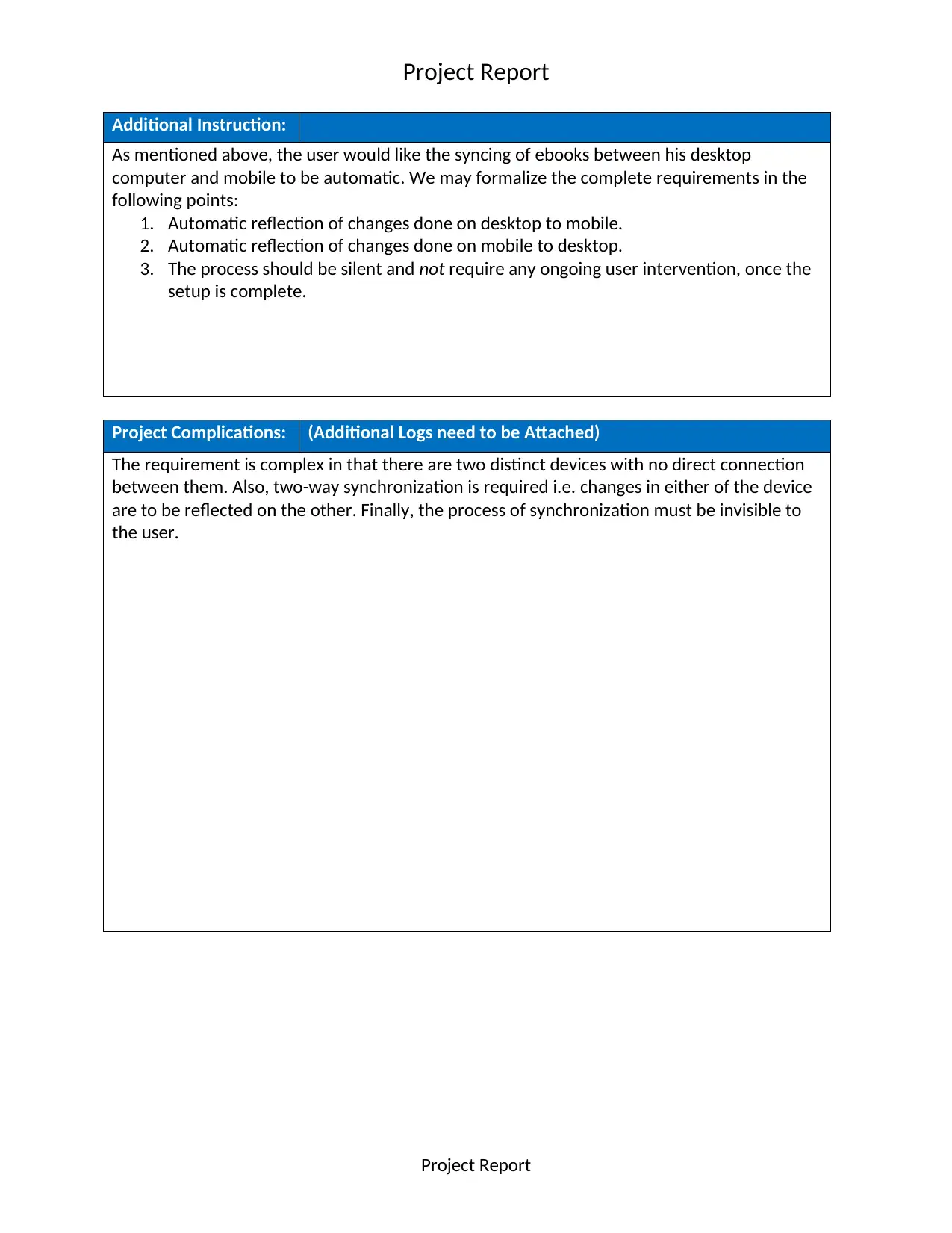
Additional Instruction:
As mentioned above, the user would like the syncing of ebooks between his desktop
computer and mobile to be automatic. We may formalize the complete requirements in the
following points:
1. Automatic reflection of changes done on desktop to mobile.
2. Automatic reflection of changes done on mobile to desktop.
3. The process should be silent and not require any ongoing user intervention, once the
setup is complete.
Project Complications: (Additional Logs need to be Attached)
The requirement is complex in that there are two distinct devices with no direct connection
between them. Also, two-way synchronization is required i.e. changes in either of the device
are to be reflected on the other. Finally, the process of synchronization must be invisible to
the user.
Project Report
tabler-icon-diamond-filled.svg

Paraphrase This Document

Need a fresh take? Get an instant paraphrase of this document with our AI Paraphraser
Document Page
Project Report
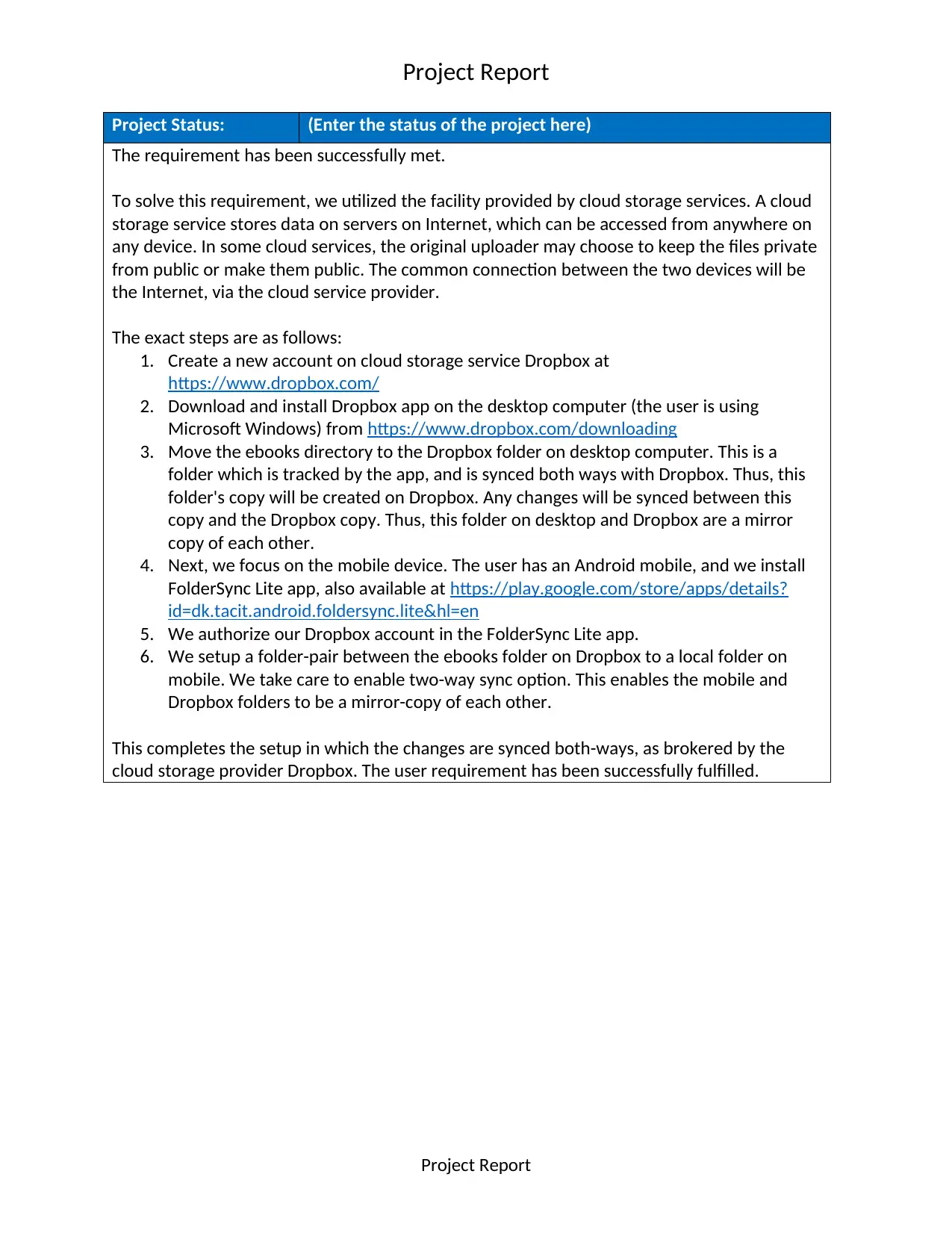
Project Status: (Enter the status of the project here)
The requirement has been successfully met.
To solve this requirement, we utilized the facility provided by cloud storage services. A cloud
storage service stores data on servers on Internet, which can be accessed from anywhere on
any device. In some cloud services, the original uploader may choose to keep the files private
from public or make them public. The common connection between the two devices will be
the Internet, via the cloud service provider.
The exact steps are as follows:
1. Create a new account on cloud storage service Dropbox at
https://www.dropbox.com/
2. Download and install Dropbox app on the desktop computer (the user is using
Microsoft Windows) from https://www.dropbox.com/downloading
3. Move the ebooks directory to the Dropbox folder on desktop computer. This is a
folder which is tracked by the app, and is synced both ways with Dropbox. Thus, this
folder's copy will be created on Dropbox. Any changes will be synced between this
copy and the Dropbox copy. Thus, this folder on desktop and Dropbox are a mirror
copy of each other.
4. Next, we focus on the mobile device. The user has an Android mobile, and we install
FolderSync Lite app, also available at https://play.google.com/store/apps/details?
id=dk.tacit.android.foldersync.lite&hl=en
5. We authorize our Dropbox account in the FolderSync Lite app.
6. We setup a folder-pair between the ebooks folder on Dropbox to a local folder on
mobile. We take care to enable two-way sync option. This enables the mobile and
Dropbox folders to be a mirror-copy of each other.
This completes the setup in which the changes are synced both-ways, as brokered by the
cloud storage provider Dropbox. The user requirement has been successfully fulfilled.
Project Report
chevron_up_icon
1 out of 5
circle_padding
hide_on_mobile
zoom_out_icon
[object Object]