Understanding Linux Report

Verified

Added on  2019/09/25

|2
|299
|168
Report
AI Summary
This assignment requires students to write a report on their understanding of the Linux operating system. The report is divided into four sections: an introduction outlining the project's goals and the student's expectations; a section on navigating the Linux file system using commands like `cd`, `man`, and `ls`, including screenshots; a section explaining the `CHMOD` command and showing screenshots of a "Hello World!" script; and finally, a section on setting permissions, including screenshots and answers to specific questions about user access and permissions. The report should be formatted according to specific guidelines, including double-spacing, page numbering, and font size, and submitted as a Microsoft Word document.
Document Page
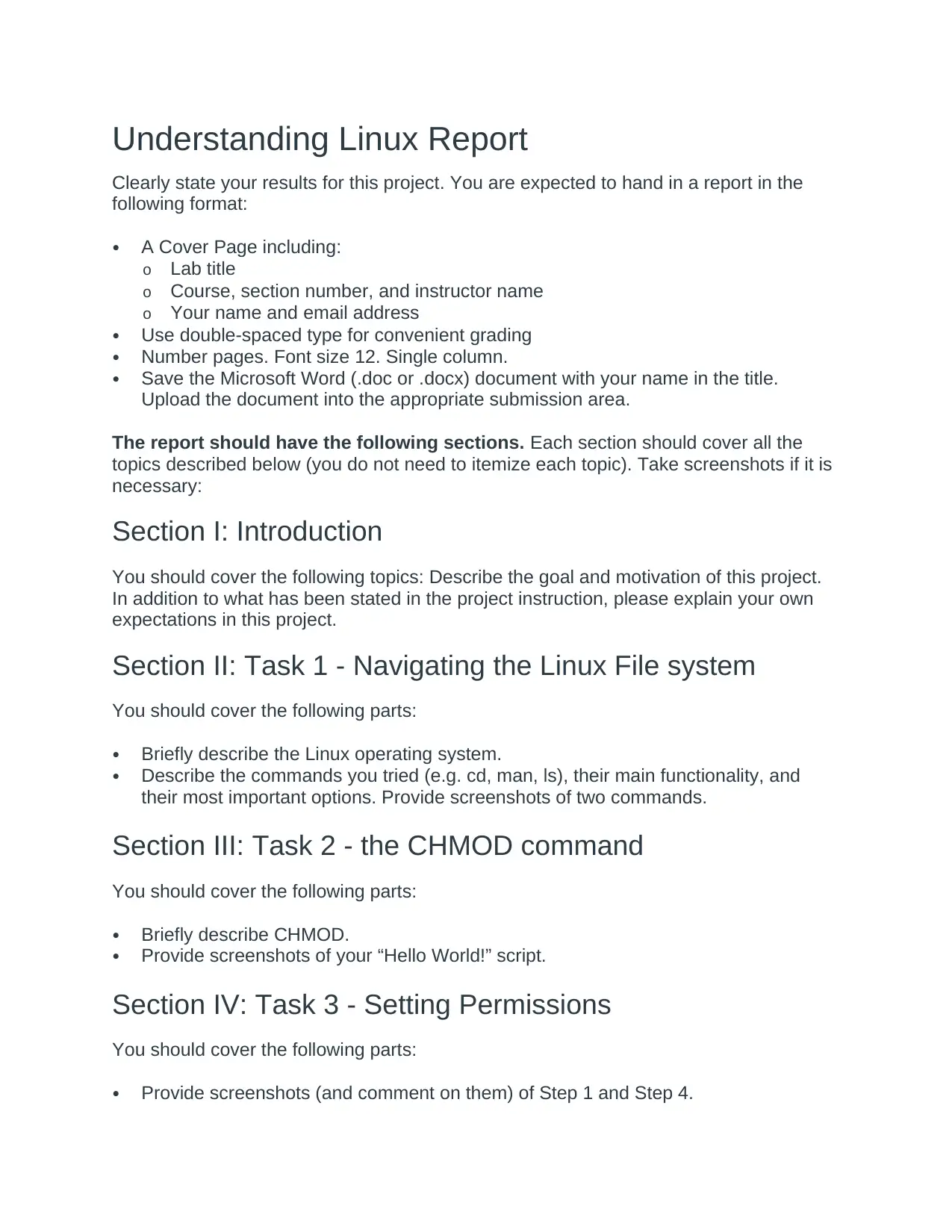
Understanding Linux Report
Clearly state your results for this project. You are expected to hand in a report in the
following format:
A Cover Page including:
o Lab title
o Course, section number, and instructor name
o Your name and email address
Use double-spaced type for convenient grading
Number pages. Font size 12. Single column.
Save the Microsoft Word (.doc or .docx) document with your name in the title.
Upload the document into the appropriate submission area.
The report should have the following sections. Each section should cover all the
topics described below (you do not need to itemize each topic). Take screenshots if it is
necessary:
Section I: Introduction
You should cover the following topics: Describe the goal and motivation of this project.
In addition to what has been stated in the project instruction, please explain your own
expectations in this project.
Section II: Task 1 - Navigating the Linux File system
You should cover the following parts:
Briefly describe the Linux operating system.
Describe the commands you tried (e.g. cd, man, ls), their main functionality, and
their most important options. Provide screenshots of two commands.
Section III: Task 2 - the CHMOD command
You should cover the following parts:
Briefly describe CHMOD.
Provide screenshots of your “Hello World!” script.
Section IV: Task 3 - Setting Permissions
You should cover the following parts:
Provide screenshots (and comment on them) of Step 1 and Step 4.
tabler-icon-diamond-filled.svg

Paraphrase This Document

Need a fresh take? Get an instant paraphrase of this document with our AI Paraphraser
Document Page
Answer the questions at Step 11. Provide a screenshot showing what happens
when you log in as Bill.
chevron_up_icon
1 out of 2
circle_padding
hide_on_mobile
zoom_out_icon
[object Object]