Developing a Java Assembler for CS227 Assignment: Implementation
VerifiedAdded on 2023/01/13
|6
|805
|84
Homework Assignment
AI Summary
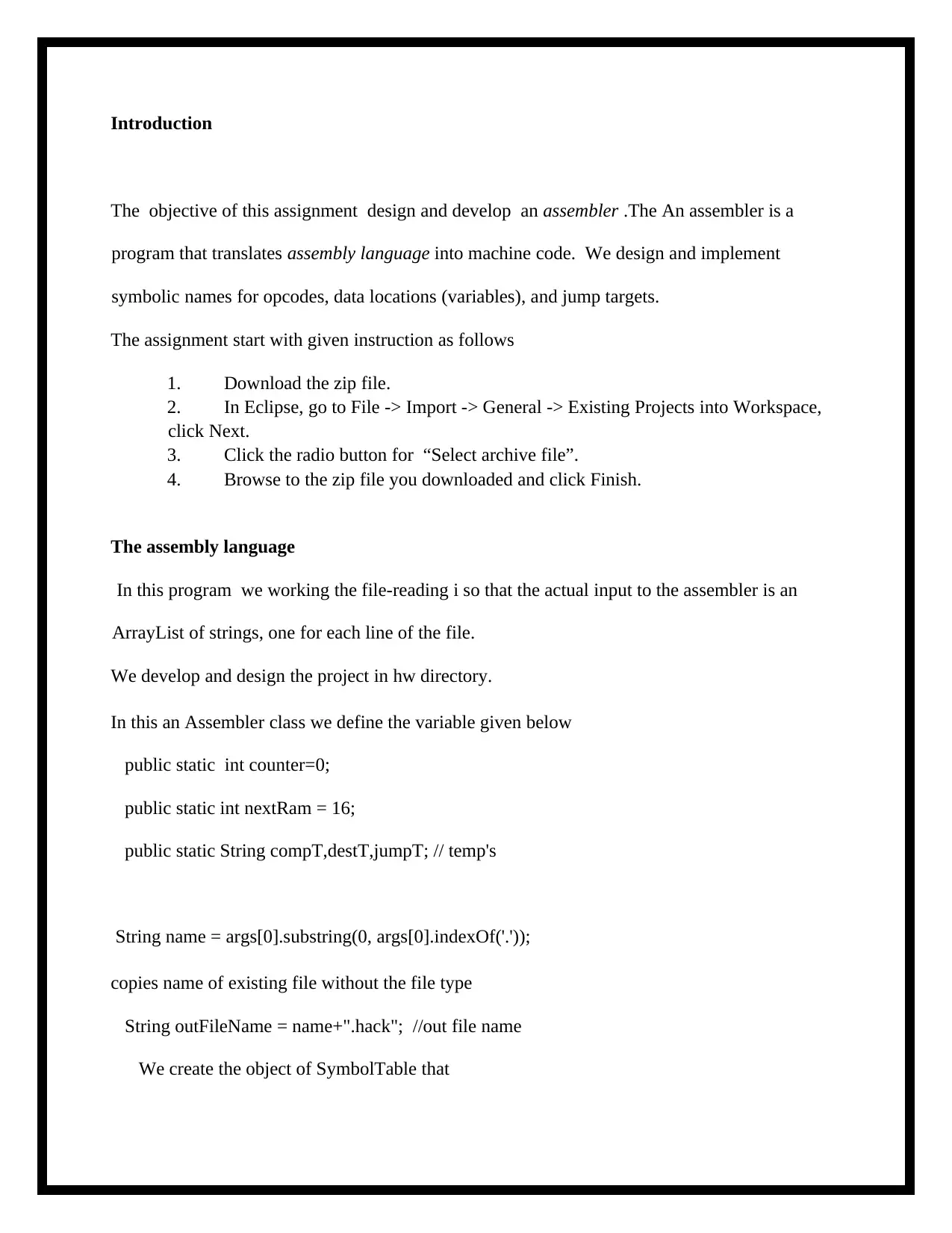
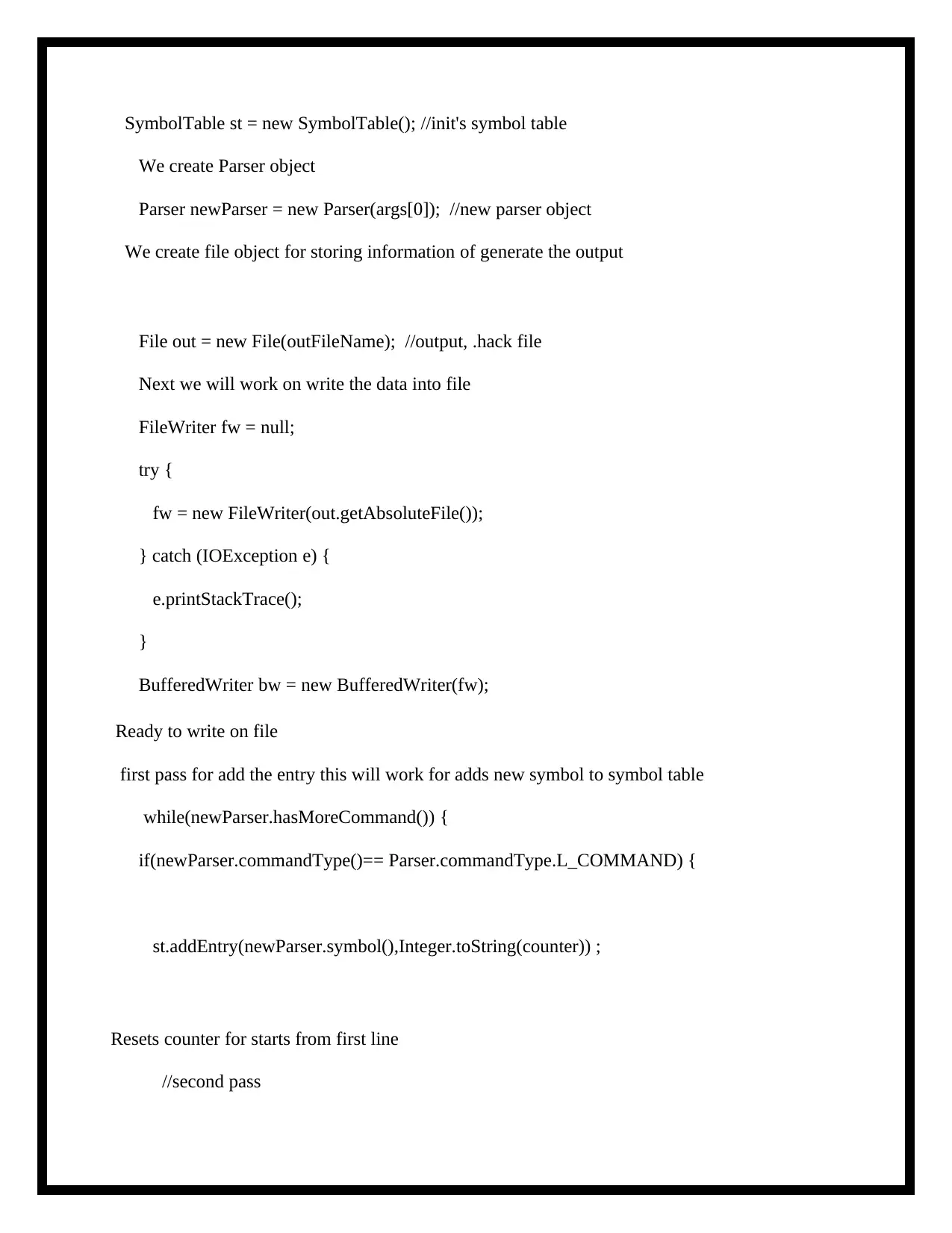
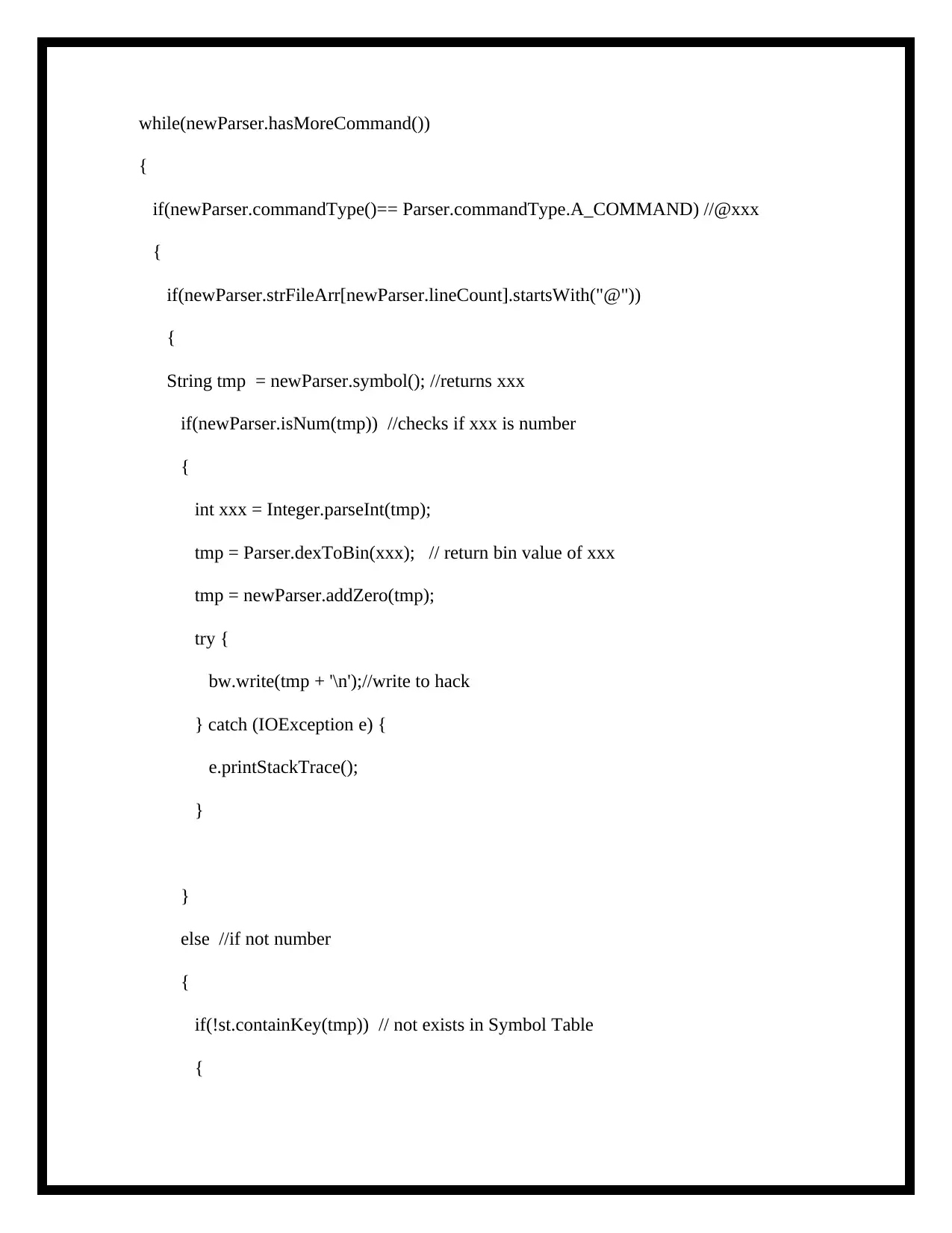
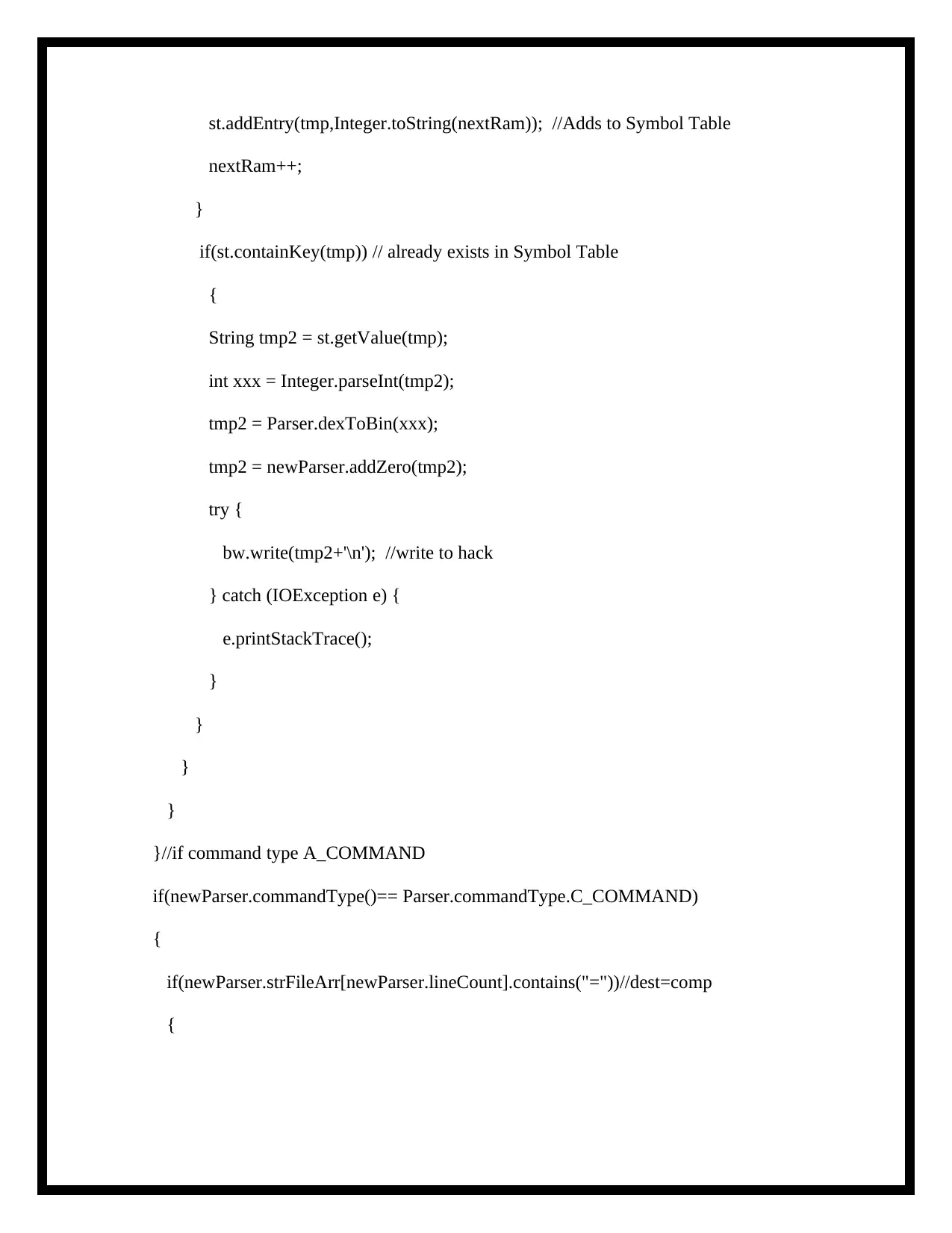
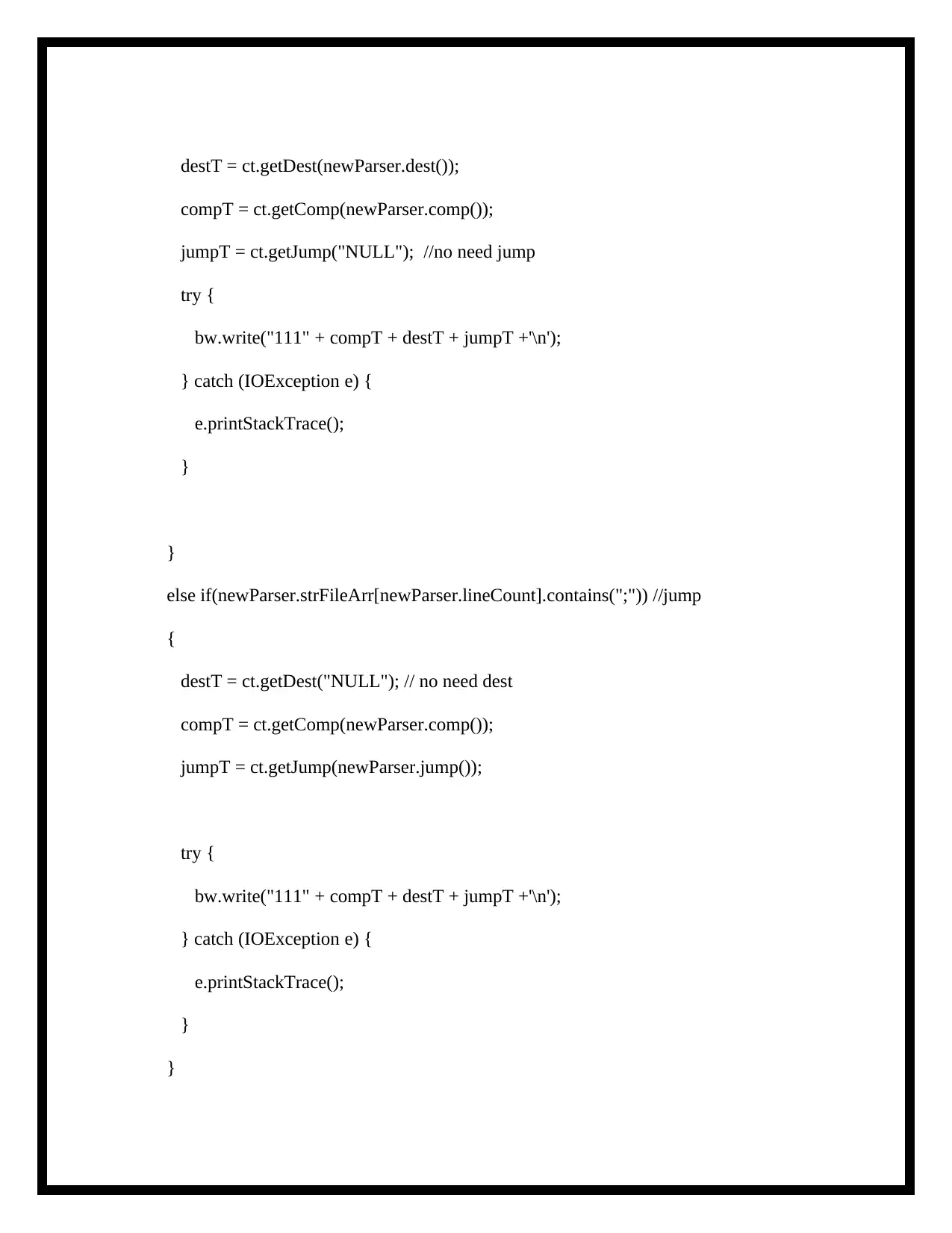
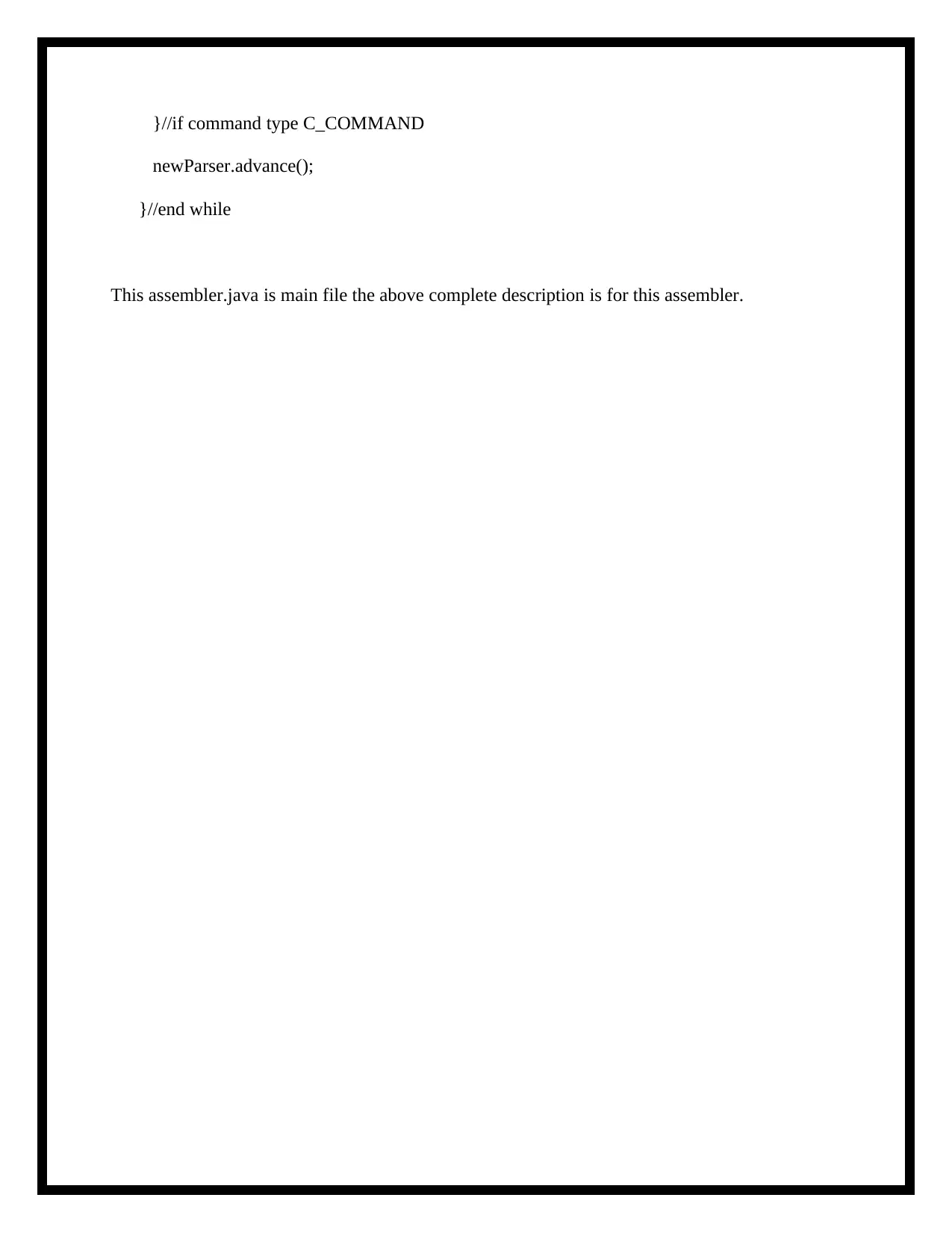
This assignment requires the design and implementation of an assembler program in Java, specifically for the simple computer from Miniassignment 2. The assembler translates assembly language into machine code, utilizing symbolic names for opcodes, data locations, and jump targets. The solution involves the creation of two primary classes: Assembler.java, which handles the core assembly process, and potentially an AsmFileUtil class (as suggested in the assignment brief), for file handling. The assembler reads an assembly language file, parses its content, builds a symbol table, and generates the corresponding machine code. The implementation includes handling different command types (A-commands, C-commands, and L-commands), managing memory addresses, and converting symbolic addresses to numerical values. The code demonstrates file reading, parsing, symbol table usage, and machine code generation. The program reads the assembly file line by line, and during the first pass, it populates a symbol table with labels and their corresponding memory addresses. In the second pass, the code converts assembly instructions into binary machine code, addressing variables and jump targets using the symbol table. The solution includes handling different command types, managing memory addresses, and converting symbolic addresses to numerical values, and writing the resulting machine code to an output file.



1 out of 6


Related Documents


Your All-in-One AI-Powered Toolkit for Academic Success.
+13062052269
info@desklib.com
Available 24*7 on WhatsApp / Email
![[object Object]](/_next/static/media/star-bottom.7253800d.svg)
Copyright © 2020–2026 A2Z Services. All Rights Reserved. Developed and managed by ZUCOL.