Unit 5 Security: Identifying Threats and Network Security Report
VerifiedAdded on 2022/03/19
|62
|17151
|26
Report
AI Summary
This report, prepared for a BTEC Level 5 HND Diploma in Computing, focuses on IT security, network security, and related organizational procedures. It begins by identifying various types of security threats organizations face, including computer viruses, Trojans, ransomware, and data breaches, alongside real-world examples such as the Kaseya ransomware attack. The report outlines organizational security procedures like anti-virus, password policies, and physical security protocols. It then analyzes the impact of incorrect configurations of firewalls and Intrusion Detection Systems (IDS) on IT security. Furthermore, it demonstrates how implementing a DMZ, static IP, and NAT can enhance network security, providing practical examples. The report also proposes methods for assessing and treating IT security risks, including the use of monitoring tools and risk assessment frameworks. It concludes by discussing the benefits of implementing network monitoring systems, detailing various monitoring devices and supporting reasons for their implementation. The report emphasizes the importance of proactive security measures and continuous monitoring to protect business-critical data and equipment.
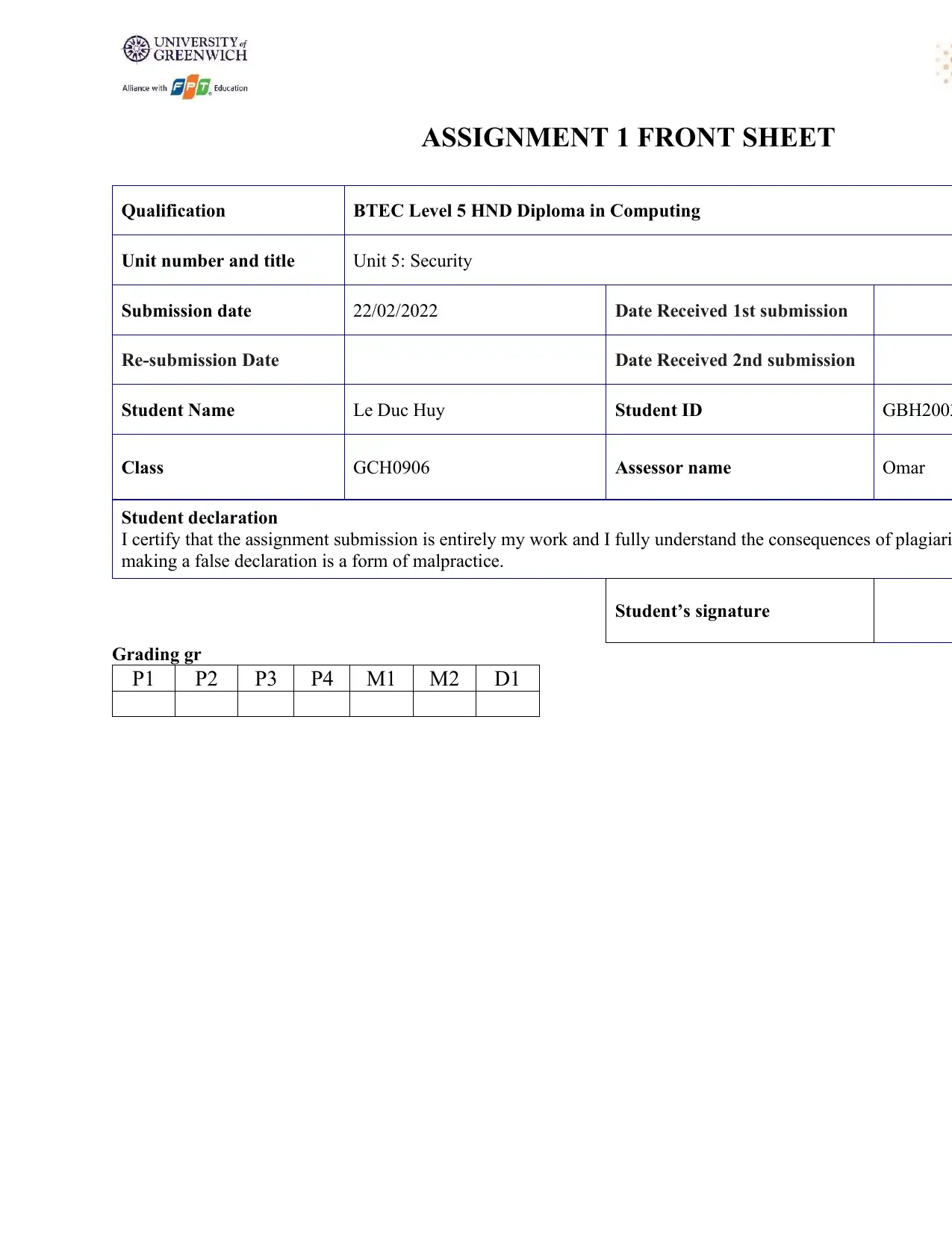
ASSIGNMENT 1 FRONT SHEET
Qualification BTEC Level 5 HND Diploma in Computing
Unit number and title Unit 5: Security
Submission date 22/02/2022 Date Received 1st submission
Re-submission Date Date Received 2nd submission
Student Name Le Duc Huy Student ID GBH2003
Class GCH0906 Assessor name Omar
Student declaration
I certify that the assignment submission is entirely my work and I fully understand the consequences of plagiari
making a false declaration is a form of malpractice.
Student’s signature
Grading gr
P1 P2 P3 P4 M1 M2 D1
Qualification BTEC Level 5 HND Diploma in Computing
Unit number and title Unit 5: Security
Submission date 22/02/2022 Date Received 1st submission
Re-submission Date Date Received 2nd submission
Student Name Le Duc Huy Student ID GBH2003
Class GCH0906 Assessor name Omar
Student declaration
I certify that the assignment submission is entirely my work and I fully understand the consequences of plagiari
making a false declaration is a form of malpractice.
Student’s signature
Grading gr
P1 P2 P3 P4 M1 M2 D1

Paraphrase This Document
Need a fresh take? Get an instant paraphrase of this document with our AI Paraphraser
1
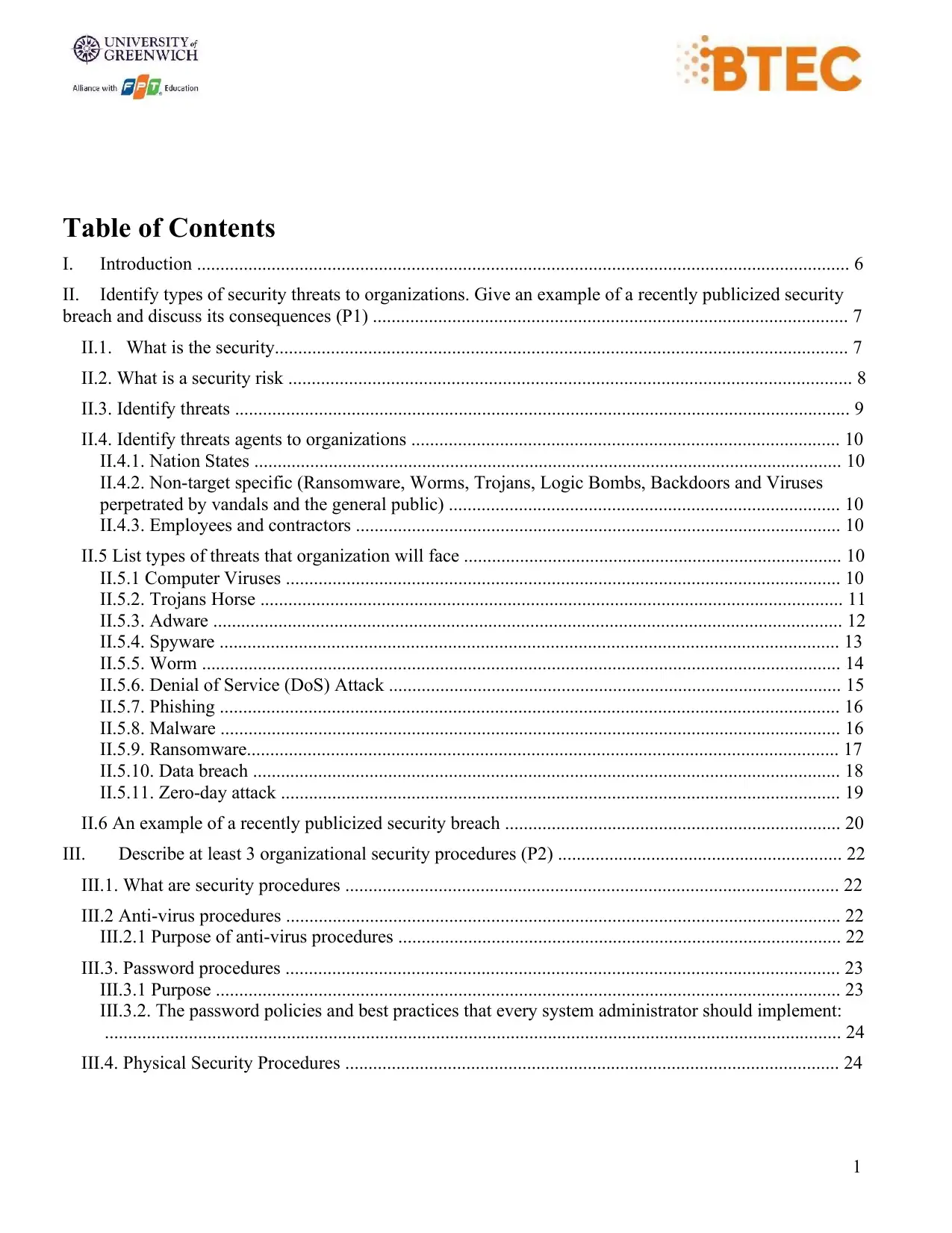
Table of Contents
I. Introduction ............................................................................................................................................ 6
II. Identify types of security threats to organizations. Give an example of a recently publicized security
breach and discuss its consequences (P1) ...................................................................................................... 7
II.1. What is the security........................................................................................................................... 7
II.2. What is a security risk ......................................................................................................................... 8
II.3. Identify threats .................................................................................................................................... 9
II.4. Identify threats agents to organizations ............................................................................................ 10
II.4.1. Nation States .............................................................................................................................. 10
II.4.2. Non-target specific (Ransomware, Worms, Trojans, Logic Bombs, Backdoors and Viruses
perpetrated by vandals and the general public) .................................................................................... 10
II.4.3. Employees and contractors ........................................................................................................ 10
II.5 List types of threats that organization will face ................................................................................. 10
II.5.1 Computer Viruses ....................................................................................................................... 10
II.5.2. Trojans Horse ............................................................................................................................. 11
II.5.3. Adware ....................................................................................................................................... 12
II.5.4. Spyware ..................................................................................................................................... 13
II.5.5. Worm ......................................................................................................................................... 14
II.5.6. Denial of Service (DoS) Attack ................................................................................................. 15
II.5.7. Phishing ..................................................................................................................................... 16
II.5.8. Malware ..................................................................................................................................... 16
II.5.9. Ransomware............................................................................................................................... 17
II.5.10. Data breach .............................................................................................................................. 18
II.5.11. Zero-day attack ........................................................................................................................ 19
II.6 An example of a recently publicized security breach ........................................................................ 20
III. Describe at least 3 organizational security procedures (P2) ............................................................. 22
III.1. What are security procedures .......................................................................................................... 22
III.2 Anti-virus procedures ....................................................................................................................... 22
III.2.1 Purpose of anti-virus procedures ............................................................................................... 22
III.3. Password procedures ....................................................................................................................... 23
III.3.1 Purpose ...................................................................................................................................... 23
III.3.2. The password policies and best practices that every system administrator should implement:
.............................................................................................................................................................. 24
III.4. Physical Security Procedures .......................................................................................................... 24
Table of Contents
I. Introduction ............................................................................................................................................ 6
II. Identify types of security threats to organizations. Give an example of a recently publicized security
breach and discuss its consequences (P1) ...................................................................................................... 7
II.1. What is the security........................................................................................................................... 7
II.2. What is a security risk ......................................................................................................................... 8
II.3. Identify threats .................................................................................................................................... 9
II.4. Identify threats agents to organizations ............................................................................................ 10
II.4.1. Nation States .............................................................................................................................. 10
II.4.2. Non-target specific (Ransomware, Worms, Trojans, Logic Bombs, Backdoors and Viruses
perpetrated by vandals and the general public) .................................................................................... 10
II.4.3. Employees and contractors ........................................................................................................ 10
II.5 List types of threats that organization will face ................................................................................. 10
II.5.1 Computer Viruses ....................................................................................................................... 10
II.5.2. Trojans Horse ............................................................................................................................. 11
II.5.3. Adware ....................................................................................................................................... 12
II.5.4. Spyware ..................................................................................................................................... 13
II.5.5. Worm ......................................................................................................................................... 14
II.5.6. Denial of Service (DoS) Attack ................................................................................................. 15
II.5.7. Phishing ..................................................................................................................................... 16
II.5.8. Malware ..................................................................................................................................... 16
II.5.9. Ransomware............................................................................................................................... 17
II.5.10. Data breach .............................................................................................................................. 18
II.5.11. Zero-day attack ........................................................................................................................ 19
II.6 An example of a recently publicized security breach ........................................................................ 20
III. Describe at least 3 organizational security procedures (P2) ............................................................. 22
III.1. What are security procedures .......................................................................................................... 22
III.2 Anti-virus procedures ....................................................................................................................... 22
III.2.1 Purpose of anti-virus procedures ............................................................................................... 22
III.3. Password procedures ....................................................................................................................... 23
III.3.1 Purpose ...................................................................................................................................... 23
III.3.2. The password policies and best practices that every system administrator should implement:
.............................................................................................................................................................. 24
III.4. Physical Security Procedures .......................................................................................................... 24
2
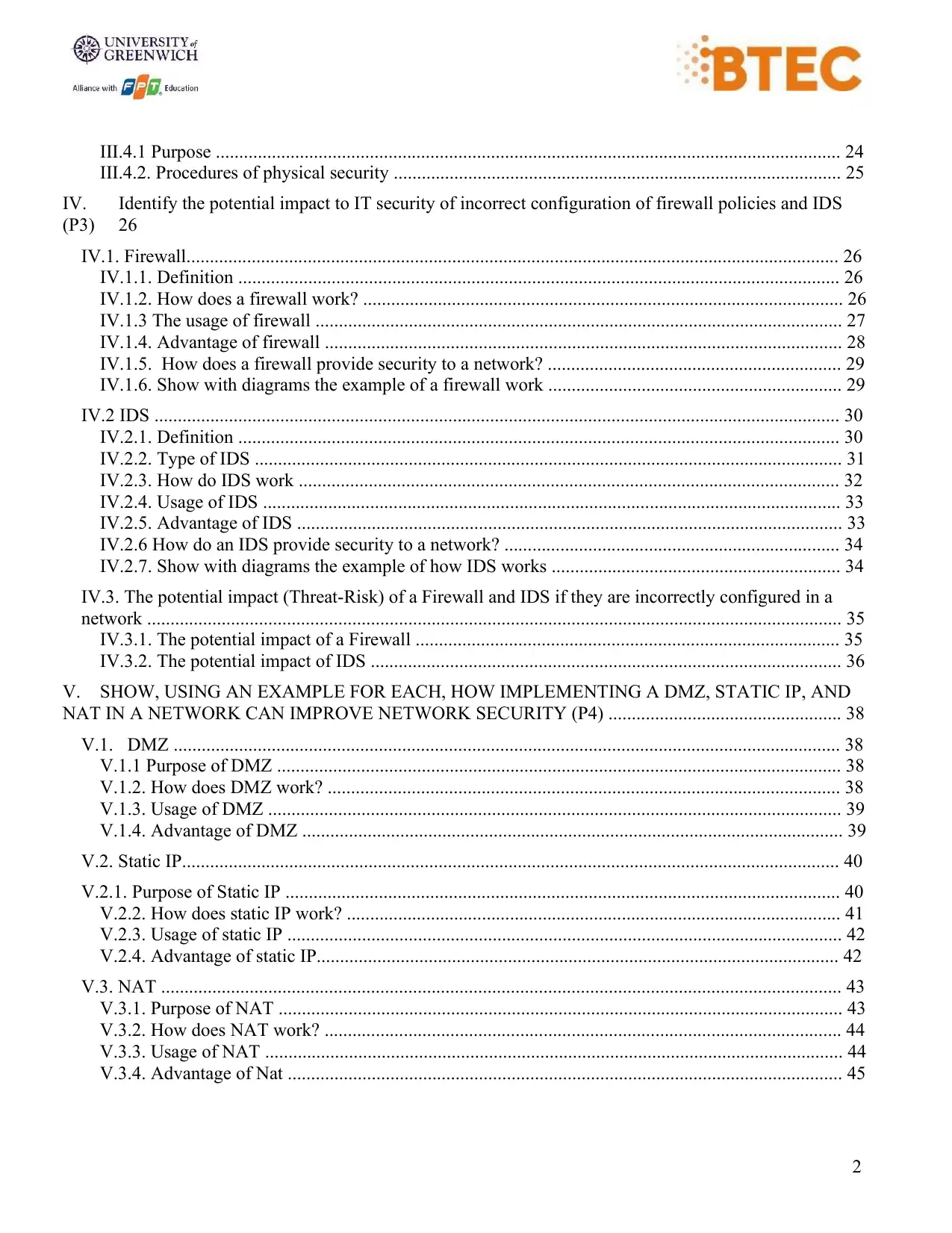
III.4.1 Purpose ...................................................................................................................................... 24
III.4.2. Procedures of physical security ................................................................................................ 25
IV. Identify the potential impact to IT security of incorrect configuration of firewall policies and IDS
(P3) 26
IV.1. Firewall............................................................................................................................................ 26
IV.1.1. Definition ................................................................................................................................. 26
IV.1.2. How does a firewall work? ....................................................................................................... 26
IV.1.3 The usage of firewall ................................................................................................................. 27
IV.1.4. Advantage of firewall ............................................................................................................... 28
IV.1.5. How does a firewall provide security to a network? ............................................................... 29
IV.1.6. Show with diagrams the example of a firewall work ............................................................... 29
IV.2 IDS ................................................................................................................................................... 30
IV.2.1. Definition ................................................................................................................................. 30
IV.2.2. Type of IDS .............................................................................................................................. 31
IV.2.3. How do IDS work .................................................................................................................... 32
IV.2.4. Usage of IDS ............................................................................................................................ 33
IV.2.5. Advantage of IDS ..................................................................................................................... 33
IV.2.6 How do an IDS provide security to a network? ........................................................................ 34
IV.2.7. Show with diagrams the example of how IDS works .............................................................. 34
IV.3. The potential impact (Threat-Risk) of a Firewall and IDS if they are incorrectly configured in a
network ..................................................................................................................................................... 35
IV.3.1. The potential impact of a Firewall ........................................................................................... 35
IV.3.2. The potential impact of IDS ..................................................................................................... 36
V. SHOW, USING AN EXAMPLE FOR EACH, HOW IMPLEMENTING A DMZ, STATIC IP, AND
NAT IN A NETWORK CAN IMPROVE NETWORK SECURITY (P4) .................................................. 38
V.1. DMZ ............................................................................................................................................... 38
V.1.1 Purpose of DMZ ......................................................................................................................... 38
V.1.2. How does DMZ work? .............................................................................................................. 38
V.1.3. Usage of DMZ ........................................................................................................................... 39
V.1.4. Advantage of DMZ .................................................................................................................... 39
V.2. Static IP............................................................................................................................................. 40
V.2.1. Purpose of Static IP ....................................................................................................................... 40
V.2.2. How does static IP work? .......................................................................................................... 41
V.2.3. Usage of static IP ....................................................................................................................... 42
V.2.4. Advantage of static IP................................................................................................................ 42
V.3. NAT .................................................................................................................................................. 43
V.3.1. Purpose of NAT ......................................................................................................................... 43
V.3.2. How does NAT work? ............................................................................................................... 44
V.3.3. Usage of NAT ............................................................................................................................ 44
V.3.4. Advantage of Nat ....................................................................................................................... 45
III.4.1 Purpose ...................................................................................................................................... 24
III.4.2. Procedures of physical security ................................................................................................ 25
IV. Identify the potential impact to IT security of incorrect configuration of firewall policies and IDS
(P3) 26
IV.1. Firewall............................................................................................................................................ 26
IV.1.1. Definition ................................................................................................................................. 26
IV.1.2. How does a firewall work? ....................................................................................................... 26
IV.1.3 The usage of firewall ................................................................................................................. 27
IV.1.4. Advantage of firewall ............................................................................................................... 28
IV.1.5. How does a firewall provide security to a network? ............................................................... 29
IV.1.6. Show with diagrams the example of a firewall work ............................................................... 29
IV.2 IDS ................................................................................................................................................... 30
IV.2.1. Definition ................................................................................................................................. 30
IV.2.2. Type of IDS .............................................................................................................................. 31
IV.2.3. How do IDS work .................................................................................................................... 32
IV.2.4. Usage of IDS ............................................................................................................................ 33
IV.2.5. Advantage of IDS ..................................................................................................................... 33
IV.2.6 How do an IDS provide security to a network? ........................................................................ 34
IV.2.7. Show with diagrams the example of how IDS works .............................................................. 34
IV.3. The potential impact (Threat-Risk) of a Firewall and IDS if they are incorrectly configured in a
network ..................................................................................................................................................... 35
IV.3.1. The potential impact of a Firewall ........................................................................................... 35
IV.3.2. The potential impact of IDS ..................................................................................................... 36
V. SHOW, USING AN EXAMPLE FOR EACH, HOW IMPLEMENTING A DMZ, STATIC IP, AND
NAT IN A NETWORK CAN IMPROVE NETWORK SECURITY (P4) .................................................. 38
V.1. DMZ ............................................................................................................................................... 38
V.1.1 Purpose of DMZ ......................................................................................................................... 38
V.1.2. How does DMZ work? .............................................................................................................. 38
V.1.3. Usage of DMZ ........................................................................................................................... 39
V.1.4. Advantage of DMZ .................................................................................................................... 39
V.2. Static IP............................................................................................................................................. 40
V.2.1. Purpose of Static IP ....................................................................................................................... 40
V.2.2. How does static IP work? .......................................................................................................... 41
V.2.3. Usage of static IP ....................................................................................................................... 42
V.2.4. Advantage of static IP................................................................................................................ 42
V.3. NAT .................................................................................................................................................. 43
V.3.1. Purpose of NAT ......................................................................................................................... 43
V.3.2. How does NAT work? ............................................................................................................... 44
V.3.3. Usage of NAT ............................................................................................................................ 44
V.3.4. Advantage of Nat ....................................................................................................................... 45
⊘ This is a preview!⊘
Do you want full access?
Subscribe today to unlock all pages.

Trusted by 1+ million students worldwide
3
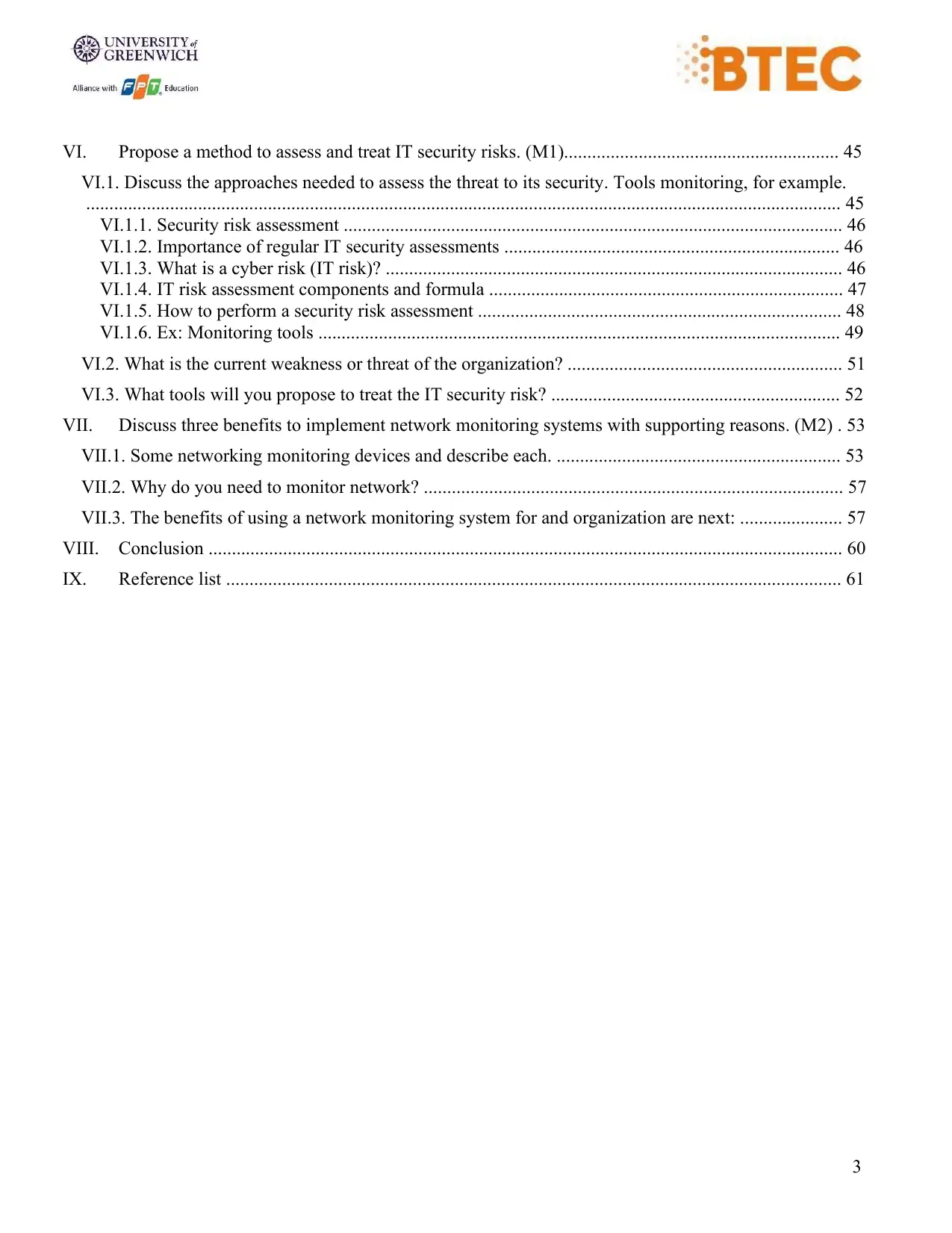
VI. Propose a method to assess and treat IT security risks. (M1)........................................................... 45
VI.1. Discuss the approaches needed to assess the threat to its security. Tools monitoring, for example.
.................................................................................................................................................................. 45
VI.1.1. Security risk assessment ........................................................................................................... 46
VI.1.2. Importance of regular IT security assessments ........................................................................ 46
VI.1.3. What is a cyber risk (IT risk)? .................................................................................................. 46
VI.1.4. IT risk assessment components and formula ............................................................................ 47
VI.1.5. How to perform a security risk assessment .............................................................................. 48
VI.1.6. Ex: Monitoring tools ................................................................................................................ 49
VI.2. What is the current weakness or threat of the organization? ........................................................... 51
VI.3. What tools will you propose to treat the IT security risk? .............................................................. 52
VII. Discuss three benefits to implement network monitoring systems with supporting reasons. (M2) . 53
VII.1. Some networking monitoring devices and describe each. ............................................................. 53
VII.2. Why do you need to monitor network? .......................................................................................... 57
VII.3. The benefits of using a network monitoring system for and organization are next: ...................... 57
VIII. Conclusion ........................................................................................................................................ 60
IX. Reference list .................................................................................................................................... 61
VI. Propose a method to assess and treat IT security risks. (M1)........................................................... 45
VI.1. Discuss the approaches needed to assess the threat to its security. Tools monitoring, for example.
.................................................................................................................................................................. 45
VI.1.1. Security risk assessment ........................................................................................................... 46
VI.1.2. Importance of regular IT security assessments ........................................................................ 46
VI.1.3. What is a cyber risk (IT risk)? .................................................................................................. 46
VI.1.4. IT risk assessment components and formula ............................................................................ 47
VI.1.5. How to perform a security risk assessment .............................................................................. 48
VI.1.6. Ex: Monitoring tools ................................................................................................................ 49
VI.2. What is the current weakness or threat of the organization? ........................................................... 51
VI.3. What tools will you propose to treat the IT security risk? .............................................................. 52
VII. Discuss three benefits to implement network monitoring systems with supporting reasons. (M2) . 53
VII.1. Some networking monitoring devices and describe each. ............................................................. 53
VII.2. Why do you need to monitor network? .......................................................................................... 57
VII.3. The benefits of using a network monitoring system for and organization are next: ...................... 57
VIII. Conclusion ........................................................................................................................................ 60
IX. Reference list .................................................................................................................................... 61
Paraphrase This Document
Need a fresh take? Get an instant paraphrase of this document with our AI Paraphraser
4
Table of figures
Figure 1: Security ................................................................................................................... 6
Figure 2: Network security ..................................................................................................... 7
Figure 3: Security risk ............................................................................................................ 8
Figure 4: Security threats ....................................................................................................... 9
Figure 5: Computer Viruses ................................................................................................. 11
Figure 6: Trojans Horse ........................................................................................................ 12
Figure 7: Adware .................................................................................................................. 13
Figure 8: Spyware ................................................................................................................ 14
Figure 9: Worm .................................................................................................................... 15
Figure 10: DoS Attack .......................................................................................................... 16
Figure 11: Malware .............................................................................................................. 17
Figure 12: Ransomware ........................................................................................................ 18
Figure 13: Data breach ......................................................................................................... 19
Figure 14: Zero-day attack ................................................................................................... 20
Figure 15: Kaseya Ransomware Attack ............................................................................... 21
Figure 16: Anti-virus ............................................................................................................ 22
Figure 17: Password procedures ........................................................................................... 23
Figure 18: Physical Security ................................................................................................. 25
Figure 19: Firewall ............................................................................................................... 27
Figure 20: The example of a firewall work .......................................................................... 30
Figure 21: IDS ...................................................................................................................... 31
Figure 22: Type of IDS ........................................................................................................ 32
Figure 23: IDS work ............................................................................................................. 35
Figure 24: Potential of firewall ............................................................................................ 36
Figure 25: Intrusion Detection System ................................................................................. 37
Figure 26: DMZ .................................................................................................................... 38
Figure 27: DMZ Network ..................................................................................................... 40
Table of figures
Figure 1: Security ................................................................................................................... 6
Figure 2: Network security ..................................................................................................... 7
Figure 3: Security risk ............................................................................................................ 8
Figure 4: Security threats ....................................................................................................... 9
Figure 5: Computer Viruses ................................................................................................. 11
Figure 6: Trojans Horse ........................................................................................................ 12
Figure 7: Adware .................................................................................................................. 13
Figure 8: Spyware ................................................................................................................ 14
Figure 9: Worm .................................................................................................................... 15
Figure 10: DoS Attack .......................................................................................................... 16
Figure 11: Malware .............................................................................................................. 17
Figure 12: Ransomware ........................................................................................................ 18
Figure 13: Data breach ......................................................................................................... 19
Figure 14: Zero-day attack ................................................................................................... 20
Figure 15: Kaseya Ransomware Attack ............................................................................... 21
Figure 16: Anti-virus ............................................................................................................ 22
Figure 17: Password procedures ........................................................................................... 23
Figure 18: Physical Security ................................................................................................. 25
Figure 19: Firewall ............................................................................................................... 27
Figure 20: The example of a firewall work .......................................................................... 30
Figure 21: IDS ...................................................................................................................... 31
Figure 22: Type of IDS ........................................................................................................ 32
Figure 23: IDS work ............................................................................................................. 35
Figure 24: Potential of firewall ............................................................................................ 36
Figure 25: Intrusion Detection System ................................................................................. 37
Figure 26: DMZ .................................................................................................................... 38
Figure 27: DMZ Network ..................................................................................................... 40
5
Figure 28: Static IP ............................................................................................................... 41
Figure 29: NAT .................................................................................................................... 44
Figure 30: Security risk assessment ..................................................................................... 46
Figure 31: Cyber risk ............................................................................................................ 47
Figure 32: XpoLog ............................................................................................................... 50
Figure 33: Imperva ............................................................................................................... 50
Figure 34: Hoxhunt .............................................................................................................. 51
Figure 35: Octave ................................................................................................................. 52
Figure 36: Smartext Monitoring ........................................................................................... 53
Figure 37: The Elastic Stack ................................................................................................ 54
Figure 38: Zabbix ................................................................................................................. 55
Figure 39: SolarWinds Server & Application monitor......................................................... 55
Figure 40: Datadog Infrastructure Monitoring ..................................................................... 56
Figure 41: ManageEngine OpManger .................................................................................. 56
Figure 42: Benchmarking standard performance ................................................................. 58
Figure 43: Identifying security threats ................................................................................. 59
Figure 28: Static IP ............................................................................................................... 41
Figure 29: NAT .................................................................................................................... 44
Figure 30: Security risk assessment ..................................................................................... 46
Figure 31: Cyber risk ............................................................................................................ 47
Figure 32: XpoLog ............................................................................................................... 50
Figure 33: Imperva ............................................................................................................... 50
Figure 34: Hoxhunt .............................................................................................................. 51
Figure 35: Octave ................................................................................................................. 52
Figure 36: Smartext Monitoring ........................................................................................... 53
Figure 37: The Elastic Stack ................................................................................................ 54
Figure 38: Zabbix ................................................................................................................. 55
Figure 39: SolarWinds Server & Application monitor......................................................... 55
Figure 40: Datadog Infrastructure Monitoring ..................................................................... 56
Figure 41: ManageEngine OpManger .................................................................................. 56
Figure 42: Benchmarking standard performance ................................................................. 58
Figure 43: Identifying security threats ................................................................................. 59
⊘ This is a preview!⊘
Do you want full access?
Subscribe today to unlock all pages.
Trusted by 1+ million students worldwide
6
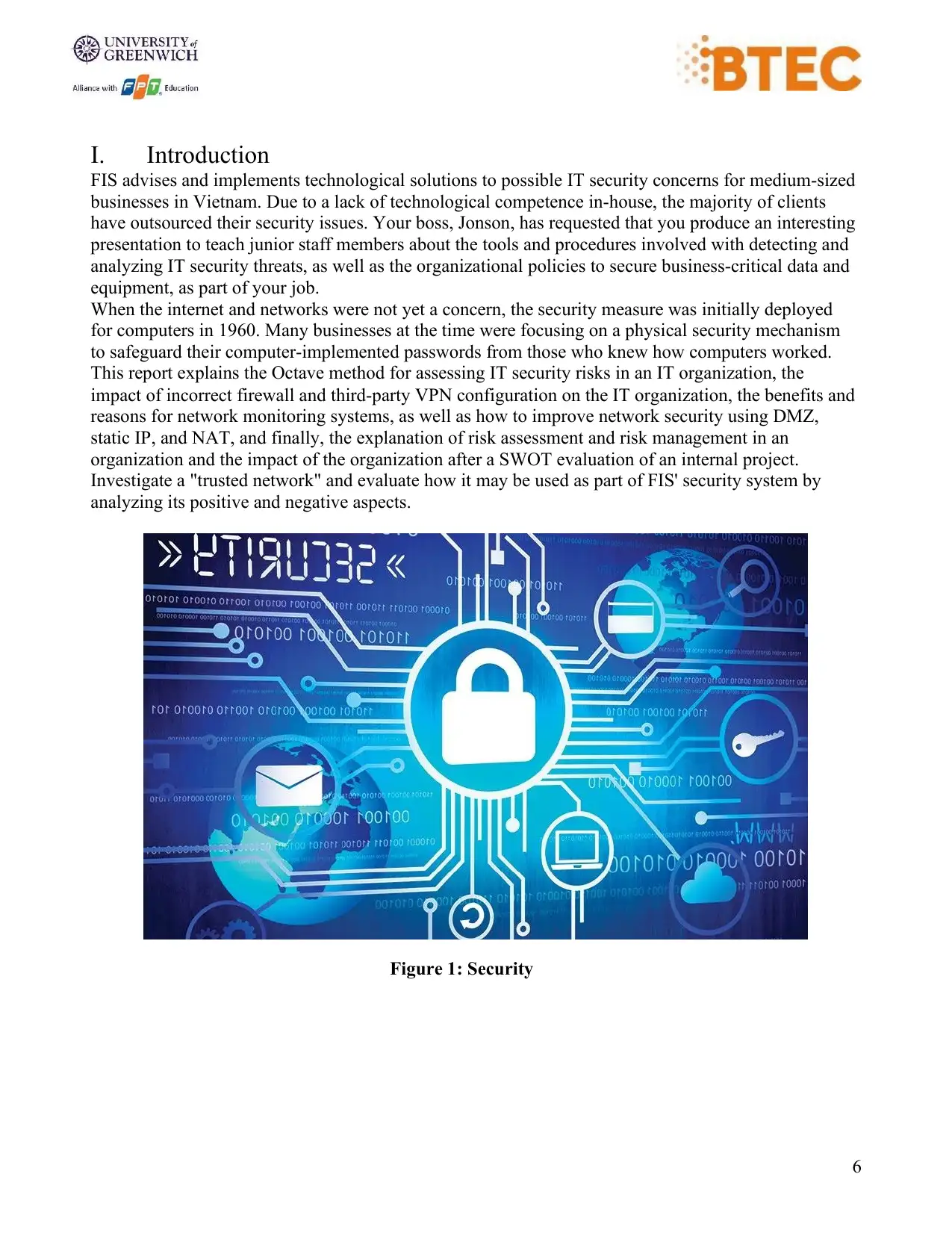
I. Introduction
FIS advises and implements technological solutions to possible IT security concerns for medium-sized
businesses in Vietnam. Due to a lack of technological competence in-house, the majority of clients
have outsourced their security issues. Your boss, Jonson, has requested that you produce an interesting
presentation to teach junior staff members about the tools and procedures involved with detecting and
analyzing IT security threats, as well as the organizational policies to secure business-critical data and
equipment, as part of your job.
When the internet and networks were not yet a concern, the security measure was initially deployed
for computers in 1960. Many businesses at the time were focusing on a physical security mechanism
to safeguard their computer-implemented passwords from those who knew how computers worked.
This report explains the Octave method for assessing IT security risks in an IT organization, the
impact of incorrect firewall and third-party VPN configuration on the IT organization, the benefits and
reasons for network monitoring systems, as well as how to improve network security using DMZ,
static IP, and NAT, and finally, the explanation of risk assessment and risk management in an
organization and the impact of the organization after a SWOT evaluation of an internal project.
Investigate a "trusted network" and evaluate how it may be used as part of FIS' security system by
analyzing its positive and negative aspects.
Figure 1: Security
I. Introduction
FIS advises and implements technological solutions to possible IT security concerns for medium-sized
businesses in Vietnam. Due to a lack of technological competence in-house, the majority of clients
have outsourced their security issues. Your boss, Jonson, has requested that you produce an interesting
presentation to teach junior staff members about the tools and procedures involved with detecting and
analyzing IT security threats, as well as the organizational policies to secure business-critical data and
equipment, as part of your job.
When the internet and networks were not yet a concern, the security measure was initially deployed
for computers in 1960. Many businesses at the time were focusing on a physical security mechanism
to safeguard their computer-implemented passwords from those who knew how computers worked.
This report explains the Octave method for assessing IT security risks in an IT organization, the
impact of incorrect firewall and third-party VPN configuration on the IT organization, the benefits and
reasons for network monitoring systems, as well as how to improve network security using DMZ,
static IP, and NAT, and finally, the explanation of risk assessment and risk management in an
organization and the impact of the organization after a SWOT evaluation of an internal project.
Investigate a "trusted network" and evaluate how it may be used as part of FIS' security system by
analyzing its positive and negative aspects.
Figure 1: Security
Paraphrase This Document
Need a fresh take? Get an instant paraphrase of this document with our AI Paraphraser
7
II. Identify types of security threats to organizations. Give an example of a
recently publicized security breach and discuss its consequences (P1)
II.1. What is the security
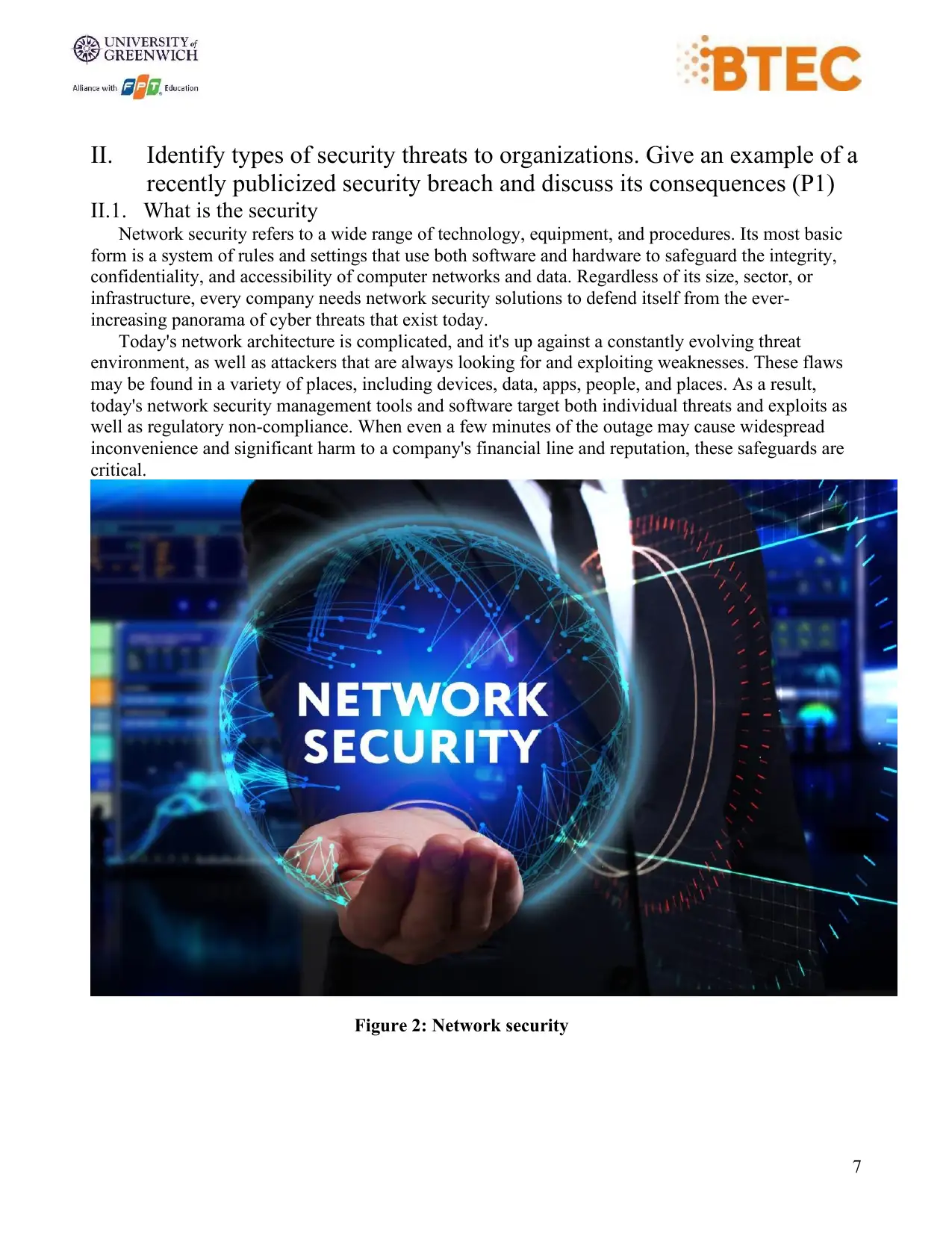
Network security refers to a wide range of technology, equipment, and procedures. Its most basic
form is a system of rules and settings that use both software and hardware to safeguard the integrity,
confidentiality, and accessibility of computer networks and data. Regardless of its size, sector, or
infrastructure, every company needs network security solutions to defend itself from the ever-
increasing panorama of cyber threats that exist today.
Today's network architecture is complicated, and it's up against a constantly evolving threat
environment, as well as attackers that are always looking for and exploiting weaknesses. These flaws
may be found in a variety of places, including devices, data, apps, people, and places. As a result,
today's network security management tools and software target both individual threats and exploits as
well as regulatory non-compliance. When even a few minutes of the outage may cause widespread
inconvenience and significant harm to a company's financial line and reputation, these safeguards are
critical.
Figure 2: Network security
II. Identify types of security threats to organizations. Give an example of a
recently publicized security breach and discuss its consequences (P1)
II.1. What is the security
Network security refers to a wide range of technology, equipment, and procedures. Its most basic
form is a system of rules and settings that use both software and hardware to safeguard the integrity,
confidentiality, and accessibility of computer networks and data. Regardless of its size, sector, or
infrastructure, every company needs network security solutions to defend itself from the ever-
increasing panorama of cyber threats that exist today.
Today's network architecture is complicated, and it's up against a constantly evolving threat
environment, as well as attackers that are always looking for and exploiting weaknesses. These flaws
may be found in a variety of places, including devices, data, apps, people, and places. As a result,
today's network security management tools and software target both individual threats and exploits as
well as regulatory non-compliance. When even a few minutes of the outage may cause widespread
inconvenience and significant harm to a company's financial line and reputation, these safeguards are
critical.
Figure 2: Network security
8
II.2. What is a security risk
A computer security risk is anything on your computer that might harm or steal your data, or allow
someone else to use your computer without your permission. Malware, a broad word used to describe
various sorts of harmful software, is one of the numerous things that can put your computer in danger.
We usually think of computer viruses, but viruses, worms, ransomware, spyware, and Trojan horses
are all examples of harmful software that may compromise computer security. Computer product
misconfigurations, as well as risky computing practices, are additional dangers. Let's take a closer look
at these.
Some researchers have studied that the efficacy of risk communication depends not only on the
nature of the risk but also on the alignment between the conceptual model embedded in the risk
communication and the user’s mental model of the risk. (Asgharpour, Liu and Camp, 2007)
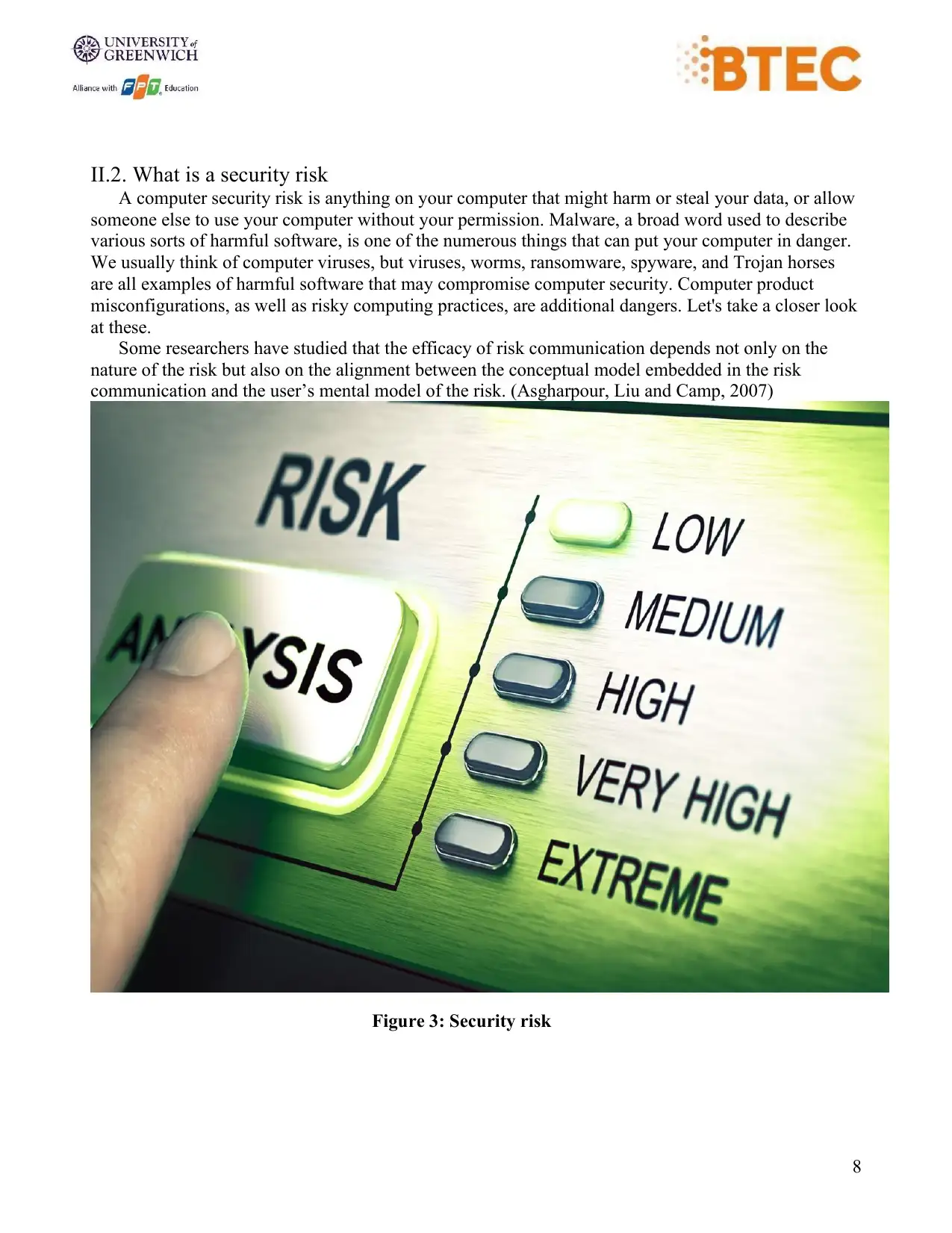
Figure 3: Security risk
II.2. What is a security risk
A computer security risk is anything on your computer that might harm or steal your data, or allow
someone else to use your computer without your permission. Malware, a broad word used to describe
various sorts of harmful software, is one of the numerous things that can put your computer in danger.
We usually think of computer viruses, but viruses, worms, ransomware, spyware, and Trojan horses
are all examples of harmful software that may compromise computer security. Computer product
misconfigurations, as well as risky computing practices, are additional dangers. Let's take a closer look
at these.
Some researchers have studied that the efficacy of risk communication depends not only on the
nature of the risk but also on the alignment between the conceptual model embedded in the risk
communication and the user’s mental model of the risk. (Asgharpour, Liu and Camp, 2007)
Figure 3: Security risk
⊘ This is a preview!⊘
Do you want full access?
Subscribe today to unlock all pages.
Trusted by 1+ million students worldwide
9
II.3. Identify threats
IETF defines threats as a potential for violation of security, which exists when there is an entity,
circumstance, capability, action, or event that could cause harm. And NIST defines it that an event or
condition that has the potential for causing asset loss and the undesirable consequences or impact from
such loss. Anything that can exploit a vulnerability to breach security and negatively change, delete, or
injure an item or objects of interest is considered a threat. The effects of various threats vary
considerably: some affect the confidentiality or integrity of data while others affect the availability of a
system. (Asgharpour, Liu and Camp, 2007)
Cyber threats and vulnerabilities are frequently misunderstood. The keyword, according to the
definitions, is "potential." The threat does not stem from a security flaw in the implementation or
organization. Instead, it is anything that has the potential to compromise security. A vulnerability, on
the other hand, is a real flaw that may be exploited. Regardless of any precautions, the threat always
exists. Countermeasures, on the other hand, can be implemented to reduce the likelihood of it
occurring.
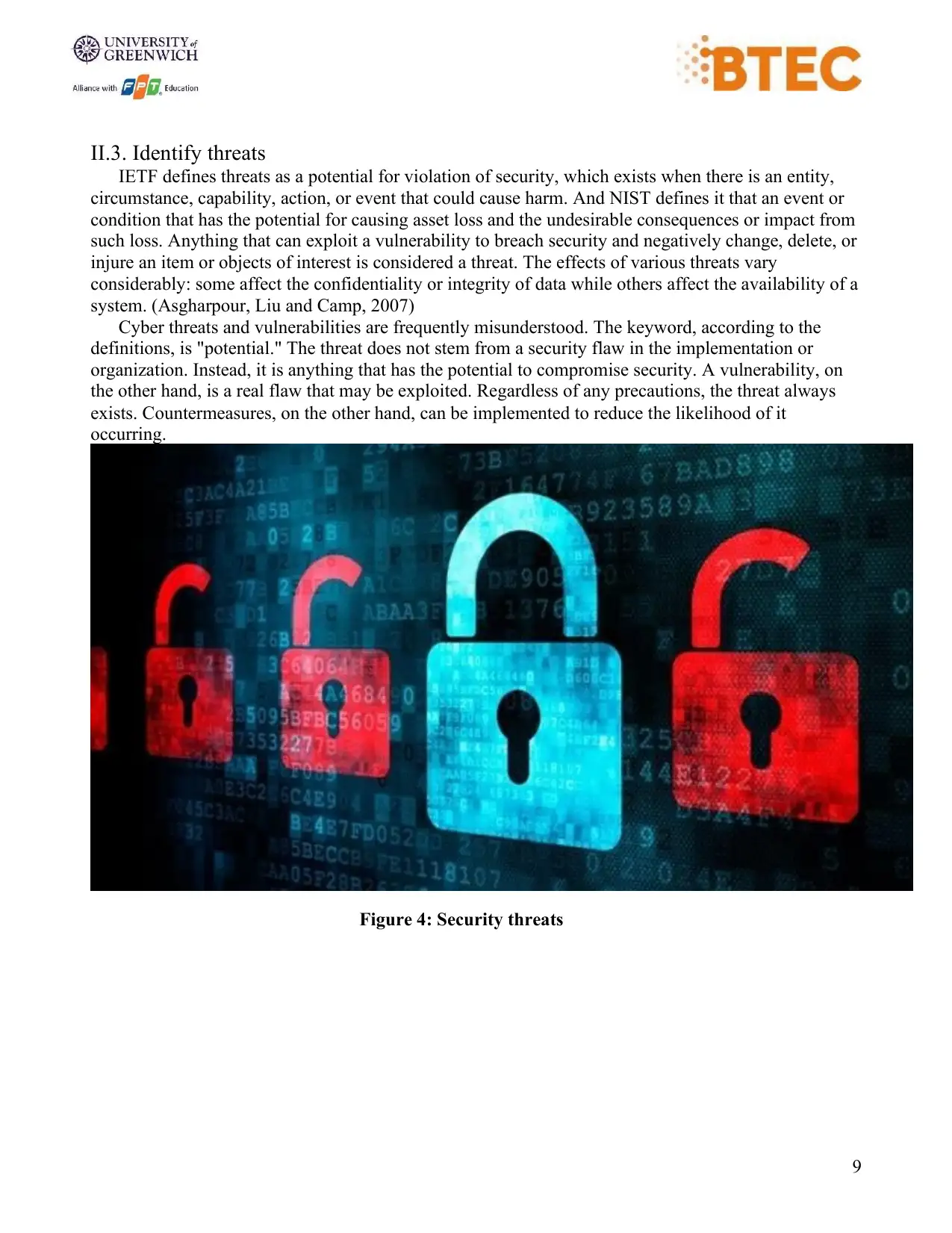
Figure 4: Security threats
II.3. Identify threats
IETF defines threats as a potential for violation of security, which exists when there is an entity,
circumstance, capability, action, or event that could cause harm. And NIST defines it that an event or
condition that has the potential for causing asset loss and the undesirable consequences or impact from
such loss. Anything that can exploit a vulnerability to breach security and negatively change, delete, or
injure an item or objects of interest is considered a threat. The effects of various threats vary
considerably: some affect the confidentiality or integrity of data while others affect the availability of a
system. (Asgharpour, Liu and Camp, 2007)
Cyber threats and vulnerabilities are frequently misunderstood. The keyword, according to the
definitions, is "potential." The threat does not stem from a security flaw in the implementation or
organization. Instead, it is anything that has the potential to compromise security. A vulnerability, on
the other hand, is a real flaw that may be exploited. Regardless of any precautions, the threat always
exists. Countermeasures, on the other hand, can be implemented to reduce the likelihood of it
occurring.
Figure 4: Security threats
Paraphrase This Document
Need a fresh take? Get an instant paraphrase of this document with our AI Paraphraser
10
II.4. Identify threats agents to organizations
II.4.1. Nation States
Companies in specific industries, such as telecommunications, oil and gas, mining, power generation,
national infrastructure, and so on, may become targets for other countries, either to disrupt operations
today or to provide that nation a future grip in times of crisis.
We've heard many examples of this, from alleged Russian meddling in the US presidential election to
Sony claiming North Korea was responsible for their websites being hacked in 2014, and more
recently, concerns about Huawei providing 5G networks because of the possibility of them passing
information to the Chinese government.
II.4.2. Non-target specific (Ransomware, Worms, Trojans, Logic Bombs, Backdoors and Viruses
perpetrated by vandals and the general public)
Companies have told me several times, "Oh, we're not going to be a target for hackers because..."
However, because the number of random assaults that occur every day is so large (and there are no
exact numbers to give here), any organization can become a victim.
The WannaCry ransomware assault, which infected over 200,000 machines in 150 countries, is the
most well-known example of a non-target-specific attack. It caused the NHS in the United Kingdom to
be shut down for many days. Of course, there's the bored teenager in a loft someplace who's just
looking for a weak link on the internet.
II.4.3. Employees and contractors
Unless it's a Zero-day virus, machines and software programs are rather effective at protecting
themselves against malware. Humans are frequently the weakest link in the security system, whether
intentionally or unintentionally.
We all make errors, such as sending an email to the wrong person, but we typically catch ourselves
and can correct the issue promptly. Simple safeguards, such as password-protecting data, can assist to
limit the consequences of such errors.
Unfortunately, some unhappy employees intentionally destroy organizations from the inside. A
dissatisfied internal auditor at Morrison’s supermarket recently obtained payroll and other HR personal
data and released it on the internet. Morrison was penalized because the company did not have the
required technological and organizational procedures in place to prevent the ex-employee from
committing the crime (note that Morrison is currently appealing against the fine).
II.5 List types of threats that organization will face
II.5.1 Computer Viruses
A virus is a piece of software that may travel from one computer to another, or from one network to
another, without the user's awareness and carry out hostile activities. It can corrupt or harm important
data in organizations, as well as delete files and format hard drives.
II.4. Identify threats agents to organizations
II.4.1. Nation States
Companies in specific industries, such as telecommunications, oil and gas, mining, power generation,
national infrastructure, and so on, may become targets for other countries, either to disrupt operations
today or to provide that nation a future grip in times of crisis.
We've heard many examples of this, from alleged Russian meddling in the US presidential election to
Sony claiming North Korea was responsible for their websites being hacked in 2014, and more
recently, concerns about Huawei providing 5G networks because of the possibility of them passing
information to the Chinese government.
II.4.2. Non-target specific (Ransomware, Worms, Trojans, Logic Bombs, Backdoors and Viruses
perpetrated by vandals and the general public)
Companies have told me several times, "Oh, we're not going to be a target for hackers because..."
However, because the number of random assaults that occur every day is so large (and there are no
exact numbers to give here), any organization can become a victim.
The WannaCry ransomware assault, which infected over 200,000 machines in 150 countries, is the
most well-known example of a non-target-specific attack. It caused the NHS in the United Kingdom to
be shut down for many days. Of course, there's the bored teenager in a loft someplace who's just
looking for a weak link on the internet.
II.4.3. Employees and contractors
Unless it's a Zero-day virus, machines and software programs are rather effective at protecting
themselves against malware. Humans are frequently the weakest link in the security system, whether
intentionally or unintentionally.
We all make errors, such as sending an email to the wrong person, but we typically catch ourselves
and can correct the issue promptly. Simple safeguards, such as password-protecting data, can assist to
limit the consequences of such errors.
Unfortunately, some unhappy employees intentionally destroy organizations from the inside. A
dissatisfied internal auditor at Morrison’s supermarket recently obtained payroll and other HR personal
data and released it on the internet. Morrison was penalized because the company did not have the
required technological and organizational procedures in place to prevent the ex-employee from
committing the crime (note that Morrison is currently appealing against the fine).
II.5 List types of threats that organization will face
II.5.1 Computer Viruses
A virus is a piece of software that may travel from one computer to another, or from one network to
another, without the user's awareness and carry out hostile activities. It can corrupt or harm important
data in organizations, as well as delete files and format hard drives.
11
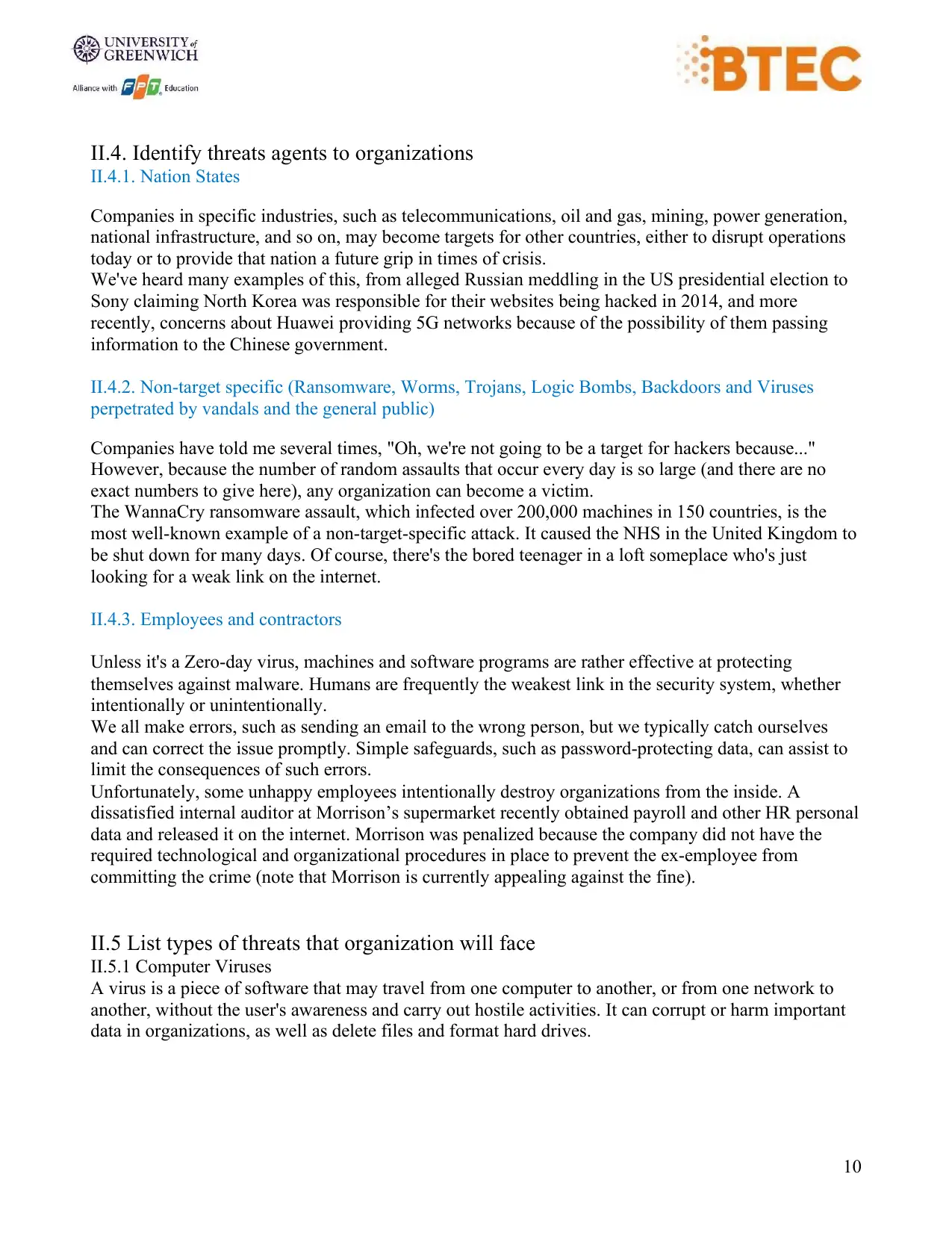
Figure 5: Computer Viruses
A virus can propagate or attack in a variety of ways, including:
• Double-clicking a malicious executable file
• Downloading and installing free software and programs
• Visiting a website that is contaminated and unsafe
• Clicking on a commercial
• Infected portable storage devices, such as USB drives, are being used.
• Clicking on a URL link in a scam email or opening a spam email
• Free games, toolbars, media players, and other applications may be downloaded.
II.5.2. Trojans Horse
A Trojan horse is a harmful code or program created by hackers to impersonate genuine software to
gain access to a company's computer systems. It is programmed to remove, change, damage, block, or
otherwise destroy your data or network.
Figure 5: Computer Viruses
A virus can propagate or attack in a variety of ways, including:
• Double-clicking a malicious executable file
• Downloading and installing free software and programs
• Visiting a website that is contaminated and unsafe
• Clicking on a commercial
• Infected portable storage devices, such as USB drives, are being used.
• Clicking on a URL link in a scam email or opening a spam email
• Free games, toolbars, media players, and other applications may be downloaded.
II.5.2. Trojans Horse
A Trojan horse is a harmful code or program created by hackers to impersonate genuine software to
gain access to a company's computer systems. It is programmed to remove, change, damage, block, or
otherwise destroy your data or network.
⊘ This is a preview!⊘
Do you want full access?
Subscribe today to unlock all pages.
Trusted by 1+ million students worldwide

1 out of 62


Related Documents


Your All-in-One AI-Powered Toolkit for Academic Success.
+13062052269
info@desklib.com
Available 24*7 on WhatsApp / Email
![[object Object]](/_next/static/media/star-bottom.7253800d.svg)
Unlock your academic potential
Copyright © 2020–2026 A2Z Services. All Rights Reserved. Developed and managed by ZUCOL.