Java Programming: Implementing and Testing a Rectangle Class

Verified

Added on  2023/04/12

|7
|1167
|75
Practical Assignment
AI Summary
This Java assignment presents a comprehensive implementation of a Rectangle class. The solution includes three parts: a basic Rectangle class with area and perimeter calculations, a test class to demonstrate the functionality, and an extension to handle Cartesian coordinates. The code incorporates dimension validation, ensuring that length and width values fall within specified ranges. The Cartesian rectangle implementation allows for defining a rectangle using four coordinate points, and includes methods to calculate the length of sides, determine if the shape is a rectangle or a square, and calculate area and perimeter. The solution also includes test classes to demonstrate the functionality of each implementation, including handling of different data types and error scenarios. The toString() method is utilized to present the rectangle's information in a user-friendly format, including error messages when invalid data is entered. The solution showcases object-oriented programming principles, including encapsulation, data validation, and method design.
Document Page
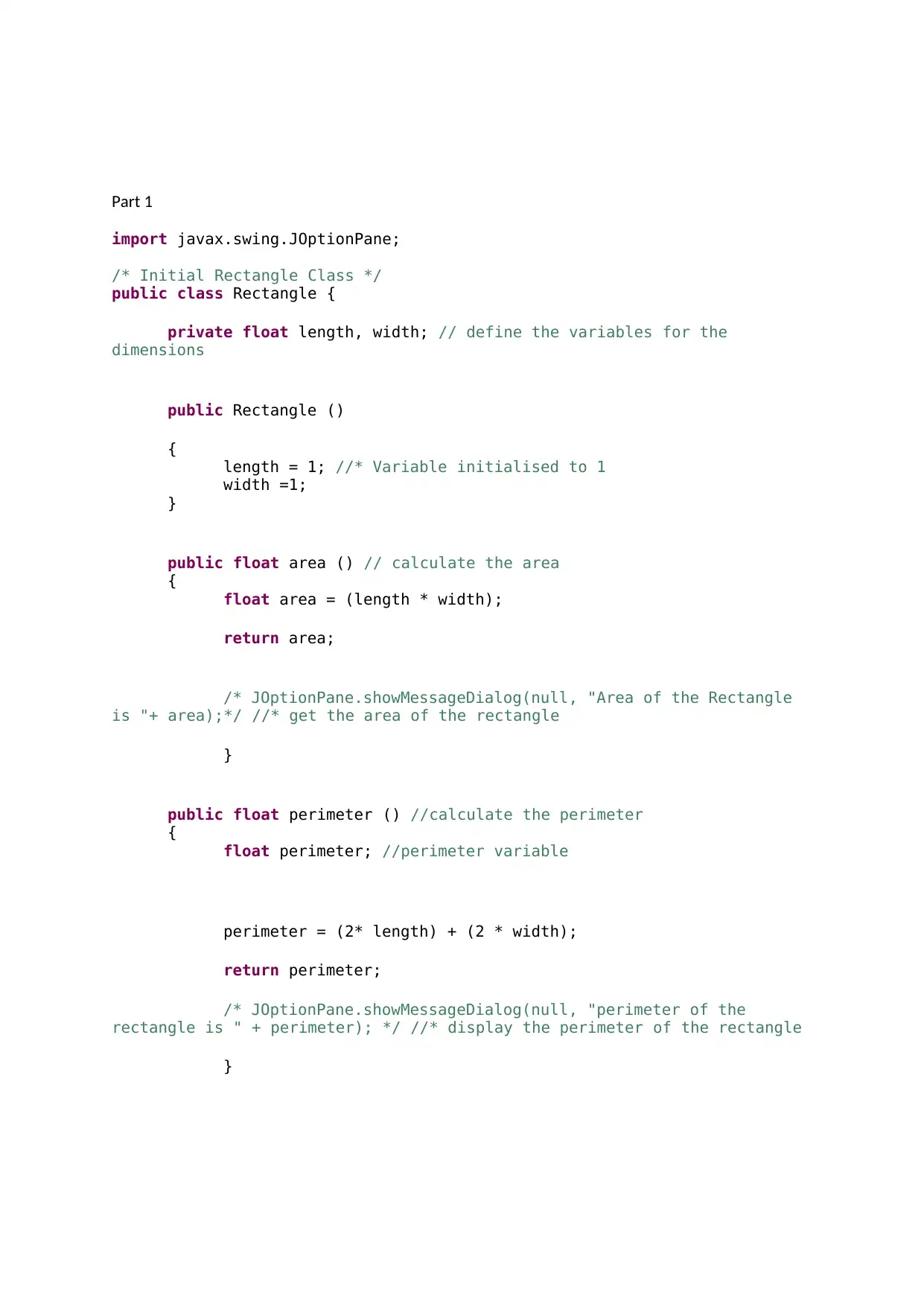
Part 1
import javax.swing.JOptionPane;
/* Initial Rectangle Class */
public class Rectangle {
private float length, width; // define the variables for the
dimensions
public Rectangle ()
{
length = 1; //* Variable initialised to 1
width =1;
}
public float area () // calculate the area
{
float area = (length * width);
return area;
/* JOptionPane.showMessageDialog(null, "Area of the Rectangle
is "+ area);*/ //* get the area of the rectangle
}
public float perimeter () //calculate the perimeter
{
float perimeter; //perimeter variable
perimeter = (2* length) + (2 * width);
return perimeter;
/* JOptionPane.showMessageDialog(null, "perimeter of the
rectangle is " + perimeter); */ //* display the perimeter of the rectangle
}
tabler-icon-diamond-filled.svg

Paraphrase This Document

Need a fresh take? Get an instant paraphrase of this document with our AI Paraphraser
Document Page
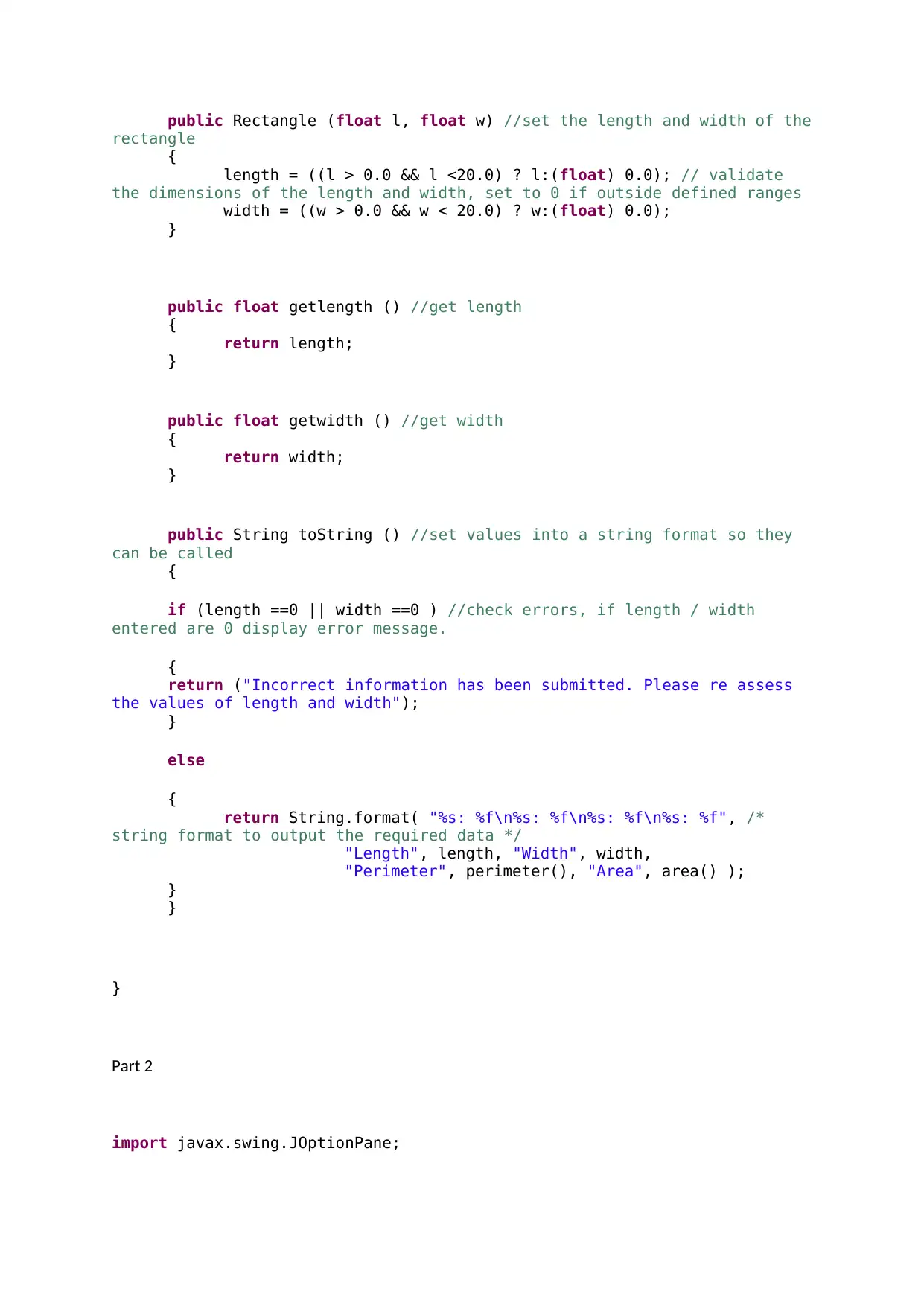
public Rectangle (float l, float w) //set the length and width of the
rectangle
{
length = ((l > 0.0 && l <20.0) ? l:(float) 0.0); // validate
the dimensions of the length and width, set to 0 if outside defined ranges
width = ((w > 0.0 && w < 20.0) ? w:(float) 0.0);
}
public float getlength () //get length
{
return length;
}
public float getwidth () //get width
{
return width;
}
public String toString () //set values into a string format so they
can be called
{
if (length ==0 || width ==0 ) //check errors, if length / width
entered are 0 display error message.
{
return ("Incorrect information has been submitted. Please re assess
the values of length and width");
}
else
{
return String.format( "%s: %f\n%s: %f\n%s: %f\n%s: %f", /*
string format to output the required data */
"Length", length, "Width", width,
"Perimeter", perimeter(), "Area", area() );
}
}
}
Part 2
import javax.swing.JOptionPane;
Document Page
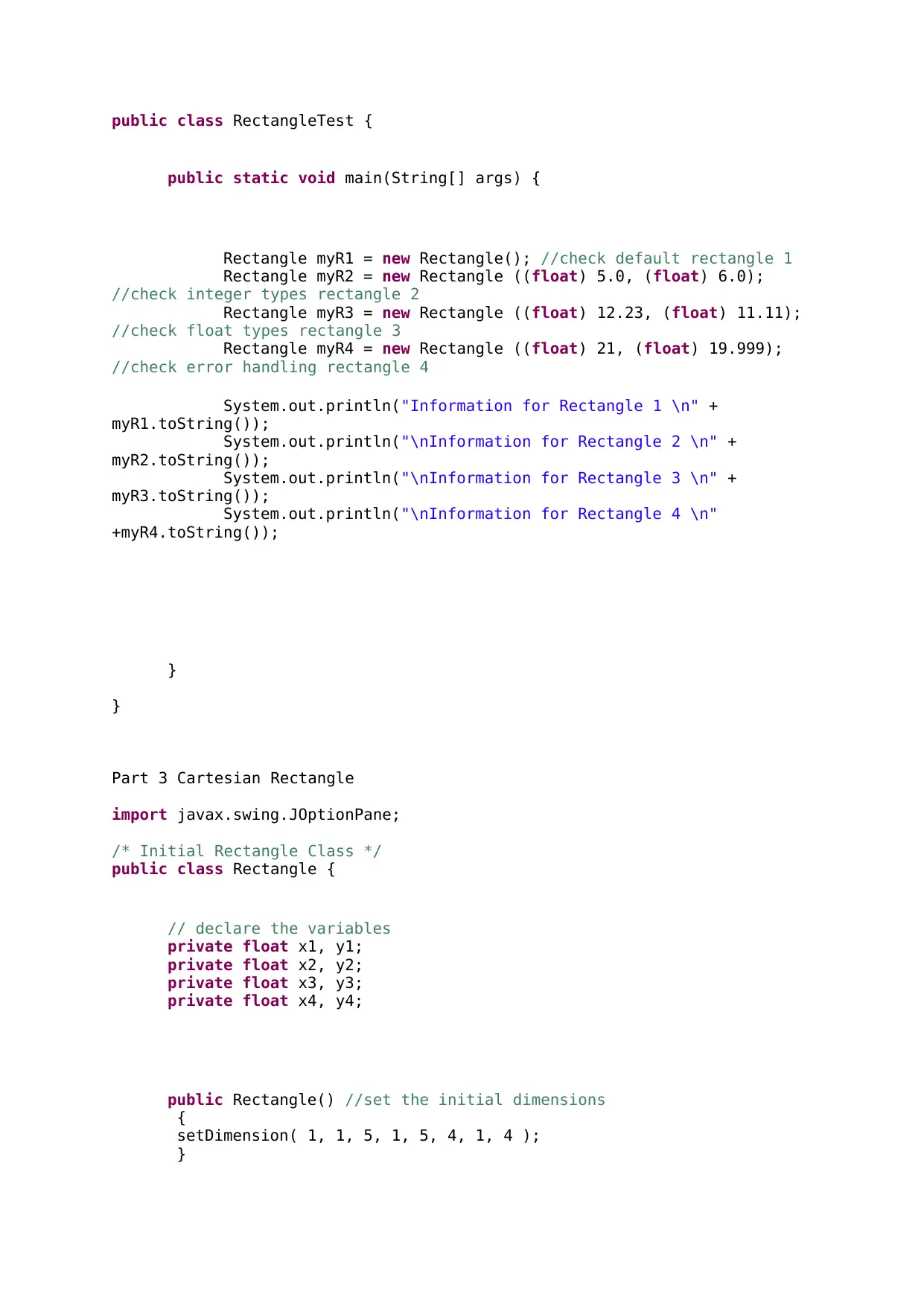
public class RectangleTest {
public static void main(String[] args) {
Rectangle myR1 = new Rectangle(); //check default rectangle 1
Rectangle myR2 = new Rectangle ((float) 5.0, (float) 6.0);
//check integer types rectangle 2
Rectangle myR3 = new Rectangle ((float) 12.23, (float) 11.11);
//check float types rectangle 3
Rectangle myR4 = new Rectangle ((float) 21, (float) 19.999);
//check error handling rectangle 4
System.out.println("Information for Rectangle 1 \n" +
myR1.toString());
System.out.println("\nInformation for Rectangle 2 \n" +
myR2.toString());
System.out.println("\nInformation for Rectangle 3 \n" +
myR3.toString());
System.out.println("\nInformation for Rectangle 4 \n"
+myR4.toString());
}
}
Part 3 Cartesian Rectangle
import javax.swing.JOptionPane;
/* Initial Rectangle Class */
public class Rectangle {
// declare the variables
private float x1, y1;
private float x2, y2;
private float x3, y3;
private float x4, y4;
public Rectangle() //set the initial dimensions
{
setDimension( 1, 1, 5, 1, 5, 4, 1, 4 );
}
Document Page
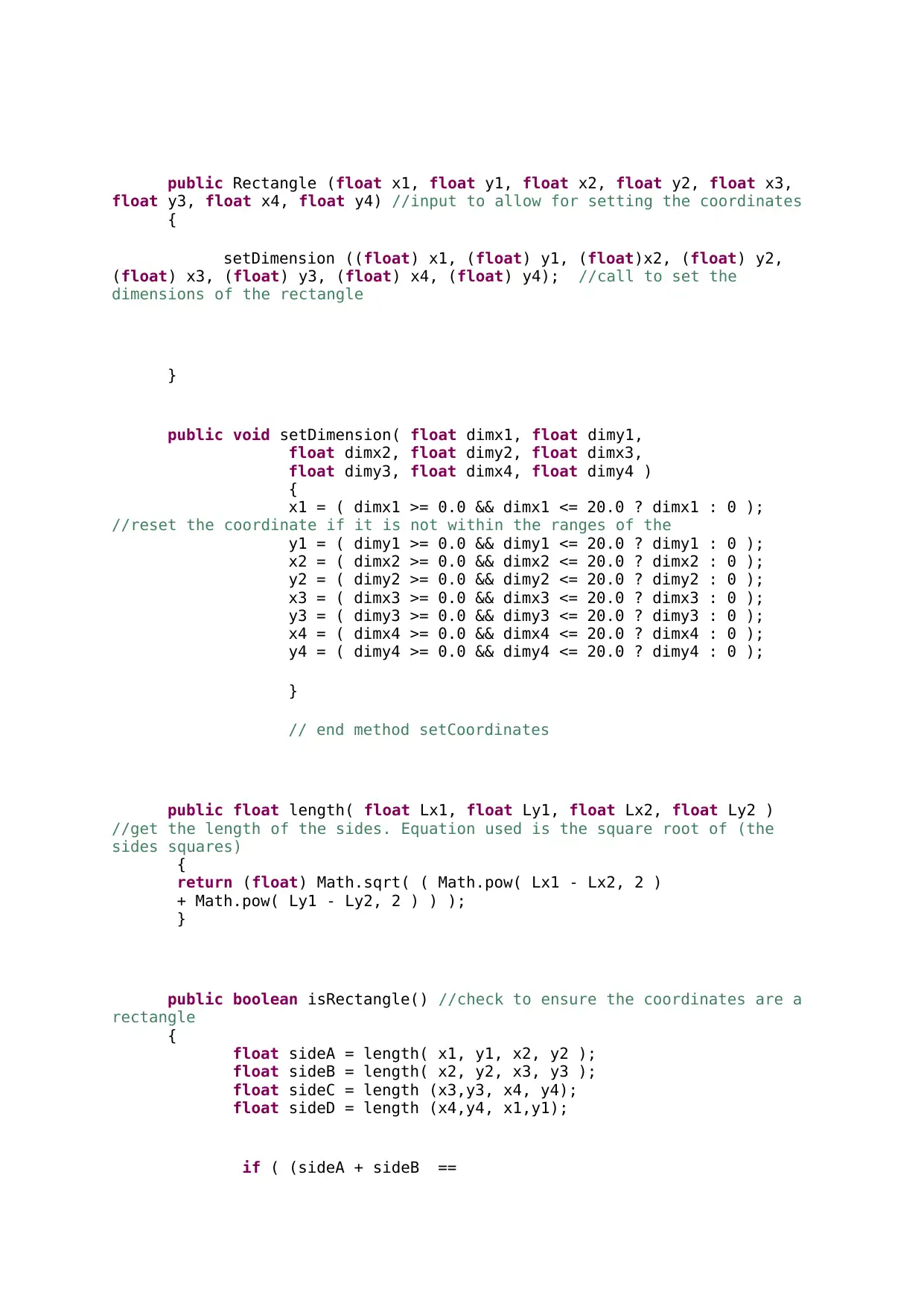
public Rectangle (float x1, float y1, float x2, float y2, float x3,
float y3, float x4, float y4) //input to allow for setting the coordinates
{
setDimension ((float) x1, (float) y1, (float)x2, (float) y2,
(float) x3, (float) y3, (float) x4, (float) y4); //call to set the
dimensions of the rectangle
}
public void setDimension( float dimx1, float dimy1,
float dimx2, float dimy2, float dimx3,
float dimy3, float dimx4, float dimy4 )
{
x1 = ( dimx1 >= 0.0 && dimx1 <= 20.0 ? dimx1 : 0 );
//reset the coordinate if it is not within the ranges of the
y1 = ( dimy1 >= 0.0 && dimy1 <= 20.0 ? dimy1 : 0 );
x2 = ( dimx2 >= 0.0 && dimx2 <= 20.0 ? dimx2 : 0 );
y2 = ( dimy2 >= 0.0 && dimy2 <= 20.0 ? dimy2 : 0 );
x3 = ( dimx3 >= 0.0 && dimx3 <= 20.0 ? dimx3 : 0 );
y3 = ( dimy3 >= 0.0 && dimy3 <= 20.0 ? dimy3 : 0 );
x4 = ( dimx4 >= 0.0 && dimx4 <= 20.0 ? dimx4 : 0 );
y4 = ( dimy4 >= 0.0 && dimy4 <= 20.0 ? dimy4 : 0 );
}
// end method setCoordinates
public float length( float Lx1, float Ly1, float Lx2, float Ly2 )
//get the length of the sides. Equation used is the square root of (the
sides squares)
{
return (float) Math.sqrt( ( Math.pow( Lx1 - Lx2, 2 )
+ Math.pow( Ly1 - Ly2, 2 ) ) );
}
public boolean isRectangle() //check to ensure the coordinates are a
rectangle
{
float sideA = length( x1, y1, x2, y2 );
float sideB = length( x2, y2, x3, y3 );
float sideC = length (x3,y3, x4, y4);
float sideD = length (x4,y4, x1,y1);
if ( (sideA + sideB ==
tabler-icon-diamond-filled.svg

Paraphrase This Document

Need a fresh take? Get an instant paraphrase of this document with our AI Paraphraser
Document Page
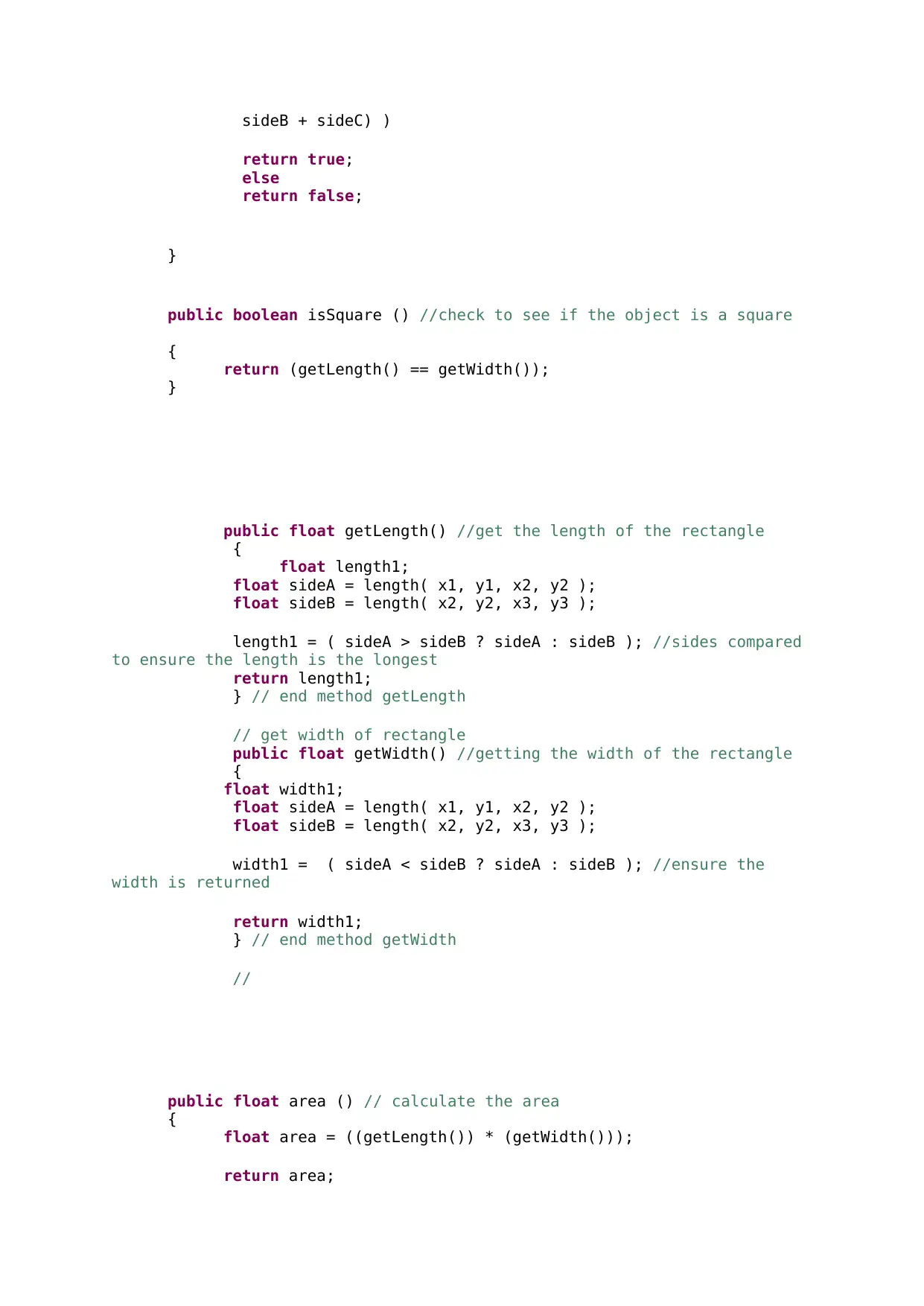
sideB + sideC) )
return true;
else
return false;
}
public boolean isSquare () //check to see if the object is a square
{
return (getLength() == getWidth());
}
public float getLength() //get the length of the rectangle
{
float length1;
float sideA = length( x1, y1, x2, y2 );
float sideB = length( x2, y2, x3, y3 );
length1 = ( sideA > sideB ? sideA : sideB ); //sides compared
to ensure the length is the longest
return length1;
} // end method getLength
// get width of rectangle
public float getWidth() //getting the width of the rectangle
{
float width1;
float sideA = length( x1, y1, x2, y2 );
float sideB = length( x2, y2, x3, y3 );
width1 = ( sideA < sideB ? sideA : sideB ); //ensure the
width is returned
return width1;
} // end method getWidth
//
public float area () // calculate the area
{
float area = ((getLength()) * (getWidth()));
return area;
Document Page
}
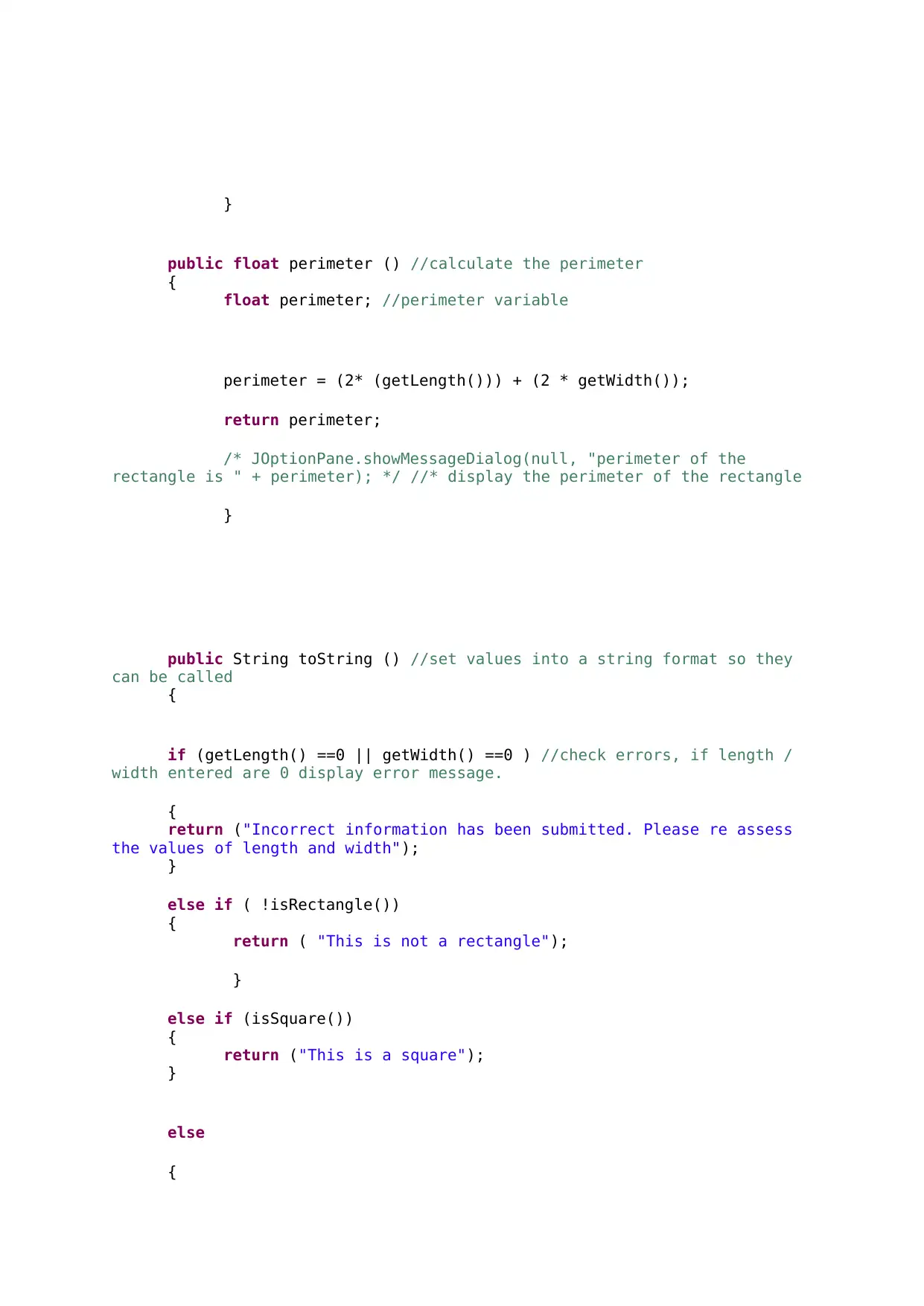
public float perimeter () //calculate the perimeter
{
float perimeter; //perimeter variable
perimeter = (2* (getLength())) + (2 * getWidth());
return perimeter;
/* JOptionPane.showMessageDialog(null, "perimeter of the
rectangle is " + perimeter); */ //* display the perimeter of the rectangle
}
public String toString () //set values into a string format so they
can be called
{
if (getLength() ==0 || getWidth() ==0 ) //check errors, if length /
width entered are 0 display error message.
{
return ("Incorrect information has been submitted. Please re assess
the values of length and width");
}
else if ( !isRectangle())
{
return ( "This is not a rectangle");
}
else if (isSquare())
{
return ("This is a square");
}
else
{
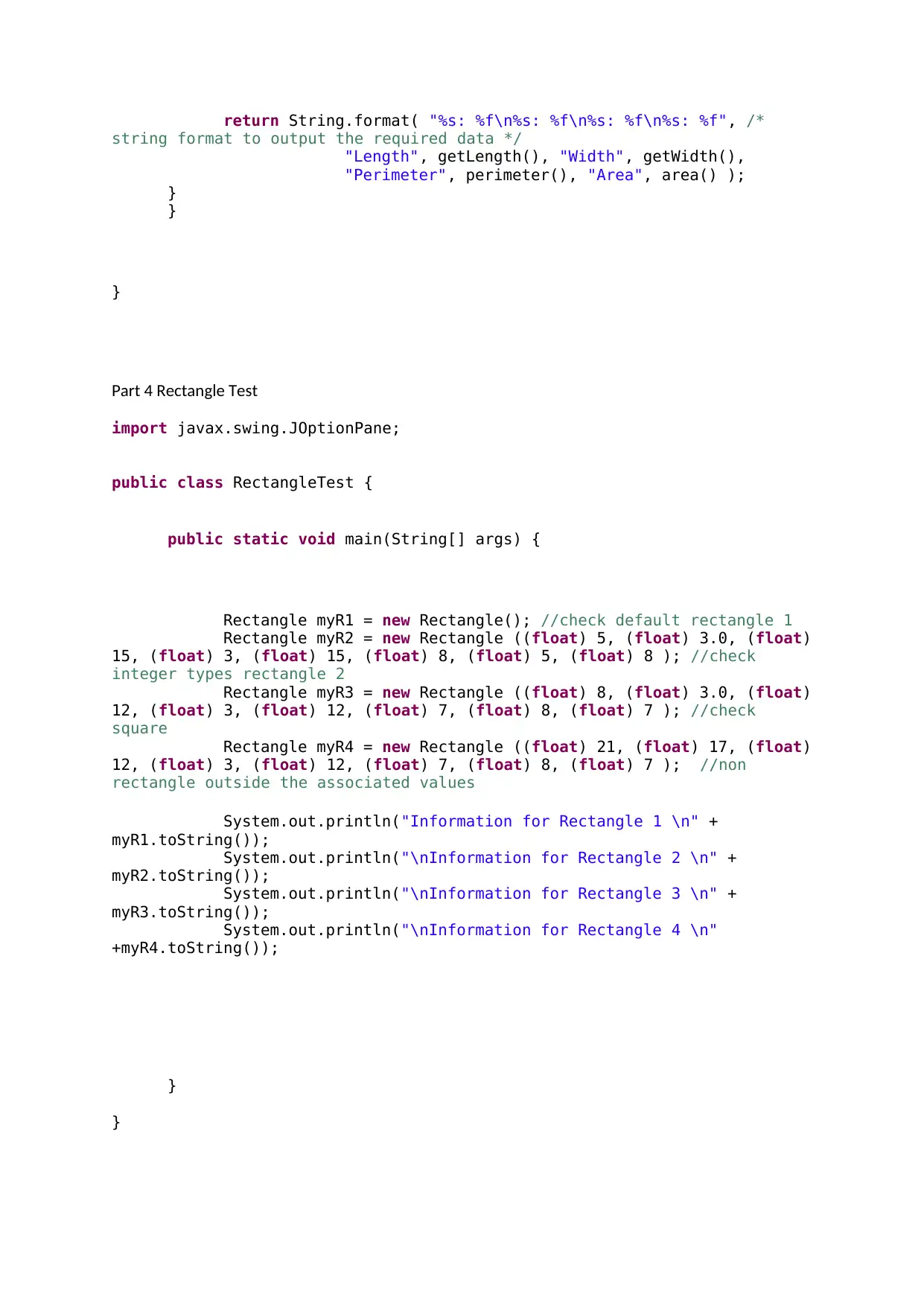
Document Page
return String.format( "%s: %f\n%s: %f\n%s: %f\n%s: %f", /*
string format to output the required data */
"Length", getLength(), "Width", getWidth(),
"Perimeter", perimeter(), "Area", area() );
}
}
}
Part 4 Rectangle Test
import javax.swing.JOptionPane;
public class RectangleTest {
public static void main(String[] args) {
Rectangle myR1 = new Rectangle(); //check default rectangle 1
Rectangle myR2 = new Rectangle ((float) 5, (float) 3.0, (float)
15, (float) 3, (float) 15, (float) 8, (float) 5, (float) 8 ); //check
integer types rectangle 2
Rectangle myR3 = new Rectangle ((float) 8, (float) 3.0, (float)
12, (float) 3, (float) 12, (float) 7, (float) 8, (float) 7 ); //check
square
Rectangle myR4 = new Rectangle ((float) 21, (float) 17, (float)
12, (float) 3, (float) 12, (float) 7, (float) 8, (float) 7 ); //non
rectangle outside the associated values
System.out.println("Information for Rectangle 1 \n" +
myR1.toString());
System.out.println("\nInformation for Rectangle 2 \n" +
myR2.toString());
System.out.println("\nInformation for Rectangle 3 \n" +
myR3.toString());
System.out.println("\nInformation for Rectangle 4 \n"
+myR4.toString());
}
}
chevron_up_icon
1 out of 7
circle_padding
hide_on_mobile
zoom_out_icon
[object Object]