Comprehensive Analysis: UNIX Commands and Free Software Debate
VerifiedAdded on 2023/01/09
|8
|1796
|29
Homework Assignment
AI Summary
This assignment provides an overview of UNIX commands, including commands for displaying system manuals, listing directory contents, renaming and moving files, and displaying file contents. It also explores arguments for and against free software. The assignment covers the advantages of free software, such as cost-effectiveness, reliability, and flexibility, while also addressing potential disadvantages, like security vulnerabilities and the lack of extensive support. The report concludes by summarizing the different commands within the UNIX environment and the aspects associated with free software.
UNIX Environment

Paraphrase This Document
Need a fresh take? Get an instant paraphrase of this document with our AI Paraphraser
Table of Contents
Introduction......................................................................................................................................1
Unix Commands..............................................................................................................................1
System manual for man command..............................................................................................1
List of contents of current directory in sorted form....................................................................2
List of contents of data subdirectory of current directory...........................................................2
Rename file data.txt to 2020-07.dat............................................................................................2
Move file 2020-07. dat to data subdirectory of current directory...............................................2
Display contents of data/2020-07.dat to terminal.......................................................................2
Display first 6 lines of data/2020-07.dat to terminal...................................................................3
Display last 2 lines of data/2020-07.dat to terminal...................................................................3
Display contents of data/2020-07.dat one page at a time............................................................3
Delete file data/2020-07.dat........................................................................................................3
Arguments on free software.............................................................................................................3
Free software should be abolished..............................................................................................3
Free software must not be abolished...........................................................................................4
Conclusion.......................................................................................................................................4
Introduction......................................................................................................................................1
Unix Commands..............................................................................................................................1
System manual for man command..............................................................................................1
List of contents of current directory in sorted form....................................................................2
List of contents of data subdirectory of current directory...........................................................2
Rename file data.txt to 2020-07.dat............................................................................................2
Move file 2020-07. dat to data subdirectory of current directory...............................................2
Display contents of data/2020-07.dat to terminal.......................................................................2
Display first 6 lines of data/2020-07.dat to terminal...................................................................3
Display last 2 lines of data/2020-07.dat to terminal...................................................................3
Display contents of data/2020-07.dat one page at a time............................................................3
Delete file data/2020-07.dat........................................................................................................3
Arguments on free software.............................................................................................................3
Free software should be abolished..............................................................................................3
Free software must not be abolished...........................................................................................4
Conclusion.......................................................................................................................................4
Introduction
UNIX is an operating system that comprises of essential features, they are file system,
shell and kernel. It is an open source software which means that this can be used for free and by
anyone as per there requirements (Wang, 2018). This report will provide an overview of some
UNIX commands along with this argument will be presented with respect to free software.
Unix Commands
System manual for man command
The command named 'man' is utilised for displaying the user manual for any of the
command that is executed on terminal or console. The syntax for this is specified below:
$ man [Command name]
echo report.txt
This command will print the 'report.txt'. This is used for giving the output which is passed
as an argument to it.
wc report/txt
This command is used for illustration of standard input or files and will generate word
count, byte count and newline count.
grep REPORTS report.txt
This denotes command-line utility to search plain text data sets which match the regular
expression. Here, REPORTS is the pattern which is searched for and report.txt is the file name.
In this case, pattern is searched within the file.
head myreports.txt
This command is used for displaying the beginning of piped data or a text file. The
content of file named myreports,txt will be displayed.
grep REPORTS report.txt | tee myreports.txt | head
1
UNIX is an operating system that comprises of essential features, they are file system,
shell and kernel. It is an open source software which means that this can be used for free and by
anyone as per there requirements (Wang, 2018). This report will provide an overview of some
UNIX commands along with this argument will be presented with respect to free software.
Unix Commands
System manual for man command
The command named 'man' is utilised for displaying the user manual for any of the
command that is executed on terminal or console. The syntax for this is specified below:
$ man [Command name]
echo report.txt
This command will print the 'report.txt'. This is used for giving the output which is passed
as an argument to it.
wc report/txt
This command is used for illustration of standard input or files and will generate word
count, byte count and newline count.
grep REPORTS report.txt
This denotes command-line utility to search plain text data sets which match the regular
expression. Here, REPORTS is the pattern which is searched for and report.txt is the file name.
In this case, pattern is searched within the file.
head myreports.txt
This command is used for displaying the beginning of piped data or a text file. The
content of file named myreports,txt will be displayed.
grep REPORTS report.txt | tee myreports.txt | head
1
⊘ This is a preview!⊘
Do you want full access?
Subscribe today to unlock all pages.

Trusted by 1+ million students worldwide
This command is used to search patterns within two different files. Patterns are
REPORTS and files are report.txt & myreports.txt. Head is used for displaying beginning of the
files. Tee is used for reading standard input and writing this on one or more output files. In this
case, the pattern REPORTS that is in reports.txt will be written on myreports.txt.
ls *t.txt
The command ls *.txt is used for displaying all the files that have extension .txt. But ls
*t.txt will only display the file t.txt if in case, it is present within the current or active directory.
List of contents of current directory in sorted form
ls -lSh
ls command is utilised for listing and sorting files with respect to last modifications that
have been made in context of date and time.
-l: It denotes long listing
-S: This will illustrate all the files and sort them by size. By default the output will be
larger to smaller in size i.e. descending order.
-h: This will furnish the output within human readable format. The size will be illustrated
in like 4.0K rather than 4096.
List of contents of data subdirectory of current directory
ls -d */
ls: This will illustrate all the working directories
-d */: It is used for displaying the subdirectories that are present within the directory.
Rename file data.txt to 2020-07.dat
mv data.txt 2020-07.dat
mv: This command is used for renaming a file. The syntax is name of the old file that is
followed by a new file name.
Move file 2020-07. dat to data subdirectory of current directory
mv 2020-07.dat /home/user/example
In this case also, mv is used for moving a file named 2020-07 into a subdirectory.
/home/user/example illustrates the subdirectory. For an instance, example is subdirectory of user
directory.
2
REPORTS and files are report.txt & myreports.txt. Head is used for displaying beginning of the
files. Tee is used for reading standard input and writing this on one or more output files. In this
case, the pattern REPORTS that is in reports.txt will be written on myreports.txt.
ls *t.txt
The command ls *.txt is used for displaying all the files that have extension .txt. But ls
*t.txt will only display the file t.txt if in case, it is present within the current or active directory.
List of contents of current directory in sorted form
ls -lSh
ls command is utilised for listing and sorting files with respect to last modifications that
have been made in context of date and time.
-l: It denotes long listing
-S: This will illustrate all the files and sort them by size. By default the output will be
larger to smaller in size i.e. descending order.
-h: This will furnish the output within human readable format. The size will be illustrated
in like 4.0K rather than 4096.
List of contents of data subdirectory of current directory
ls -d */
ls: This will illustrate all the working directories
-d */: It is used for displaying the subdirectories that are present within the directory.
Rename file data.txt to 2020-07.dat
mv data.txt 2020-07.dat
mv: This command is used for renaming a file. The syntax is name of the old file that is
followed by a new file name.
Move file 2020-07. dat to data subdirectory of current directory
mv 2020-07.dat /home/user/example
In this case also, mv is used for moving a file named 2020-07 into a subdirectory.
/home/user/example illustrates the subdirectory. For an instance, example is subdirectory of user
directory.
2
Paraphrase This Document
Need a fresh take? Get an instant paraphrase of this document with our AI Paraphraser
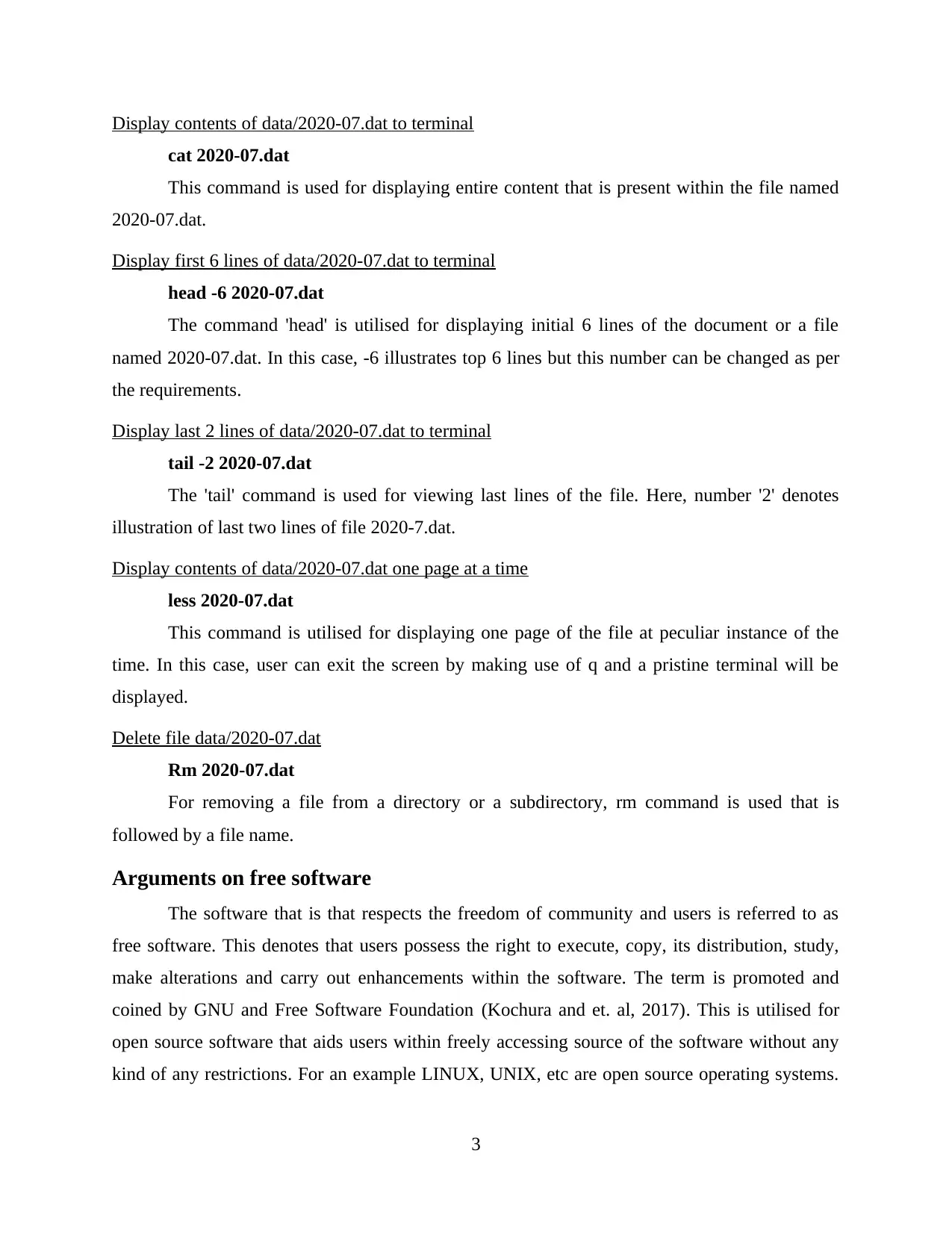
Display contents of data/2020-07.dat to terminal
cat 2020-07.dat
This command is used for displaying entire content that is present within the file named
2020-07.dat.
Display first 6 lines of data/2020-07.dat to terminal
head -6 2020-07.dat
The command 'head' is utilised for displaying initial 6 lines of the document or a file
named 2020-07.dat. In this case, -6 illustrates top 6 lines but this number can be changed as per
the requirements.
Display last 2 lines of data/2020-07.dat to terminal
tail -2 2020-07.dat
The 'tail' command is used for viewing last lines of the file. Here, number '2' denotes
illustration of last two lines of file 2020-7.dat.
Display contents of data/2020-07.dat one page at a time
less 2020-07.dat
This command is utilised for displaying one page of the file at peculiar instance of the
time. In this case, user can exit the screen by making use of q and a pristine terminal will be
displayed.
Delete file data/2020-07.dat
Rm 2020-07.dat
For removing a file from a directory or a subdirectory, rm command is used that is
followed by a file name.
Arguments on free software
The software that is that respects the freedom of community and users is referred to as
free software. This denotes that users possess the right to execute, copy, its distribution, study,
make alterations and carry out enhancements within the software. The term is promoted and
coined by GNU and Free Software Foundation (Kochura and et. al, 2017). This is utilised for
open source software that aids users within freely accessing source of the software without any
kind of any restrictions. For an example LINUX, UNIX, etc are open source operating systems.
3
cat 2020-07.dat
This command is used for displaying entire content that is present within the file named
2020-07.dat.
Display first 6 lines of data/2020-07.dat to terminal
head -6 2020-07.dat
The command 'head' is utilised for displaying initial 6 lines of the document or a file
named 2020-07.dat. In this case, -6 illustrates top 6 lines but this number can be changed as per
the requirements.
Display last 2 lines of data/2020-07.dat to terminal
tail -2 2020-07.dat
The 'tail' command is used for viewing last lines of the file. Here, number '2' denotes
illustration of last two lines of file 2020-7.dat.
Display contents of data/2020-07.dat one page at a time
less 2020-07.dat
This command is utilised for displaying one page of the file at peculiar instance of the
time. In this case, user can exit the screen by making use of q and a pristine terminal will be
displayed.
Delete file data/2020-07.dat
Rm 2020-07.dat
For removing a file from a directory or a subdirectory, rm command is used that is
followed by a file name.
Arguments on free software
The software that is that respects the freedom of community and users is referred to as
free software. This denotes that users possess the right to execute, copy, its distribution, study,
make alterations and carry out enhancements within the software. The term is promoted and
coined by GNU and Free Software Foundation (Kochura and et. al, 2017). This is utilised for
open source software that aids users within freely accessing source of the software without any
kind of any restrictions. For an example LINUX, UNIX, etc are open source operating systems.
3
The perceptions of individuals varries depending upon their experience. Here, the arguments are
presented both in favour as well as disagreement with respect to this concept.
Free software should be abolished
The free software must be utilised by individuals as they are cheaper as compared to
commercially marketed products. This means that people do not need to make any kind
payments. They must be opted by people as they are highly reliable the reason behind this is that,
they are developed by talented and skilful experts who develop higher quality programs. The
other reason to consider this is that, they are worked on by hundreds of experts which clearly
illustrates that there are various people who are monitoring presence of any kind of bugs and
defects (Meau and Nagpal, 2019). In case if any kind of defects are identified then they tends to
solve them as soon as possible. An example can be taken to understand this aspect like, if any
bug is reported by an individual then the people available on the forum works to resolve this as
soon as possible. Free software furnishes flexibility as in this users do not have to follow any
peculiar IT architecture which might need upgrading of software as well as hardware often.
Through its usage, users gets an opportunity for mixing and matching their software for creation
of unique information technology infrastructure that will accomplish their needs. This also leads
to bring in innovative solutions for dealing with any peculiar problem and have something new
(Oliveira, 2016).
Free software must not be abolished
This is vulnerable for malicious users as various people or almost all have access to free
source software which means that source code can be easily accessed. But this, do not imply that
it will be used with good intentions only (Pinto and et. al, 2017). An example can be taken like
some people makes use of their access for spotting defects so that improvements can be made but
there may be some who makes use of these privileges for exploiting vulnerabilities of the
product and formulate bugs which can hamper hardware, may carry out identify theft or any
other attack. The extensive support is not provided, the commercial software are designed,
distributed and created which means that users have clear idea about who is liable if any damage
is being caused to the hardware or do not work appropriately. But in case of free software this do
not takes place (7 Main Advantages and Disadvantages of Open Source Software. 2020). The
open source software like Linux or UNIX cannot be learnt in a day which denotes that they are
complicated.
4
presented both in favour as well as disagreement with respect to this concept.
Free software should be abolished
The free software must be utilised by individuals as they are cheaper as compared to
commercially marketed products. This means that people do not need to make any kind
payments. They must be opted by people as they are highly reliable the reason behind this is that,
they are developed by talented and skilful experts who develop higher quality programs. The
other reason to consider this is that, they are worked on by hundreds of experts which clearly
illustrates that there are various people who are monitoring presence of any kind of bugs and
defects (Meau and Nagpal, 2019). In case if any kind of defects are identified then they tends to
solve them as soon as possible. An example can be taken to understand this aspect like, if any
bug is reported by an individual then the people available on the forum works to resolve this as
soon as possible. Free software furnishes flexibility as in this users do not have to follow any
peculiar IT architecture which might need upgrading of software as well as hardware often.
Through its usage, users gets an opportunity for mixing and matching their software for creation
of unique information technology infrastructure that will accomplish their needs. This also leads
to bring in innovative solutions for dealing with any peculiar problem and have something new
(Oliveira, 2016).
Free software must not be abolished
This is vulnerable for malicious users as various people or almost all have access to free
source software which means that source code can be easily accessed. But this, do not imply that
it will be used with good intentions only (Pinto and et. al, 2017). An example can be taken like
some people makes use of their access for spotting defects so that improvements can be made but
there may be some who makes use of these privileges for exploiting vulnerabilities of the
product and formulate bugs which can hamper hardware, may carry out identify theft or any
other attack. The extensive support is not provided, the commercial software are designed,
distributed and created which means that users have clear idea about who is liable if any damage
is being caused to the hardware or do not work appropriately. But in case of free software this do
not takes place (7 Main Advantages and Disadvantages of Open Source Software. 2020). The
open source software like Linux or UNIX cannot be learnt in a day which denotes that they are
complicated.
4
⊘ This is a preview!⊘
Do you want full access?
Subscribe today to unlock all pages.
Trusted by 1+ million students worldwide

Conclusion
From above it can be concluded that there are different commands within the UNIX
environment that enables users to carry out different operations. In addition to this, free software
denotes providing users with an access for source code freely. But before utilising them users
need to take into consideration all the aspects that are associated with this.
5
From above it can be concluded that there are different commands within the UNIX
environment that enables users to carry out different operations. In addition to this, free software
denotes providing users with an access for source code freely. But before utilising them users
need to take into consideration all the aspects that are associated with this.
5
Paraphrase This Document
Need a fresh take? Get an instant paraphrase of this document with our AI Paraphraser
References
Books & Journals
Kochura, Y. & et. al, (2017, September). Comparative analysis of open source frameworks for
machine learning with use case in single-threaded and multi-threaded modes. In 2017
12th International Scientific and Technical Conference on Computer Sciences and
Information Technologies (CSIT) (Vol. 1, pp. 373-376). IEEE.
Meau, A., & Nagpal, P. K. (2019). U.S. Patent No. 10,313,200. Washington, DC: U.S. Patent
and Trademark Office.
Oliveira, J. F. (2016). Advantages and Disadvantages of using Third-party software in the
development of the CAS_Annotate and CAS_Navigate Medical Applications. Journal
of Biomedical Engineering and Medical Imaging, 3(6), 96-96.
Pinto, G. H. L. & et. al, (2017, November). Training software engineers using open-source
software: the professors' perspective. In 2017 IEEE 30th Conference on Software
Engineering Education and Training (CSEE&T) (pp. 117-121). IEEE.
Wang, K. C. (2018). Systems Programming in Unix/Linux. Springer.
Online
7 Main Advantages and Disadvantages of Open Source Software. 2020. [Online]. Available
through: <https://connectusfund.org/7-main-advantages-and-disadvantages-of-open-
source-software>.
6
Books & Journals
Kochura, Y. & et. al, (2017, September). Comparative analysis of open source frameworks for
machine learning with use case in single-threaded and multi-threaded modes. In 2017
12th International Scientific and Technical Conference on Computer Sciences and
Information Technologies (CSIT) (Vol. 1, pp. 373-376). IEEE.
Meau, A., & Nagpal, P. K. (2019). U.S. Patent No. 10,313,200. Washington, DC: U.S. Patent
and Trademark Office.
Oliveira, J. F. (2016). Advantages and Disadvantages of using Third-party software in the
development of the CAS_Annotate and CAS_Navigate Medical Applications. Journal
of Biomedical Engineering and Medical Imaging, 3(6), 96-96.
Pinto, G. H. L. & et. al, (2017, November). Training software engineers using open-source
software: the professors' perspective. In 2017 IEEE 30th Conference on Software
Engineering Education and Training (CSEE&T) (pp. 117-121). IEEE.
Wang, K. C. (2018). Systems Programming in Unix/Linux. Springer.
Online
7 Main Advantages and Disadvantages of Open Source Software. 2020. [Online]. Available
through: <https://connectusfund.org/7-main-advantages-and-disadvantages-of-open-
source-software>.
6

1 out of 8


Your All-in-One AI-Powered Toolkit for Academic Success.
+13062052269
info@desklib.com
Available 24*7 on WhatsApp / Email
![[object Object]](/_next/static/media/star-bottom.7253800d.svg)
Unlock your academic potential
Copyright © 2020–2026 A2Z Services. All Rights Reserved. Developed and managed by ZUCOL.