Client Web Engineering: ASP.NET Stock Management System Report
VerifiedAdded on  2023/05/30
|6
|1070
|432
Report
AI Summary
This report outlines the development of a stock management system using ASP.NET within Visual Studio 2017. The project encompasses several tasks, including questionnaire design focusing on front-end elements like navigation bars and home pages, quantitative and qualitative responses for invoice and stock pages, and language implementation using ASP.NET, HTML, and CSS. The system includes features such as user registration with email verification, invoice creation, stock detail management, and print functionality. The report also identifies the best aspects of the webpage design, such as the interactive home page and the detailed stock page, alongside areas needing improvement, specifically the navigation bar's layout. The project leverages Microsoft Visual Studio for development, connecting various pages to facilitate a comprehensive stock management solution.
Client Web Engineering
Paraphrase This Document
Need a fresh take? Get an instant paraphrase of this document with our AI Paraphraser

Table of Contents
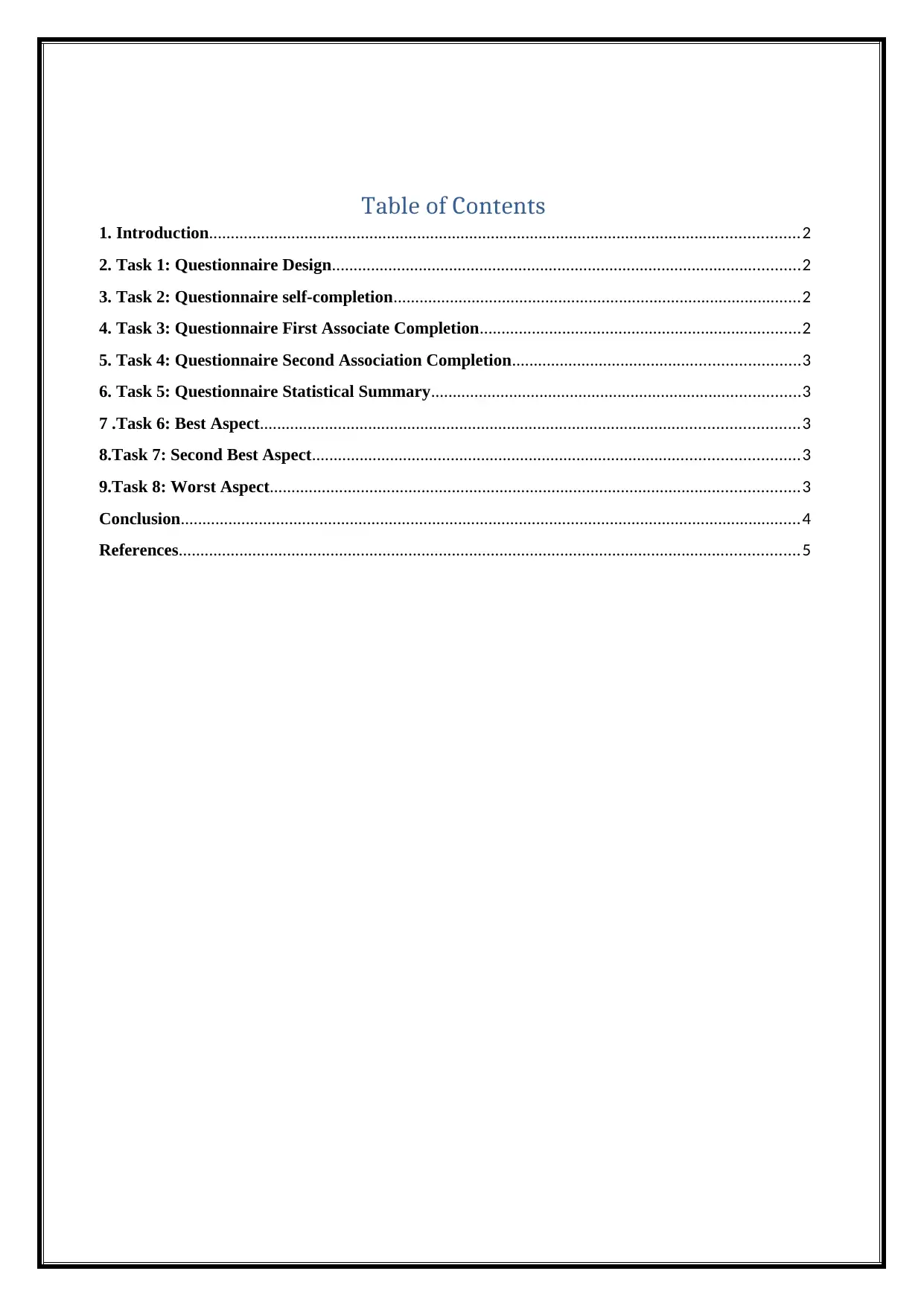
1. Introduction........................................................................................................................................2
2. Task 1: Questionnaire Design............................................................................................................2
3. Task 2: Questionnaire self-completion..............................................................................................2
4. Task 3: Questionnaire First Associate Completion..........................................................................2
5. Task 4: Questionnaire Second Association Completion..................................................................3
6. Task 5: Questionnaire Statistical Summary.....................................................................................3
7 .Task 6: Best Aspect............................................................................................................................3
8.Task 7: Second Best Aspect................................................................................................................3
9.Task 8: Worst Aspect..........................................................................................................................3
Conclusion...............................................................................................................................................4
References...............................................................................................................................................5
1. Introduction........................................................................................................................................2
2. Task 1: Questionnaire Design............................................................................................................2
3. Task 2: Questionnaire self-completion..............................................................................................2
4. Task 3: Questionnaire First Associate Completion..........................................................................2
5. Task 4: Questionnaire Second Association Completion..................................................................3
6. Task 5: Questionnaire Statistical Summary.....................................................................................3
7 .Task 6: Best Aspect............................................................................................................................3
8.Task 7: Second Best Aspect................................................................................................................3
9.Task 8: Worst Aspect..........................................................................................................................3
Conclusion...............................................................................................................................................4
References...............................................................................................................................................5

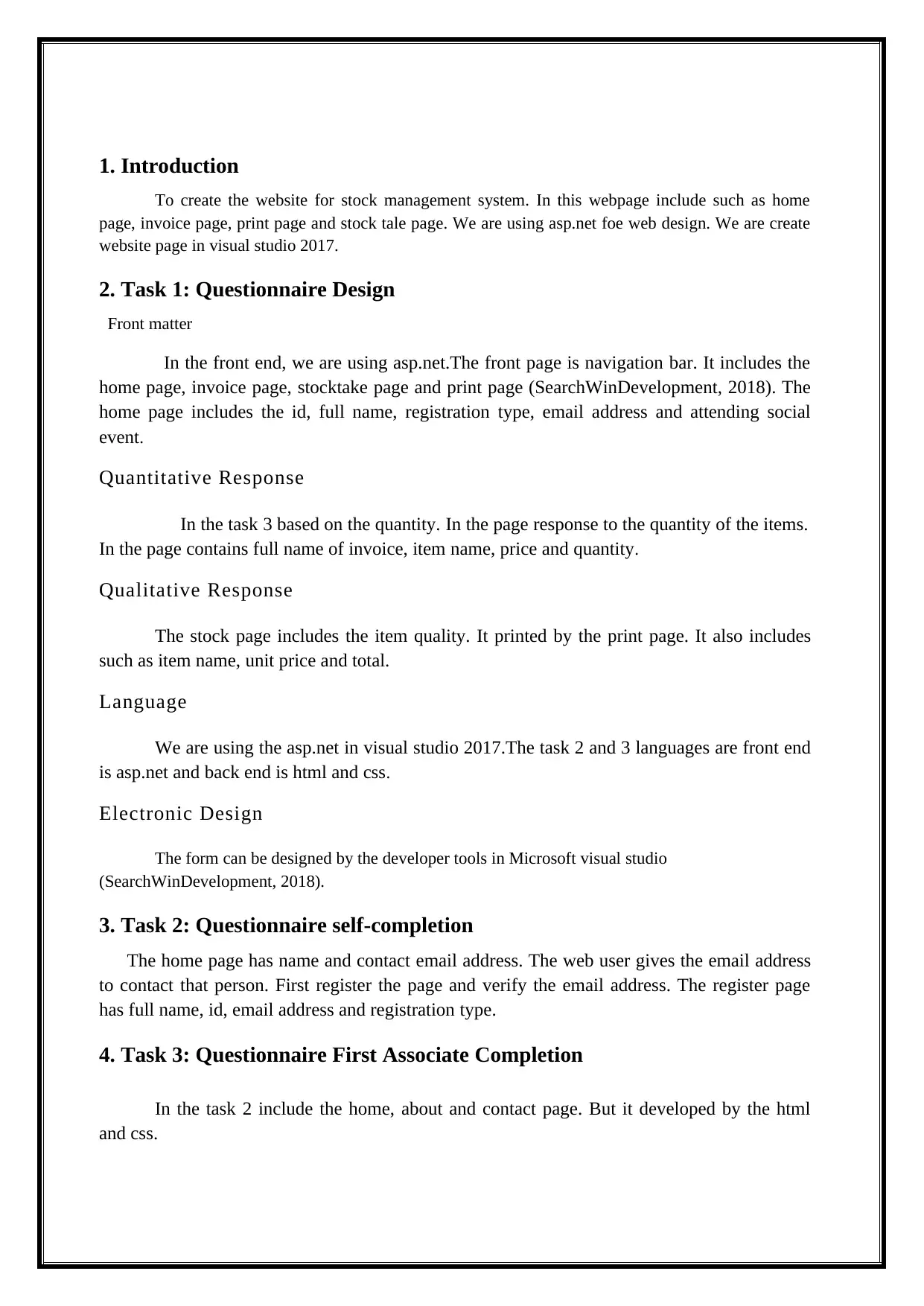
1. Introduction
To create the website for stock management system. In this webpage include such as home
page, invoice page, print page and stock tale page. We are using asp.net foe web design. We are create
website page in visual studio 2017.
2. Task 1: Questionnaire Design
Front matter
In the front end, we are using asp.net.The front page is navigation bar. It includes the
home page, invoice page, stocktake page and print page (SearchWinDevelopment, 2018). The
home page includes the id, full name, registration type, email address and attending social
event.
Quantitative Response
In the task 3 based on the quantity. In the page response to the quantity of the items.
In the page contains full name of invoice, item name, price and quantity.
Qualitative Response
The stock page includes the item quality. It printed by the print page. It also includes
such as item name, unit price and total.
Language
We are using the asp.net in visual studio 2017.The task 2 and 3 languages are front end
is asp.net and back end is html and css.
Electronic Design
The form can be designed by the developer tools in Microsoft visual studio
(SearchWinDevelopment, 2018).
3. Task 2: Questionnaire self-completion
The home page has name and contact email address. The web user gives the email address
to contact that person. First register the page and verify the email address. The register page
has full name, id, email address and registration type.
4. Task 3: Questionnaire First Associate Completion
In the task 2 include the home, about and contact page. But it developed by the html
and css.
To create the website for stock management system. In this webpage include such as home
page, invoice page, print page and stock tale page. We are using asp.net foe web design. We are create
website page in visual studio 2017.
2. Task 1: Questionnaire Design
Front matter
In the front end, we are using asp.net.The front page is navigation bar. It includes the
home page, invoice page, stocktake page and print page (SearchWinDevelopment, 2018). The
home page includes the id, full name, registration type, email address and attending social
event.
Quantitative Response
In the task 3 based on the quantity. In the page response to the quantity of the items.
In the page contains full name of invoice, item name, price and quantity.
Qualitative Response
The stock page includes the item quality. It printed by the print page. It also includes
such as item name, unit price and total.
Language
We are using the asp.net in visual studio 2017.The task 2 and 3 languages are front end
is asp.net and back end is html and css.
Electronic Design
The form can be designed by the developer tools in Microsoft visual studio
(SearchWinDevelopment, 2018).
3. Task 2: Questionnaire self-completion
The home page has name and contact email address. The web user gives the email address
to contact that person. First register the page and verify the email address. The register page
has full name, id, email address and registration type.
4. Task 3: Questionnaire First Associate Completion
In the task 2 include the home, about and contact page. But it developed by the html
and css.
⊘ This is a preview!⊘
Do you want full access?
Subscribe today to unlock all pages.

Trusted by 1+ million students worldwide

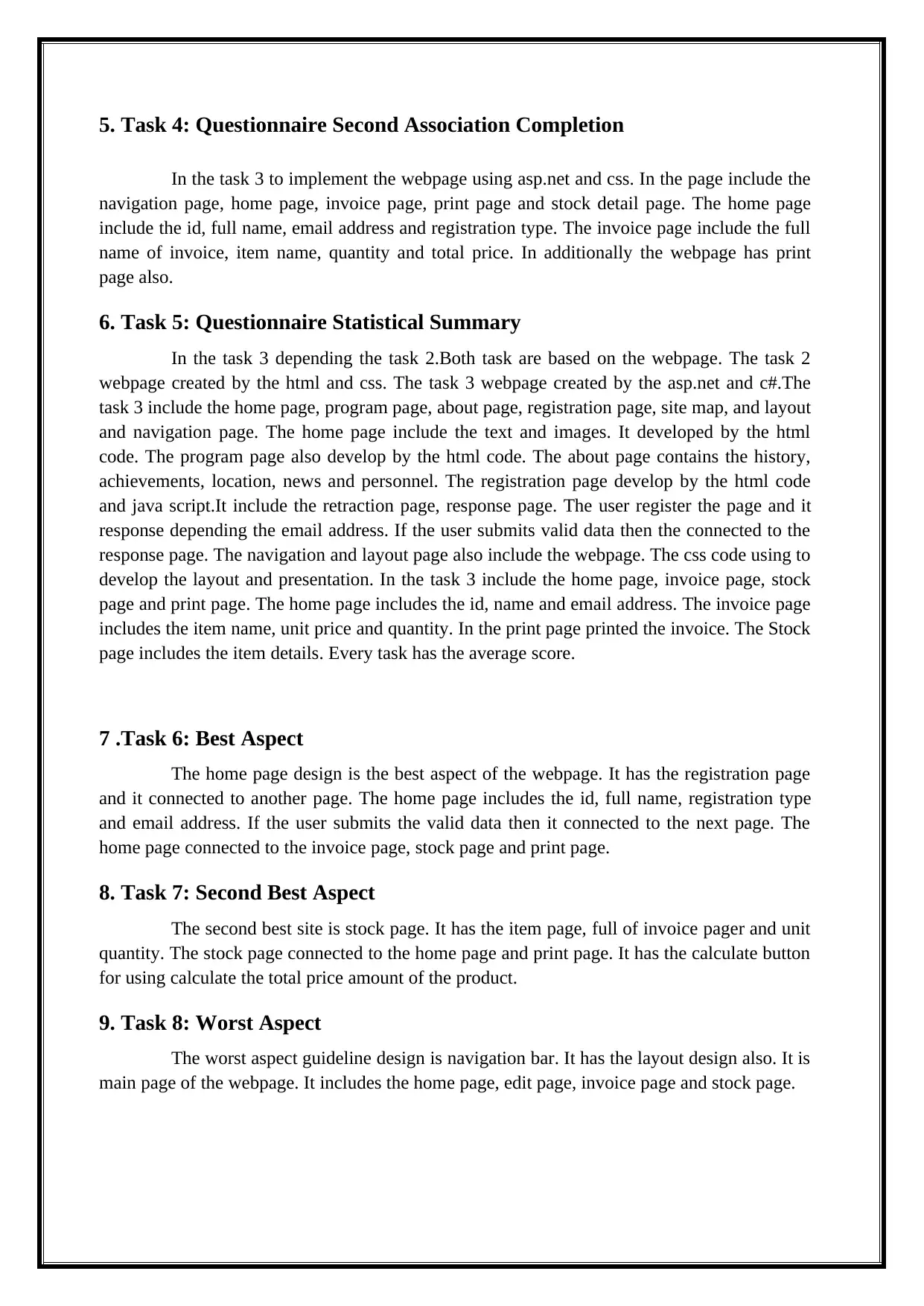
5. Task 4: Questionnaire Second Association Completion
In the task 3 to implement the webpage using asp.net and css. In the page include the
navigation page, home page, invoice page, print page and stock detail page. The home page
include the id, full name, email address and registration type. The invoice page include the full
name of invoice, item name, quantity and total price. In additionally the webpage has print
page also.
6. Task 5: Questionnaire Statistical Summary
In the task 3 depending the task 2.Both task are based on the webpage. The task 2
webpage created by the html and css. The task 3 webpage created by the asp.net and c#.The
task 3 include the home page, program page, about page, registration page, site map, and layout
and navigation page. The home page include the text and images. It developed by the html
code. The program page also develop by the html code. The about page contains the history,
achievements, location, news and personnel. The registration page develop by the html code
and java script.It include the retraction page, response page. The user register the page and it
response depending the email address. If the user submits valid data then the connected to the
response page. The navigation and layout page also include the webpage. The css code using to
develop the layout and presentation. In the task 3 include the home page, invoice page, stock
page and print page. The home page includes the id, name and email address. The invoice page
includes the item name, unit price and quantity. In the print page printed the invoice. The Stock
page includes the item details. Every task has the average score.
7 .Task 6: Best Aspect
The home page design is the best aspect of the webpage. It has the registration page
and it connected to another page. The home page includes the id, full name, registration type
and email address. If the user submits the valid data then it connected to the next page. The
home page connected to the invoice page, stock page and print page.
8. Task 7: Second Best Aspect
The second best site is stock page. It has the item page, full of invoice pager and unit
quantity. The stock page connected to the home page and print page. It has the calculate button
for using calculate the total price amount of the product.
9. Task 8: Worst Aspect
The worst aspect guideline design is navigation bar. It has the layout design also. It is
main page of the webpage. It includes the home page, edit page, invoice page and stock page.
In the task 3 to implement the webpage using asp.net and css. In the page include the
navigation page, home page, invoice page, print page and stock detail page. The home page
include the id, full name, email address and registration type. The invoice page include the full
name of invoice, item name, quantity and total price. In additionally the webpage has print
page also.
6. Task 5: Questionnaire Statistical Summary
In the task 3 depending the task 2.Both task are based on the webpage. The task 2
webpage created by the html and css. The task 3 webpage created by the asp.net and c#.The
task 3 include the home page, program page, about page, registration page, site map, and layout
and navigation page. The home page include the text and images. It developed by the html
code. The program page also develop by the html code. The about page contains the history,
achievements, location, news and personnel. The registration page develop by the html code
and java script.It include the retraction page, response page. The user register the page and it
response depending the email address. If the user submits valid data then the connected to the
response page. The navigation and layout page also include the webpage. The css code using to
develop the layout and presentation. In the task 3 include the home page, invoice page, stock
page and print page. The home page includes the id, name and email address. The invoice page
includes the item name, unit price and quantity. In the print page printed the invoice. The Stock
page includes the item details. Every task has the average score.
7 .Task 6: Best Aspect
The home page design is the best aspect of the webpage. It has the registration page
and it connected to another page. The home page includes the id, full name, registration type
and email address. If the user submits the valid data then it connected to the next page. The
home page connected to the invoice page, stock page and print page.
8. Task 7: Second Best Aspect
The second best site is stock page. It has the item page, full of invoice pager and unit
quantity. The stock page connected to the home page and print page. It has the calculate button
for using calculate the total price amount of the product.
9. Task 8: Worst Aspect
The worst aspect guideline design is navigation bar. It has the layout design also. It is
main page of the webpage. It includes the home page, edit page, invoice page and stock page.
Paraphrase This Document
Need a fresh take? Get an instant paraphrase of this document with our AI Paraphraser

Conclusion
We are create the webpage using the asp.net in visual studio 2017.The task 2 created
by the html code in visual studio 2017.In the task 2 page contains the about page, contact page
and site map. The task 3 contains the home, invoice and stock detail page. The every the pages
connected to another page. The front is asp.net and back end is c# and it done by the Microsoft
visual studio.
References
We are create the webpage using the asp.net in visual studio 2017.The task 2 created
by the html code in visual studio 2017.In the task 2 page contains the about page, contact page
and site map. The task 3 contains the home, invoice and stock detail page. The every the pages
connected to another page. The front is asp.net and back end is c# and it done by the Microsoft
visual studio.
References

Huh, T., Hwang, S. and Park, G. (2012). Implementation of AMGA GUI Client
Toolkit : AMGA Manager. The Journal of the Korea Contents Association,
12(3), pp.421-433.
SearchWinDevelopment. (2018). What is Visual Studio .NET? - Definition from
WhatIs.com. [online] Available at:
https://searchwindevelopment.techtarget.com/definition/Visual-Studio-NET
[Accessed 23 Nov. 2018].
Toolkit : AMGA Manager. The Journal of the Korea Contents Association,
12(3), pp.421-433.
SearchWinDevelopment. (2018). What is Visual Studio .NET? - Definition from
WhatIs.com. [online] Available at:
https://searchwindevelopment.techtarget.com/definition/Visual-Studio-NET
[Accessed 23 Nov. 2018].
⊘ This is a preview!⊘
Do you want full access?
Subscribe today to unlock all pages.

Trusted by 1+ million students worldwide
1 out of 6
Related Documents
Your All-in-One AI-Powered Toolkit for Academic Success.
 +13062052269
info@desklib.com
Available 24*7 on WhatsApp / Email
Unlock your academic potential
Copyright © 2020–2025 A2Z Services. All Rights Reserved. Developed and managed by ZUCOL.